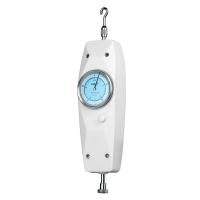
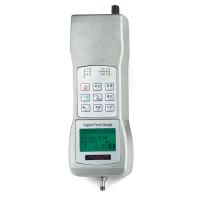
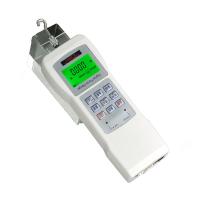
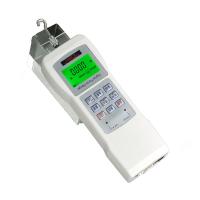
Hypertherm HF Digital Display Force Gauge Operation Instructions Detailed Explanation
NAMES AND FUNCTIONS OF PARTS
Structure name of push-pull force gauge (see the figure on page 3)
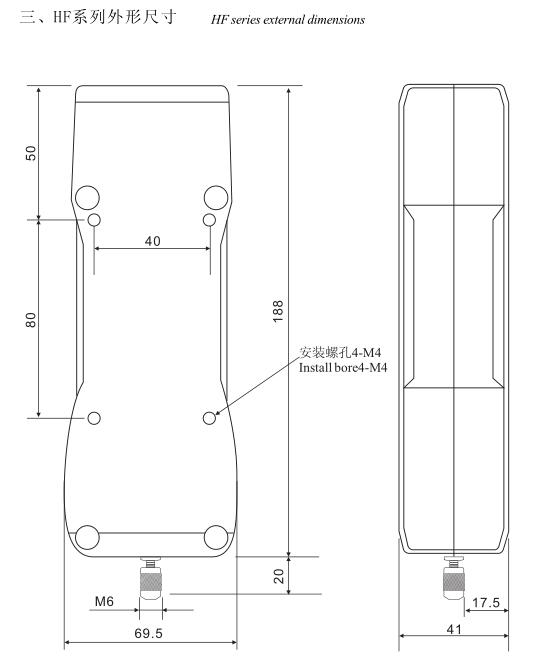
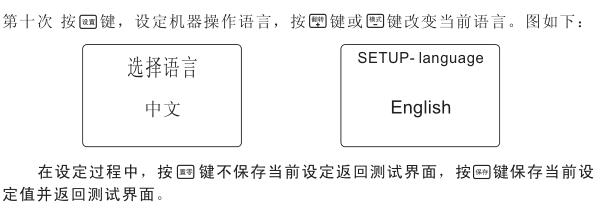
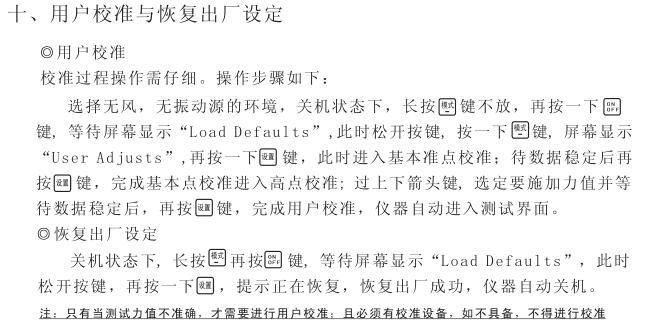
Parameter setting method
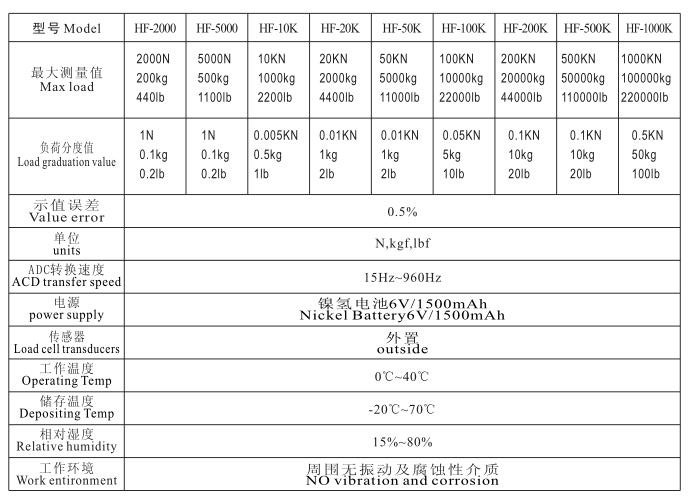
NAMES AND FUNCTIONS OF PARTS
Structure name of push-pull force gauge (see the figure on page 3)
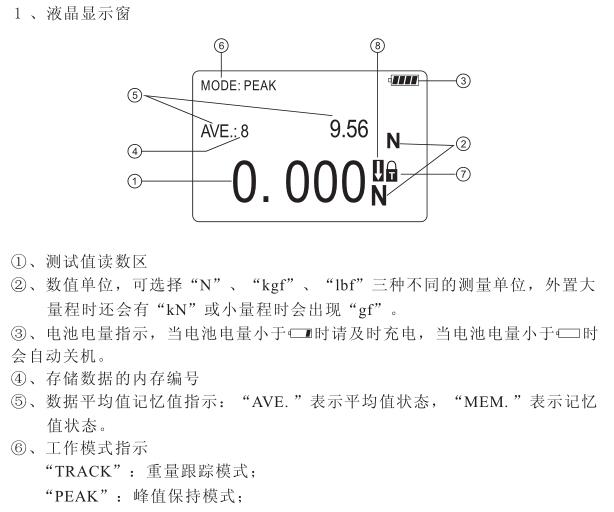
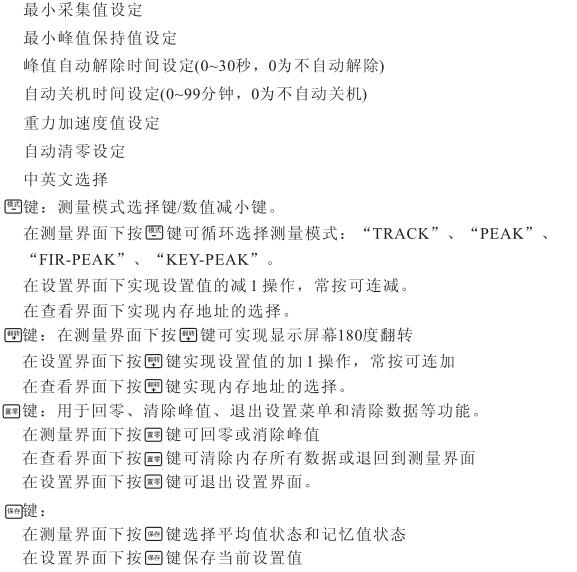
Parameter setting method
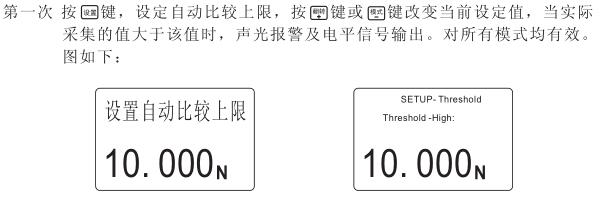
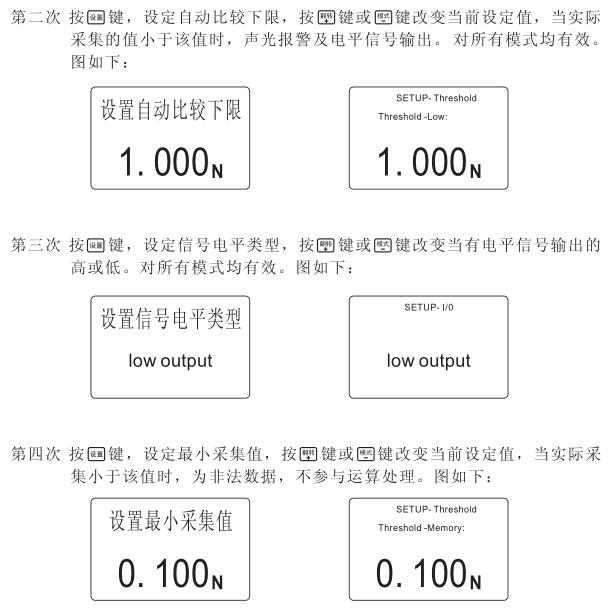
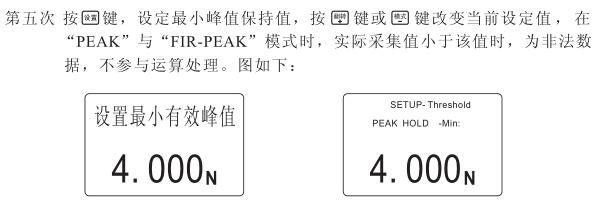
Upper and lower limit automatic alarm indicator
The indicator light is a red light-emitting diode, which emits red light when the upper limit is exceeded, and red light when it is lower than the lower limit, and there is no light display when it is normal.
charging indication
The instrument uses an external smart charger, the red light on the charger is on when charging, and the green light .
Communication Interface
RS-232C serial port output. It is used to connect a micro-printer with a serial interface to print all stored data and connect to a PC for communication. The computer can display a series of data statistical analysis such as real-time force value tables and real-time force value curves, maximum values, minimum values, and average values, and print , mass storage data and other functions.
test
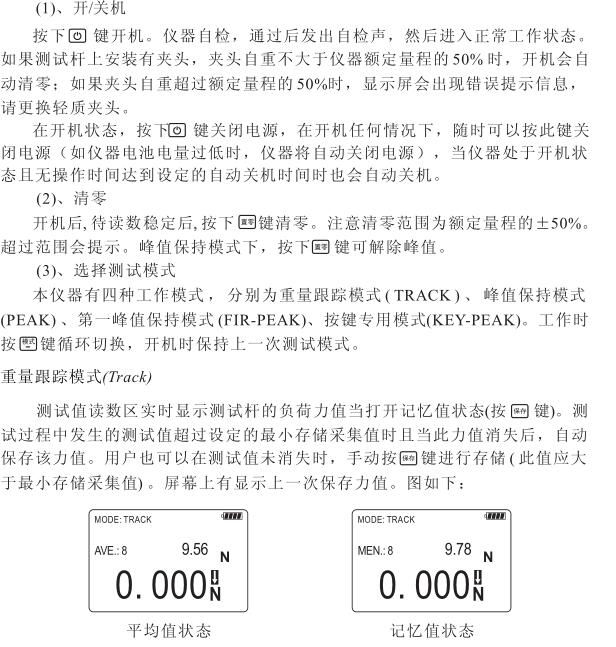
After the test is completed, slowly unload the load, turn off the power, remove the test head, clean the push-pull gauge and all parts put them back into the toolbox for the next use.
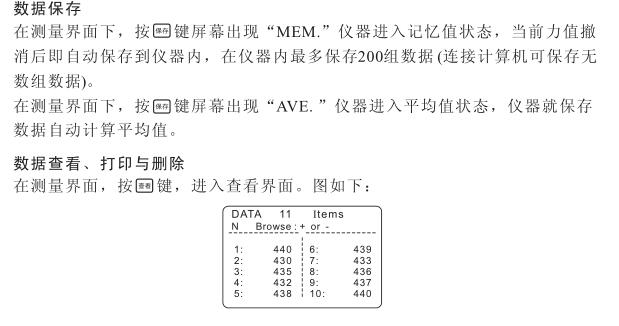
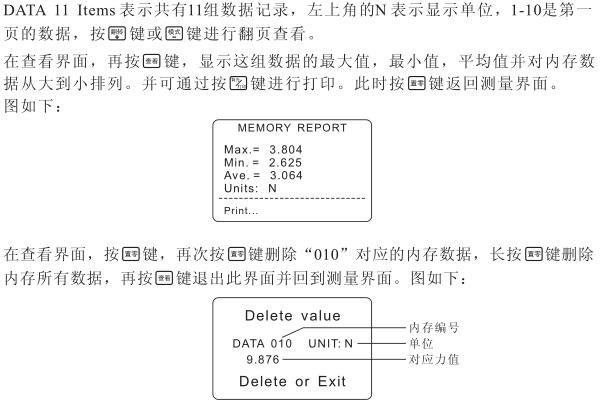
Data saving, viewing, deleting and printing
Protection and Repair
1. Do not spray the surface of the instrument with corrosive solvents (such as gasoline, alcohol, etc.) when cleaning.
2. Avoid impact and collision during use and handling.
3. Do not disassemble the machine by yourself, otherwise it may cause malfunction.
Kind tips
1. It can only be charged with the special charger equipped immediately, otherwise unpredictable accidents will occur! ! !
2. The instrument that has just left the factory has been calibrated. Under normal circumstances, the customer does not need to calibrate again;
3. For instruments with external sensors, please be sure to connect the sensor first, and then turn it on;
Do not plug and unplug the sensor in the power-on state;
4. If the fault code "Err99" is displayed on startup, it indicates that the instrument has been overloaded, or the sensor is faulty, and can be cleared by pressing the "ZERO" key
- 1Hypertherm HG digital push-pull force meter calibration method
- 2Hypertherm HG Force Gauge calibrating method
- 3Hypertherm NK Series Pointer Force Gauge Instructions
- 4Installation Instructions for HLX Series Spiral Force Gauge Benches
- 5Hypertherm HG Digital Display Force Gauge Operating Instructions
- 6Hypertherm Pointer Force Gauge Instructions
- 7Hypertherm HCL Side Swing Test Bench Operating Instructions
- 8Hypertherm HST-J Hand Pressed Tension and Compression Test Bench Description
- 9Hypertherm HM-1K Manual Horizontal Test Bench Manual