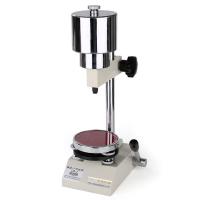
HS series Shore digital display durometer instruction manual
I. Overview
1.1 Main features and scope of application:
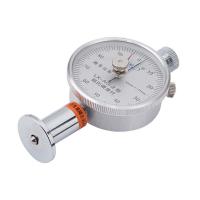
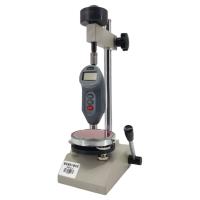
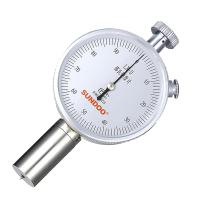
HS series Shore digital display Hardness Tester (hereinafter referred to as Hardness Tester) is a professional integrated digital display hardness measuring instrument. The Hardness Tester integrates measuring device and data processing, and uses professional technology. It has the advantages of compact structure, accurate measurement value, convenient portability, beautiful appearance, light weight and easy operation. It can also communicate with the computer through the RS232 communication cable. Mainly used to determine the hardness of hard plastic and hard rubber.
For example: thermoplastics, hard resins, flooring materials, bowling balls, etc., especially suitable for on-site hardness measurement of rubber and plastic products.
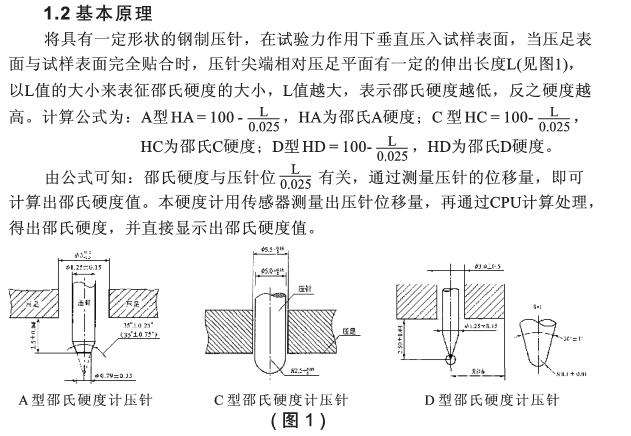
2. Technical parameters
·Measuring range: 0~100HA/HC/HD
·Measurement error: within 20~90, error ≤±1HA/HC/HD
· Resolution: 0.1
Ambient temperature: 0℃~40℃
Power supply: 1.55V×3 button batteries or 5V AC/DC power adapter
·Dimensions: 173mm×56mm×42mm
·Weight: 235g
4.2 How to use the protective cover
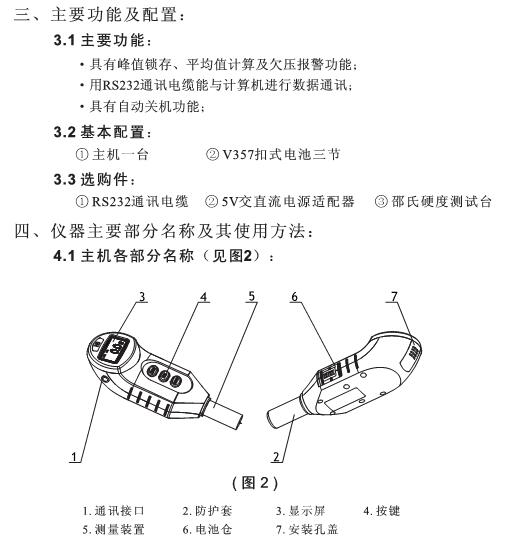
The protective cover is mainly used to protect the indenter tip of the Hardness Tester from impact in the non-working state. Before using the Hardness Tester for measurement, first remove the protective cover from the Hardness Tester, hold the protective cover with your hand and measure along it with force. Pull out the sleeve of the device downwards to remove the protective cover. After finishing the measurement work, wear the protective cover in time, put the protective cover on the sleeve of the measuring device and push it upwards until it is locked with the main body shell, and then the protective cover can be installed in place (see Figure 3 for details)

7. Matters needing attention
1. The indenter of the Hardness Tester has a conical tip. In order to protect the needle tip, it is strictly required to avoid strong contact between the indenter and the glass plate, otherwise the indenter tip of the Hardness Tester will be easily damaged and the instrument cannot be used normally.
2. The Hardness Tester should be strictly protected from falling and bumping. When not in use, a protective cover should be worn to protect the exposed end of the indenter.
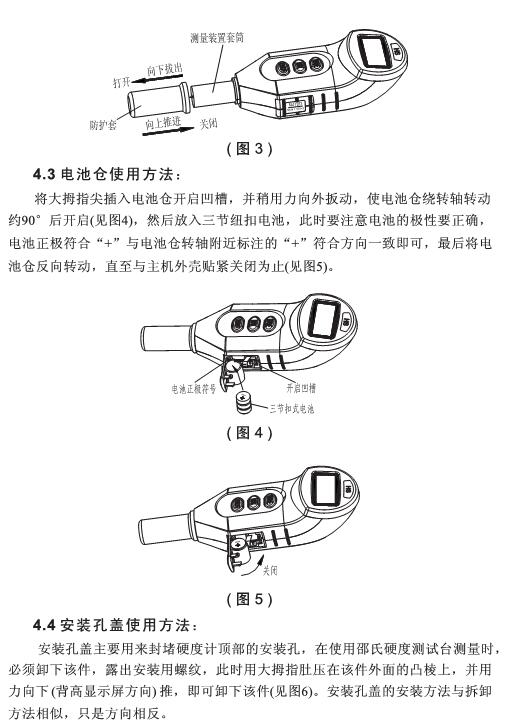
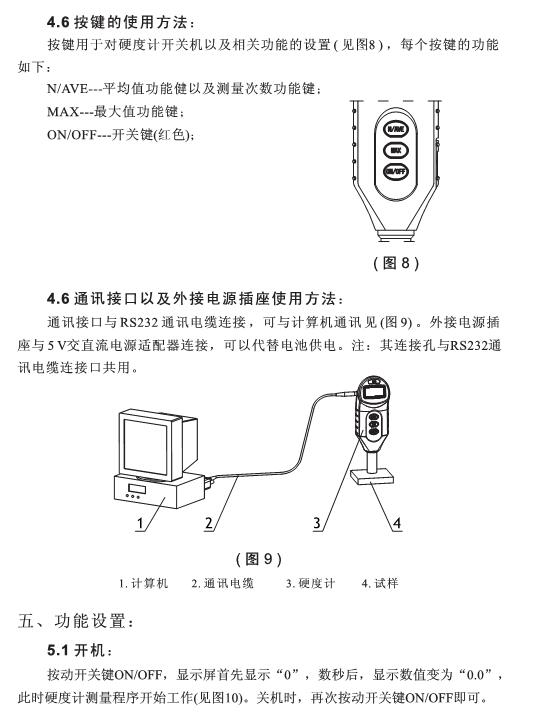
3. When the Hardness Tester shows the undervoltage symbol BATT (see Figure 7), replace the battery in time, and pay attention to the polarity of the battery (see Figure 4).
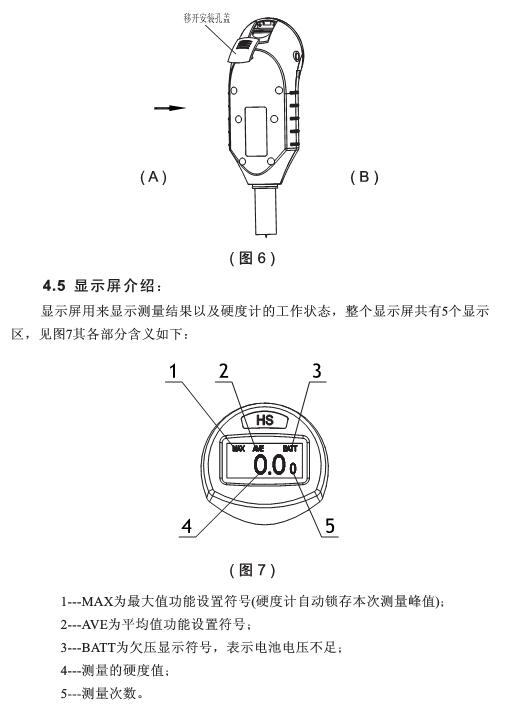
4. When not using the Shore Hardness Tester for measurement, cover the installation hole of the Hardness Tester (see Figure 6) to prevent dust from entering the instrument.
Eight, maintenance and repair
1. Maintenance:
·The Hardness Tester should avoid impact and heavy pressure, and cannot be placed in a strong magnetic field, wet or oily environment;
·If the Hardness Tester is not used for a long time, the three button batteries should be taken out and kept properly;
When the Hardness Tester is not in use, it should be put into the packing box;
- 1Shore Hardness Tester test force calibrating technology research
艾兆春; 刘汉冶; 康强; 李兴华; 柳昕晨 - 《计测技术》
- 2Beijing infrared era Wechsler Hardness Tester operating instructions
- 3Notes on light transmitance, haze, Shaw Hardness
- 4Detailed explanation of the correct operation process of Richter Hardness instrument