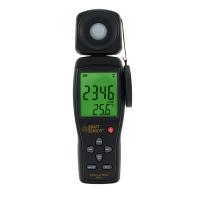
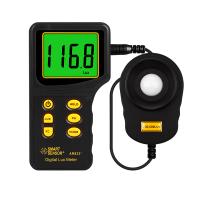
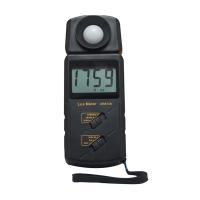
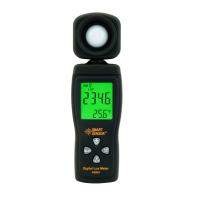
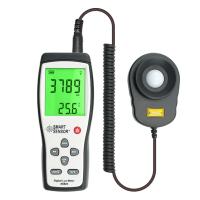
TASI633 digital luminometer operating instructions
Introduction
This product is a hand-held, easy-to-use, 3 1/2-digit (1999 reading), solidly designed digital lux meter designed for one-handed operation. The illuminance unit of this product is measured in two units of lux (lux) and fc (foot candle), and it is equipped with a display backlight reading function and a peak lock function (PEAK-HOLD, the peak pulse width can only be locked if the peak pulse width is more than 50ms) ) and reading lock function (DATA-HOLD).
General Specifications
Display: 3 1/2 digit liquid crystal display (LCD) display, the maximum reading value is 1999.
Overload indication: "OL" display.
Low battery indication: When the battery voltage is lower than the normal operating voltage , the "  " symbol will be displayed.
Measurement rate: 2.5 times/second.
Battery: one standard 9V battery.
(NEDA 1604, IEC 6F22 006P)
Battery Life: The carbon-zinc battery can be used for about 200 hours. (when the display backlight is not in use)
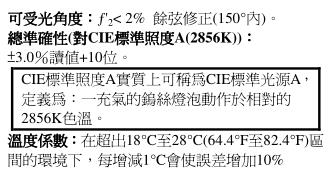
Operating environment: temperature 0°C to 50°C, relative humidity <70%RH.
Storage environment: temperature -20°C to 60°C, relative humidity <80% RH. (Battery must be removed from the lux meter)
Accuracy environment: temperature 23°C±5°C, relative humidity <70%RH.
Dimensions: 16 cm (height) x 4.8 cm (width) x 2.5 cm (thickness).
Teans TASI633 digital illuminance meter weight: about 81.2 grams (including battery).
Electrical Specifications
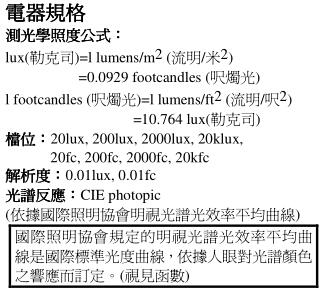
Photometric illuminance formula:
1 lux (lux)=1 lumens/m 2 (lumen/meter 2 ) =0.0929 foot-candles (foot-candles)
1 foot-candles (foot-candles)=1 lumens/ft 2 (lumen/foot 2 )=10.764 lux (lux)
Gears: 20lux, 200lux, 2000lux, 20klux, 20fc, 200fc , 2000fc, 20kfc
operating procedures
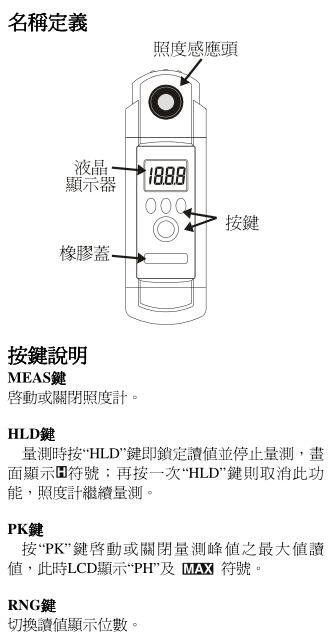
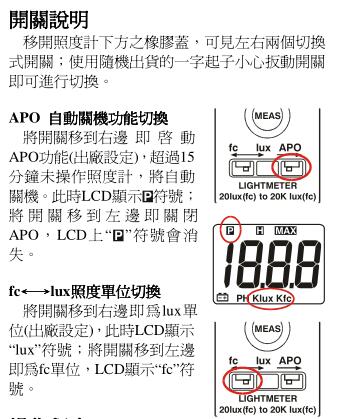
1. Select the function switch to the desired lux (lux) or fc (foot- candle ) position (use the "RANGE" switch to select 20lux (fc), 200lux (fc), 2000lux (fc), 20000lux (fc) bits).
2. Take off the protective cover of the illuminance sensor head and put it away.
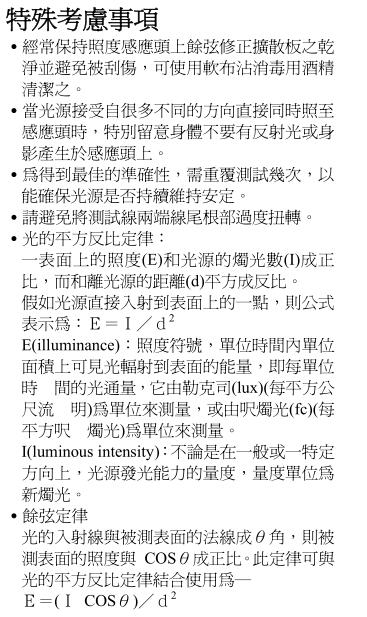
3. Hold the illuminance sensor head firmly, and make sure that the light source can completely cover cosine correction diffuser.
4. To avoid shadows from covering the diffusion plate, the illuminance sensor head has a test line length of 1.5 meters, which can be used for the distance .
5. The reading on the display is the illuminance value to be measured. If you do not know the value of the measured illuminance, you can first press the "RANGE" gear button to the highest gear, and then gradually lower the gear to the gear that can get the maximum effective number of digits, and you can get a good reading value.
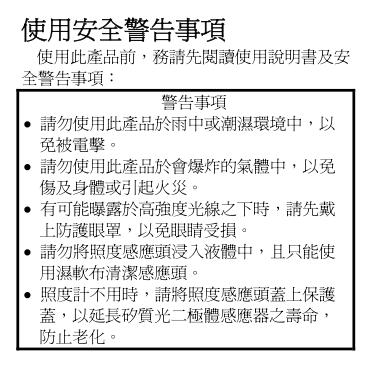
6. After the measurement, please cover the illuminance sensor head with a protective cover to prolong the life of the sensor and reduce aging.
Maintenance
Battery replacement and maintenance
1. If the “ ” symbol appears on the display  , it means that the battery power is insufficient. Please replace three 1.5V (AAASize) batteries to maintain the test accuracy.
2. Loosen the screws of the battery cover, open the battery cover and replace with three new ones.
1.5V battery in the battery box.
3. If the illuminance meter is not used for a long time, please take out the battery and avoid storing it in a place with high temperature and high humidity.
clean
Regularly use a soft damp cloth dipped in a neutral detergent to wipe the case or lens lightly. Do not use emery cloth or solvents with dissolving power.

- 1Forest UV Illuminance Meter FAQ
- 2MS6610 Digital luminometer operating instructions
- 3ST-86L luminometer manual
- 4ST-85 luminometer instruction manual
- 5ST-80C luminometer manual
- 6Precautions for the use of luminometers
- 7Luminometer principle, calibration, general requirements
- 8Ultraviolet Spectrophotometer inspection
- 9Fault Analysis and Removal of Ultraviolet Illuminometer