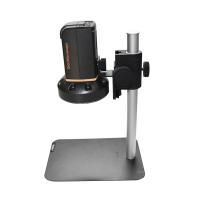
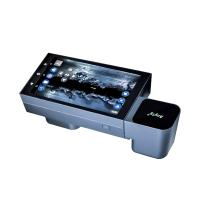
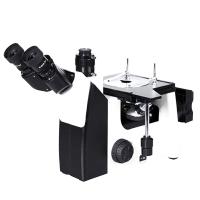
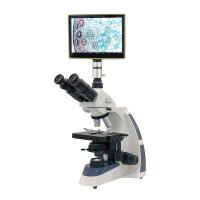
Yitianlong FVO-600A-T Desktop Microscope Manual
1. Microscope function introduction:
1. Introduction of 10.4-inch LCD monitor:
① Product model: VT-104, rated power: 7.2W
②Nominal display size: 10.4 inches, resolution 800*3 (RGB)*600
③ Signal: VIDEO signal input.
④ Standard: PAL system and NTSC two systems.
⑤ OSD menu function, IC power management, constant current control of backlight.
⑥Power input: DC12V±25%, (typically 12V440mA±30mA)
⑦ Adjustable brightness/contrast, clear display, low power consumption, healthy and environmentally friendly.
⑧Working environment temperature: -10--60°C, storage temperature: -20°C--+70°C
⑨Environmental relative humidity: 5--95%RH
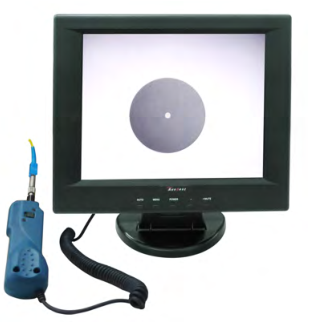
2. Introduction of FVO-600 Detector:
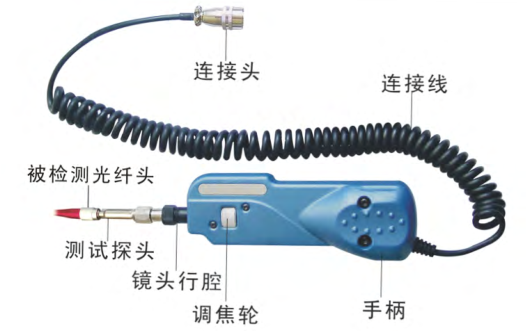
2. FVO-600A-T microscope standard kit:
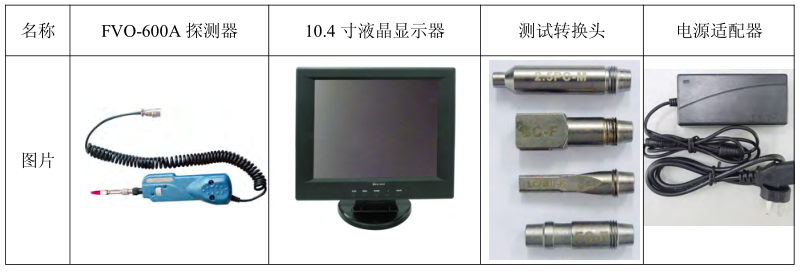
3. FVO-600A-T Microscope
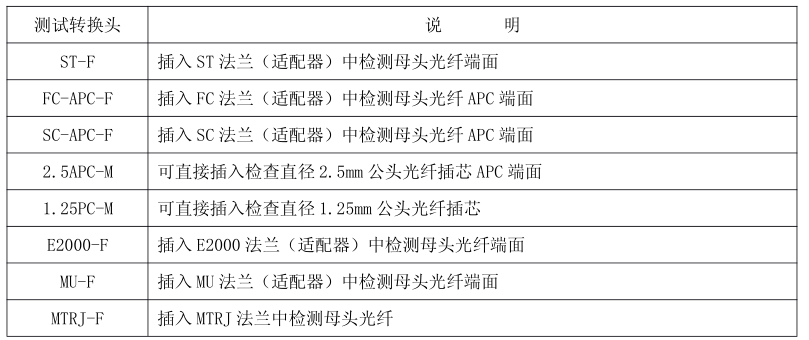
4. Operating Instructions
1. Installation instructions for connecting the Detector to the display:
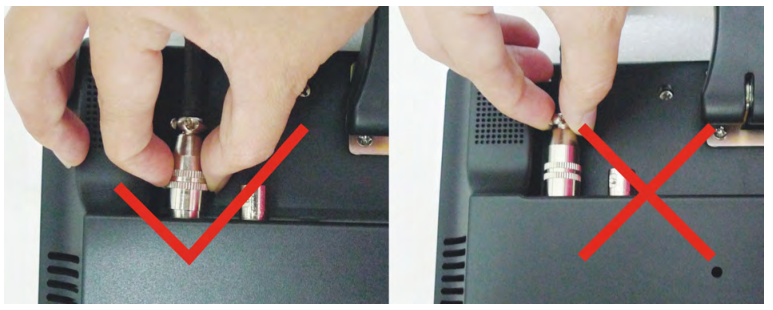
(1) Correct connection method: Hold the aviation plug at the end of the Detector firmly, align it with the five-pin interface on the back of the display, rotate the connector in your hand to find the corresponding bayonet, and then press firmly to connect successfully, as shown in the figure below:
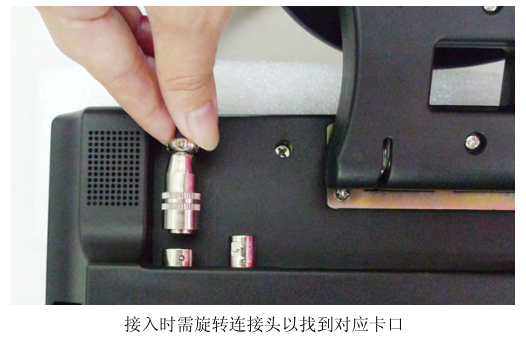
(2) Remove the Detector from the display:
The correct method of operation is: firmly grasp the snap ring of the grooved part of the aviation plug, and pull out the plug vertically downward. As shown in the picture:
Wrong method of operation: Do not hold other places to pull out, this method of operation will not remove the plug, and may damage the accessories. As shown in the picture:
2. Adjust screen brightness and contrast:
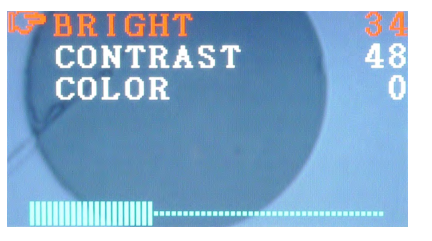
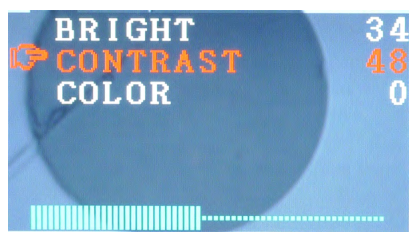
In order to achieve a good detection effect, the recommended setting for the LCD display of this product is: :BRIGHT:35:CONTRAST:35:COLOR:00
(1) Brightness adjustment: Press the MENU main menu to enter the first BRIGHT adjustment, press "-" to decrease the brightness, press "+/MUTE" to increase the brightness:
(2) Contrast adjustment: Press the MENU main menu to enter the sub-item CONTRAST adjustment, press "-" to decrease the contrast, press "+/MUTE" to increase the contrast:
(3) Color adjustment: Press the MENU main menu to enter the sub-item COLOR adjustment. Since this product uses black and white CCD image acquisition, this item does not need to be set.
6. Other matters needing attention
1. When the Detector is working, it will heat up slightly, which is not a product quality problem.
2. Pay attention to the cleanliness of the fiber optic microscope Detector, reduce the pollution of dust and fiber residue, ensure the detection effect and prolong the service life.


- 1Microscope classification, operation and application
- 2How to use trinocular Microscope
- 3How to detect the color difference of fluorescent color-changing materials?
- 4How is the content of non-fibroblasts determined?
- 5 How to measure cell wall thickness and cell cavity diameter?
- 6Determination of Fiber Length How is the distribution frequency calculated?
- 7How to determine the fiber morphology of plant fiber raw materials?
- 8Important instruments in clinical laboratories
- 9Coating Thickness Gauge: How to measure the dry film thickness of non-metallic substrates?