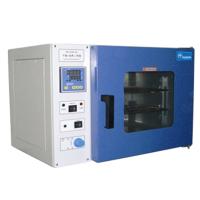
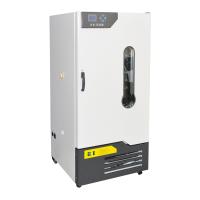
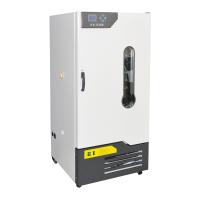
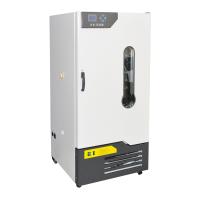
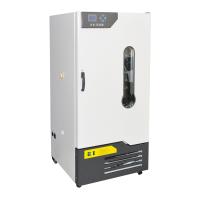
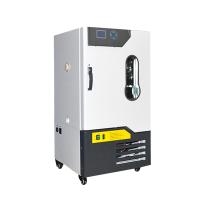
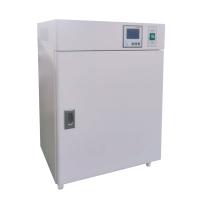
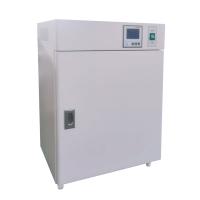
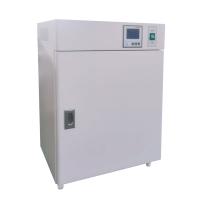
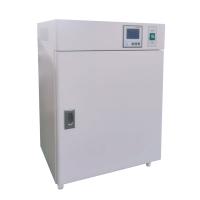
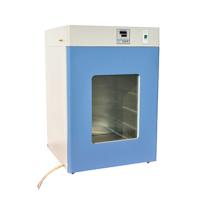
How to Use GHP Incubator
Instructions:
1. Connect the rubber tube to the faucet and the water inlet port of the tank.
2. Turn the power switch to "ON", and the power indicator light will be on. When using the machine for the first time, the low water level indicator light is on and accompanied by an alarm sound.
3. Turn on the faucet and the water level will rise gradually. When the low water level indicator light goes out and the alarm sound disappears, the faucet should be turned off immediately . If the high water level light is on, pull out the water drain plug on the left lower side to drain water until the high water level light goes out, then plug the water drain plug tightly.
4. Press and hold the temperature adjustment knob of the temperature controller to display the set temperature and turn the temperature adjustment knob to select the desired set temperature. Loosen the knob to display the temperature inside the chamber. The heating indicator light is on until the displayed temperature is close to the set temperature.
5. Select the cultivation time according to the needs. After the cultivation is over, turn the power switch to "off". If you do not take out the items immediately , please do not open the door.
6. If the machine is not used for a long time, please drain the water.