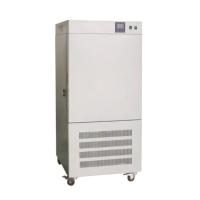
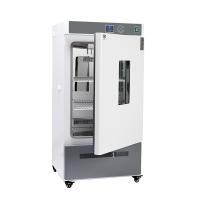
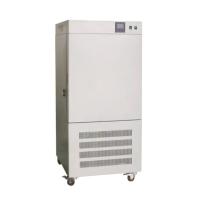
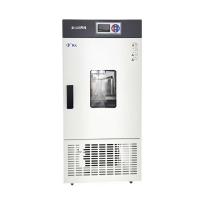
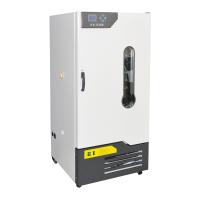
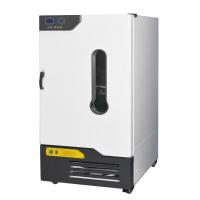
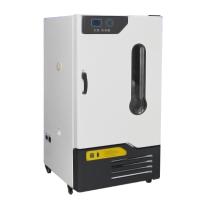
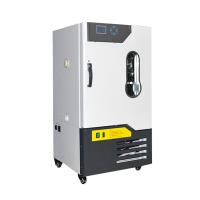
LRH-150 Microcomputer Control - Biochemical Incubator Instruction Manual
How to use:
1. Select the "Automatic" position of the transfer switch. If the set temperature is 5°C higher than the environment, please select "RT+5°C".
2 (PV) display (red): display the measured value, and display various prompt values according to the status of the instrument.
3 Set point (SP) display: display the set temperature, and display various parameters according to the status of the instrument.
4 SET Setting key, ← shift key, ↑ plus key, ↓ minus key.
Temperature setting:
1 Press the "SET" key to enter the setting state, and at the same time the first digit of the SP window is on, and the others are flashing.
2 Press the shift key "←" to move the highlight to the position to be set.
3 Press "↑" or "↓" to set the number to the desired value.
4 Press the "SET" key to complete the setting.
- 1Principle and Application of Constant Temperature and Humidity Chamber Biochemical Incubator
- 2What are the requirements for the installation location and use of the Biochemical Incubator?
- 3Use, Maintenance and Troubleshooting of Kangheng SPX Biochemical Incubator
- 4Operation Method of Kangheng SPX Biochemical Incubator
- 5How to Use Biochemical Incubator
- 6Maintenance and Maintenance of Qixin Biochemical, Lighting and Oscillating Incubator