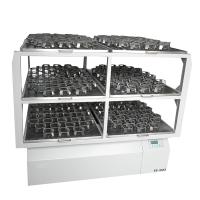
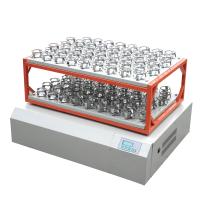
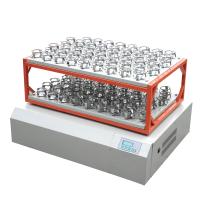
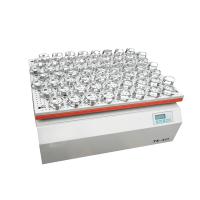
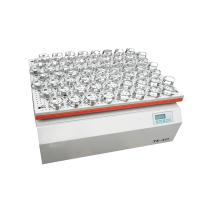
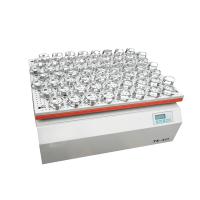
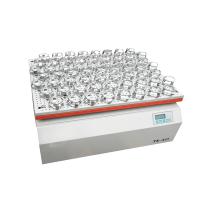
DHZ-DA Type Large Capacity Freezing Constant Temperature Oscillator Instruction Manual
1. Plug in the power plug and turn on the power switch on the right side of the instrument. At this time, the temperature control display on the panel lights up , showing the actual temperature in the cabinet, but the speed display is off.
2. Rotational speed control: The range of rotational speed setting for this instrument is 30-270 revolutions per minute.
(1) There are three keys in this part: start and pause key, minus key and plus key from left to right.
(2) After power on, press the start-pause button for 0.5 seconds to start up, and press the start-pause button for more than .
(3) How to change the speed: Under normal working conditions, press the minus key or the plus key to change the set speed value, and then press the start and pause key twice to save.
(4) How to set the delay shutdown: After shutdown, press the plus and minus keys at the same time to enter the state of setting the delay shutdown set the delay time by pressing the minus key or the plus key. The unit of the delay time is minutes. After the setting is completed, press the start pause key to save.
Note: Because there are only three digital tubes, the prompt is displayed first, and then the corresponding value is displayed. Once the power is cut off, the speed control needs to be restarted.
3. Temperature control part: The temperature control of this instrument is intelligent, with full functions and good effect.
(1) There are three keys in this part: function key, minus key and plus key from left to right.
(2) Adjustment of the temperature controller Each user can adjust various requirements (Note: The models without compressor refrigeration do not need to consider the two parameters 1 and 2 on the B menu).