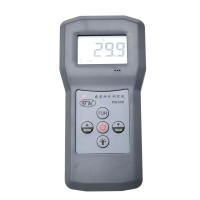
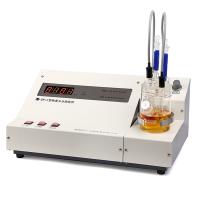
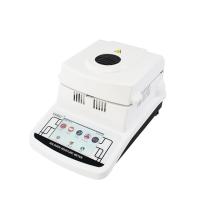
Display page settings for trace Moisture Meters
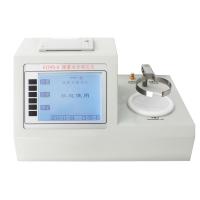
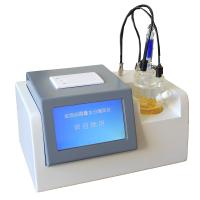
If we want to measure the sample, we need to observe the running state of the instrument, so it is inevitable for us to set the page of the trace moisture analyzer. We first need to run the trace moisture analyzer. After turning it on, we can see the time setting, printing setting and formula setting on the screen. We can select the page according to our own needs.
When we set the measurement time of the trace moisture analyzer, after the setting has been completed, if we want to exit the page, move the cursor to the "Back" command, and then select the "Confirm" option to exit the trace moisture analyzer. The time setting interface of the portion analyzer.
When setting the print option of the trace moisture analyzer, we need to see if the printer is allowed to print. We can set the number of the printed sample to facilitate future storage. When agreeing to the formula, we can complete the relevant settings according to the prompts , In addition, the historical records of the trace moisture analyzer can store 80 records for us, which provides convenience for future viewing.


- 1Analysis of the use method of trace Moisture Meter
- 2How to replace the reagent of the microMoisture Meter
- 3Moisture meter common faults
- 4How to compare the true cost performance of trace Moisture Meters
- 5Introduction to the related problems of the trace moisture determination test
- 6Moisture meter electrolysis solution how to replace
- 7Technical characteristics of micro Moisture meter
- 8How often is it appropriate to maintain the trace Moisture Meter?
- 9Influence Factors of Temperature on Trace Moisture Meter