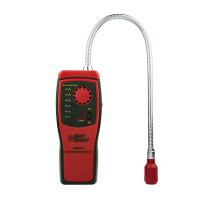
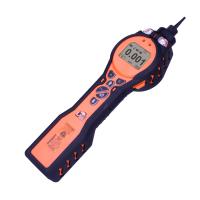
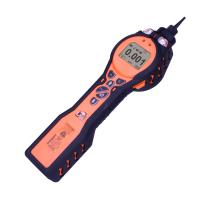
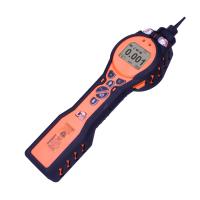
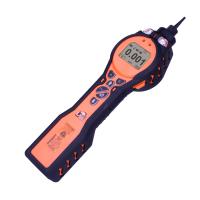
Tiger VOC Gas Detector Tiger PC software configuration
Configuration screen

This screen is used to configure TIGER.
Backlight
Choose from Permanently Off, Permanently On, On When Ambient Light is Low, or On for a Limited Time. Backlight timeout setting range: 1 to 99 seconds.
Sound
Three icons represent: Keypad Beep, Alarm Beep, and Acoustic Incremental. Crescendo means that the sound gradually increases as the upper limit alarm is approached. These sounds can be enabled or disabled respectively by checking or unchecking the respective check boxes. Sound volume is adjusted with a slider.
Alert triggering conditions are resettable based on user-set thresholds. When "Alarm Latch" is selected, the alarm will continue to sound even if the gas level falls back below the threshold until the "Esc" button is pressed.
Units
Choose from two units of measurement in parts per million (ppm) or milligrams per cubic meter (mg/m3). Parts per billion (ppb) and micrograms per cubic meter (μg/m3) are also selectable if the high sensitivity option/upgrade is purchased.
IMPORTANT INFO: When ppb mode is selected, the upper limit of the instrument's measurement range is 9999 ppb (1ppm).
Lock
Lockdown allows supervisors to restrict access to critical functions. See Icons on page 13 for details

Sleep during PC connect will put the instrument into sleep mode while connected to the PC software. The instrument can be woken up by disconnecting the PC software.
Soft Menu (soft key menu)
Drag and drop icons to assign functions to softkey buttons in any order you like.


- 1Principle and Application Analysis of Composite Four-in-One Gas Detector
- 2Introduction to Working Principle and Application of Carbon Monoxide Gas Detector
- 3Basic Principle and Application of Portable Gas Detector
- 4Basic Principle and Application Analysis of Gas Detector
- 5What is the alarm value of Gas Detector?
- 6What is phosphating Gas Detector?
- 7What is a combustion analyzer?
- 8Application Scheme of Gas Detector in Coking Coal Metallurgy Industry
保时安 - 《保时安》
- 9Application of Gas Detector in Medical Manufacturing
保时安 - 《保时安》