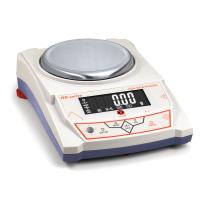
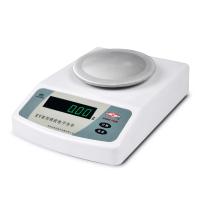
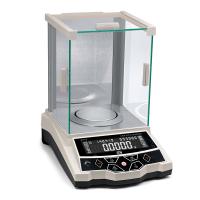
6 steps to teach you how to set up laboratory Electronic Balance
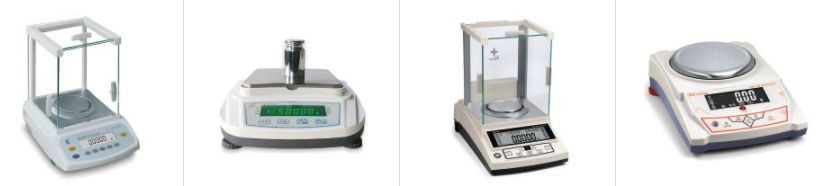
Correctly setting up your balance helps ensure reliable results and a stable workspace. Incorrect settings can create errors and force the user to calibrate the balance more frequently, wasting time and money.
1) Read the balance operation manual
Always read the product manual before setting up your balance. The manual provides helpful tips, shows how to unpack the product and more. Our product manuals are available in various languages on our website. You can find them on the product page, or click through to the page with all the manuals.
2) Avoid environmental disturbances that may affect the balance
Place the balance on a solid surface away from direct sunlight and any vibration, breeze and moisture. With this level of precision, even the smallest disturbance can affect balance, samples and results. Certain samples are volatile and can become hazardous or unstable when exposed to variable conditions, which can compromise equilibrium.
3) Make sure the balance is placed on a stable surface
Verify that the balance is evenly positioned on the surface by checking the balance's level bubble. If the balance is stable, the air bubble should be in the center of the level.
4) Adjust the feet of the balance
You should raise and/or lower the feet of the scale one at a time until the air bubble is centered.
5) Consider using an anti-vibration table
An anti-vibration table can help improve the stability of the balance and improve precision. It also creates a workspace dedicated to precise weighing.
6) Maintain a consistent room temperature to avoid weight fluctuations
For best results, make sure the room temperature is consistent when using the balance. Depending on the temperature, some materials expand, contract or lose moisture due to evaporation. Changes in temperature can also affect density measurements.


- 1Proper Use of Electronic Balance
- 2What is the difference between 10,000-level and 100,000-level Electronic Balance?
- 3Selection scheme of solar cell slurry performance testing instrument
- 4Offset printing ink laboratory performance testing instrument scheme
- 5Method of using electronic balance and its structure
- 6How should the calibration weights of precision balances be handled and maintained?
- 7How to choose and use precision electronic balance test weights?
- 8How to choose a precision digital electronic balance?
- 9Edham Adam SAB & SPB Electronic Balance Structure