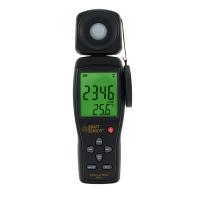
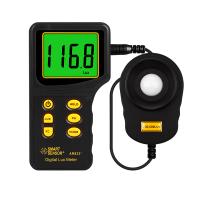
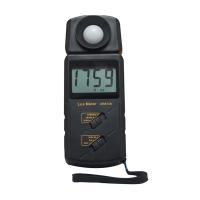
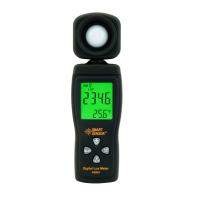
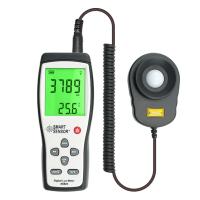
MS6610 Digital luminometer operating instructions
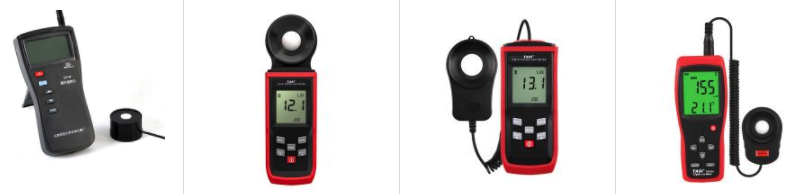
Instructions before use
The measurement can be started .
It is necessary to prevent the shadow of the Tester and other factors from affecting the photoDetector .
If the instrument is placed in a place where the surrounding environment is noisy and disturbed, the voltage output of the instrument will become unstable and even produce large errors .
Illuminance measurement
1. Press the power switch button to turn on the power.
2. Turn the range switch to the appropriate measurement range.
3. Place the light Detector at the horizontal position of the light source under test.
4. Read the measured value from the LCD display.
5. When reading:
If the LCD only displays "1" in the highest digit, it means overload, and you should immediately select a higher range for measurement.
If there are one or more zeros on the left side of the displayed reading, it means that the measured value is too small, and the user should select a lower range to improve the resolution and accuracy of the measurement.
(Note: The measurement range of ×1 range is 0~1999Lux, and the reading is the measured value; the measurement range of ×10 range is 2000~19990Lux, and the reading must be ×10 times to be the measured value; the measurement range of ×100 range is 20000~ 50000Lux, the reading must be ×100 times to be the measured value.)
6. Reading hold: Press the "HOLD" button on the light Detector once, the reading on the LCD will be held, and the illuminance meter will stop all measurements ; Take measurements.
7. After the measurement work is completed, press the power switch button to cut off the power.
Instrument maintenance
Only dry cloth and a small amount of detergent can be used to clean the instrument, and the case should not be wiped with chemical solvents.
The white light-transmitting plastic disk on the photoDetector should only be cleaned with a dry cloth when necessary.
Maintenance and calibration need to be carried out by professionals.
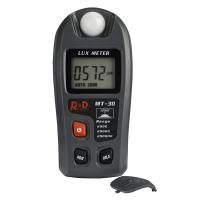
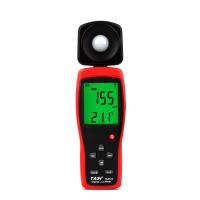

- 1Forest UV Illuminance Meter FAQ
- 2ST-86L luminometer manual
- 3ST-85 luminometer instruction manual
- 4ST-80C luminometer manual
- 5Precautions for the use of luminometers
- 6Luminometer principle, calibration, general requirements
- 7Ultraviolet Spectrophotometer inspection
- 8Fault Analysis and Removal of Ultraviolet Illuminometer
- 9How does a luminometer calculate illuminance?