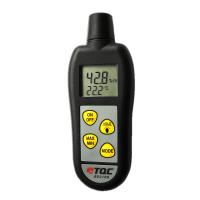
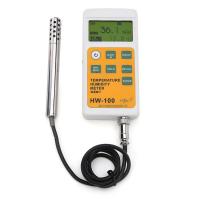
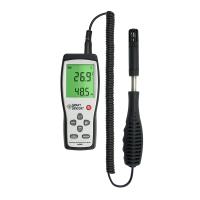
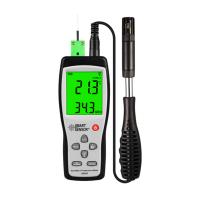
How to operate the environmental Detector
temperature measurement
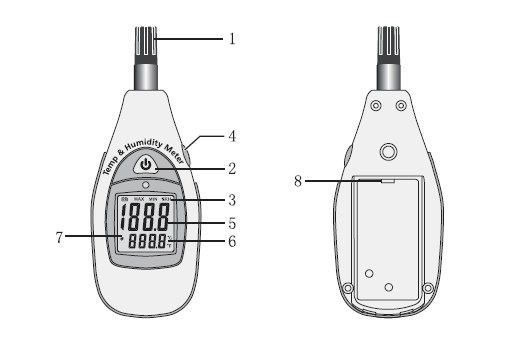
1- Select temperature measurement, press the °C/°F key (on the back of the instrument) until the lower right corner of the display shows "C or °F.
2- Read the temperature value on the display.
Maximum/minimum value measurement button
1- In MIN/MAX mode, only min/max values can be seen.
2-Press the MIN/MAX key once, the display will display the character "MAX", and the parameter displayed at this time is the maximum value. This reading remains unchanged unless a new larger reading occurs .
3-Press the MIN/MAX button again, the display will display "MIN" characters, and the parameter displayed at this time is the minimum value. This reading remains unchanged unless a new lower reading occurs .
4-Press MIN/MAX again (that is, the third time) to exit the MAX/MIN measurement mode, and the characters "MIN" and "MAX" on the display also disappear.
Note: Every time the meter is turned on, it will re-record the maximum and minimum values until the meter is turned off and will not stop recording.
Automatic shut-down
The default setting of the instrument is: no operation within 30 minutes will automatically shut down (display icon).
This default setting can also be turned off. Just press and hold the MAX/MIN button when powering on until nothing is shown .
You can also turn on the automatic shutdown function in the same way.
cleaning and storage
1- If necessary, the gauge can be cleaned with a damp cloth and a mild, non-irritating detergent. Do not use solvents or abrasives.
2- Please store the meter in an appropriate temperature and humidity environment (please refer to the operating environment and storage environment of the meter in the manual).
Replacement battery
When the battery is low, the battery symbol will appear on the display. Use a screwdriver to unscrew the nut on the battery back cover, open the battery cover and insert a 9V battery, cover the battery back cover and tighten the screws.
- 1How to operate the temperature and humidity Tester DT-8896?
- 2PP decorative substrate membrane laboratory testing instrument scheme
- 3TQC RV2100 Digital Display Thermohygrometer Instruction Manual
- 4What are the measurement methods of temperature and humidity?
- 5How do I get an accurate RH reading from a Thermohygrometer?
- 6Incorrect operation of Delmhorst Thermohygrometer
- 7Coated steel coating mass control inspection equipment what are the main types?
- 8HUATO HE2XXA series large screen Thermohygrometer operating instructions
- 9Comparison of several industrial-grade digital display Thermohygrometers