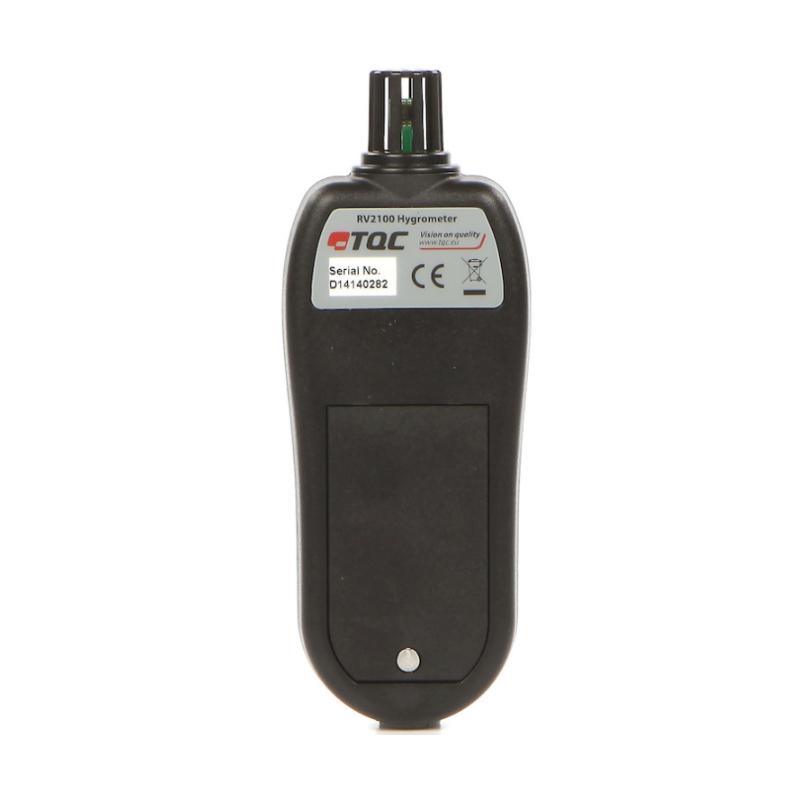

Electronic Digital Display Thermohygrometer TQC RV2100 Industrial Handheld Digital Display Thermohygrometer
SE RV2100

TQC sheen RV2100 ThermohygroMeterSPEC
TQC sheen RV2100 ThermohygroMeterDetails
TQC sheen RV2100 ThermohygroMeterPacking list

- SKU
- NB001423
- temperature range
- -20~50/70℃
- temperature error
- ±1.5℃
- Temperature Resolution
- 0.1℃/℉
- Humidity range
- 0~100%RH
- Humidity error
- ±5%(33%~75%)
- Humidity resolution
- 0.1%
- Sensor type
- Silicone Bandgap
- Sensors location
- built-in
- statistical function
- MAX Maximum, MIN Minimum
- unit conversion
- ℃/℉
- Power
- 3X1.5V AAA battery
- Dimensions
- 25*56*128mm
- Weight
- 130g/160g
- Battery life
- 5 years
- Display
- 12Mm LCD display
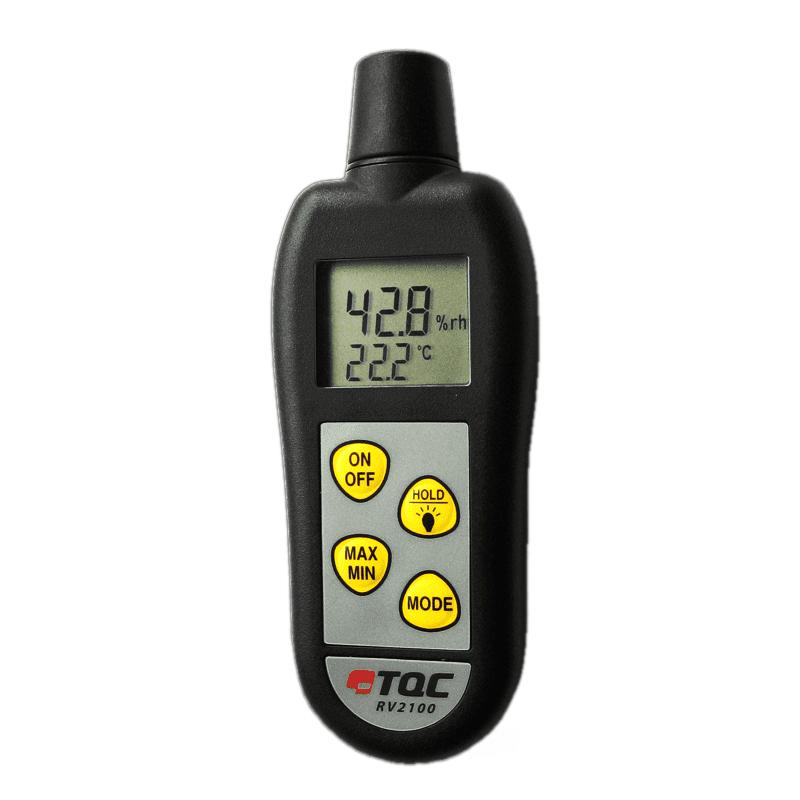
Overview of electronic digital display thermohygrometer
The RV2100 electronic digital display temperature and humidity meter is a simple handheld electronic digital display temperature and humidity meter imported from TQC of the Netherlands. It can display temperature and air humidity values ââââat the same time. RV2100 digital display temperature and humidity meter has the function of storing MIN/MAX values, ℃/â selection function, holding function and dew point indication function.
The 3 AAA batteries used in the RV2100 digital thermometer and hygrometer can support the thermometer and hygrometer to continuously measure up to 10,000 hours. It will automatically shut down after 10 minutes of no operation.
! Humidity sensor note:The built-in humidity sensor of the RV2100 electronic digital thermohygrometer is easily contaminated by contaminants, such as solvents, exposure to saturated air, etc., and is therefore not covered by the 1-year warranty. Additionally, sensor readings can drift by up to 0.5% per year.
Application fields RV2100 electronic digital display temperature and humidity meter
Suitable for steel industry, wood, wholesale, transportation, shipping industry, food, laboratory, aviation, air conditioning, coating industry, automobile, paint, etc.
Functional features of RV2100 electronic digital display temperature and humidity meter
â Hold function
â Can store maximum and minimum values
â Backlight display function
â Dew point indication function
âBattery light indicator
â Built-in probe
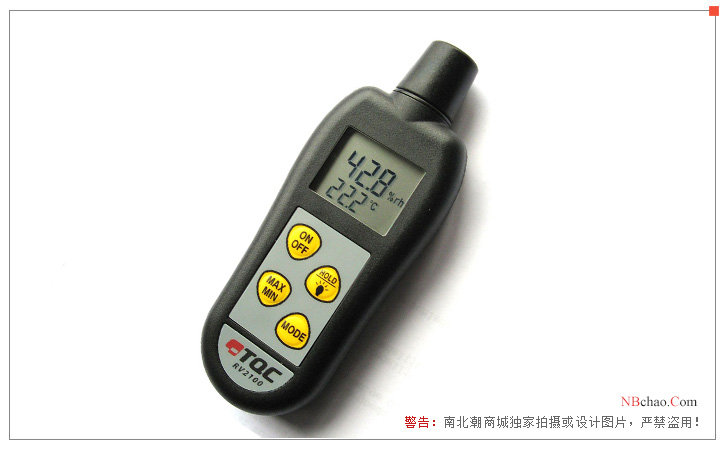
RV2100 electronic digital display temperature and humidity meter display diagram
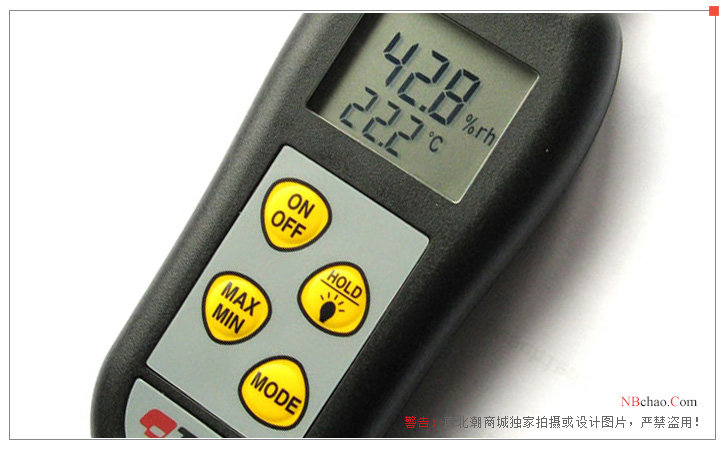
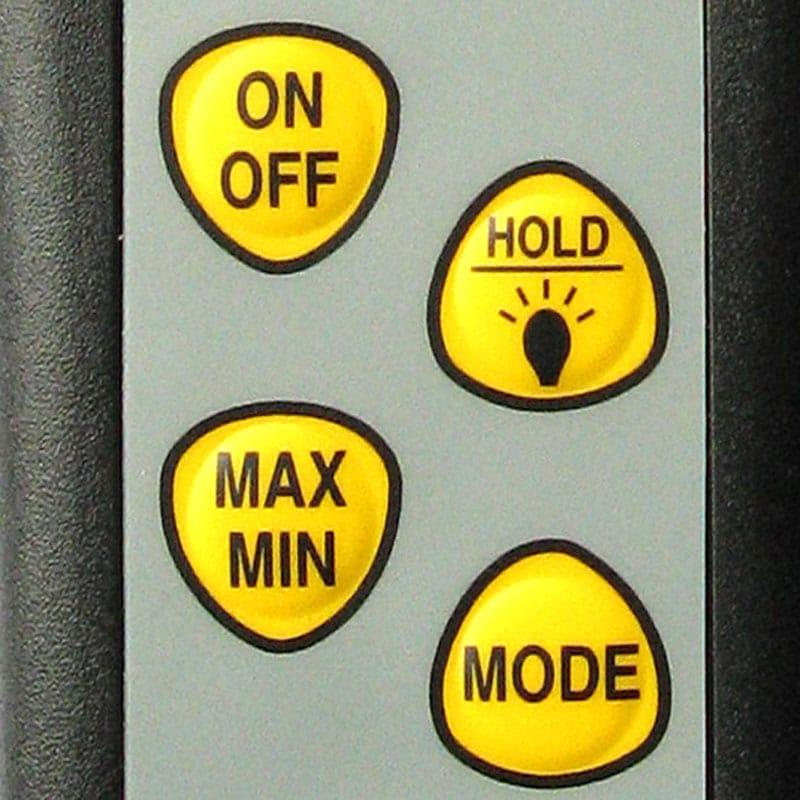
RV2100 electronic digital display temperature and humidity meter button function
1. The display shows two values. The upper value is Relative Humidity and the lower value is either temperature or dew point.
2. Pressing the HOLD button will freeze the display and stop measurement. Press the HOLD key again to continue measurement.
3. Press the MAX/MIN button to display the maximum/minimum measurement value. This digital thermometer and hygrometer saves the maximum/minimum values ââwhen turned off. To reset press and hold the MAX/MIN button for three seconds.
Tips for using RV2100 electronic digital temperature and humidity meter
1) With backlight function. Press the HOLD button for about 2 seconds to turn on the backlight . If "Lo bat" appears on the display, there is a problem with the backlight.
2) The RV2100 electronic digital display temperature and humidity meter can automatically shut down after 10 minutes of no operation. If you want to disable automatic shutdown, just press the HLOD button while turning on the phone.
3) Do not immerse the sensor in water or any other liquid. The sensor is only suitable for measuring air measurements.
4) Do not twist or press the sensor.
5) The sensor should be kept away from direct sunlight and should not touch the humidity sensor.
Reasons why âErrâ appears on the display
1. Failed to communicate with the sensor
2. The sensor is contaminated or wet
3. The digital temperature and humidity meter has malfunctioned.
- 1GB/T 36276-2023《Lithium ion battery for electrical energy storage》
- 2HG/T 20720-2020《Construction and acceptance specification of waterborne anti-corrosion coatings for steel structures in industrial buildings》
- 3ISO 3270-1984《Paints, varnishes and their raw materials, Temperature and Humidity of condition regulation and testing 》