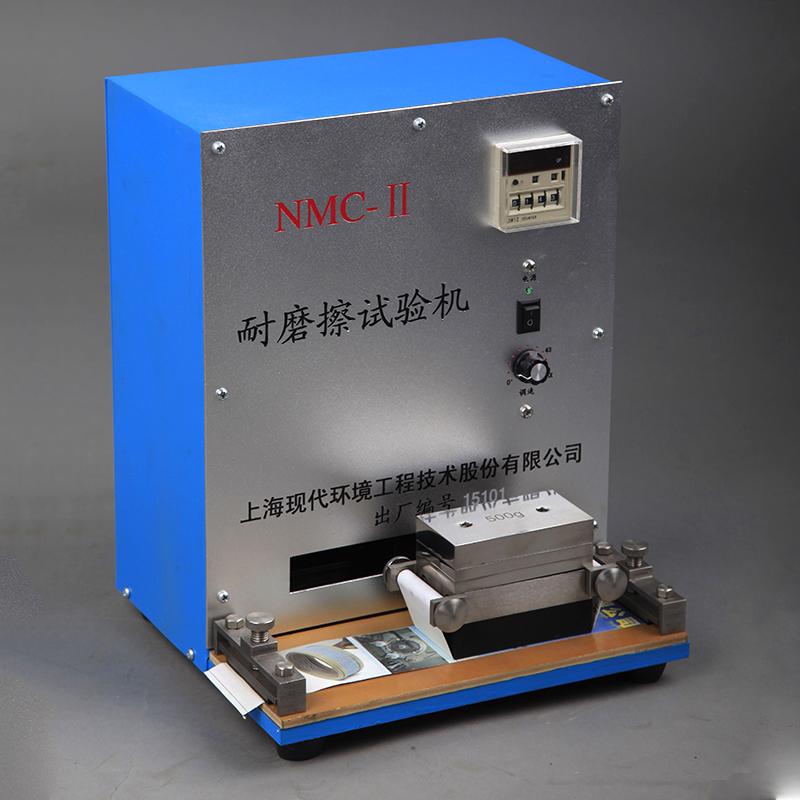


MODERNER NMC-II Friction testing machine, ink layer test for paper printing
 NMC-II

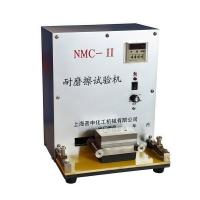
Moderner NMC-II Abrasion testing machineSPEC
Moderner NMC-II Abrasion testing machineDetails
Moderner NMC-II Abrasion testing machinePacking list

- SKU
- NB016944
- Friction Frequency
- 0~54cpm
- friction load
- Sanding head: 1000 +/- 20g; additional Weight: 500 +/- 10g, 1 piece; 250 +/- 10g, 2 pieces
- Power
- 20v 50Hz
- Power
- 60w
- Dimensions
- 260*240*340mm
- Weight
- About 20kg
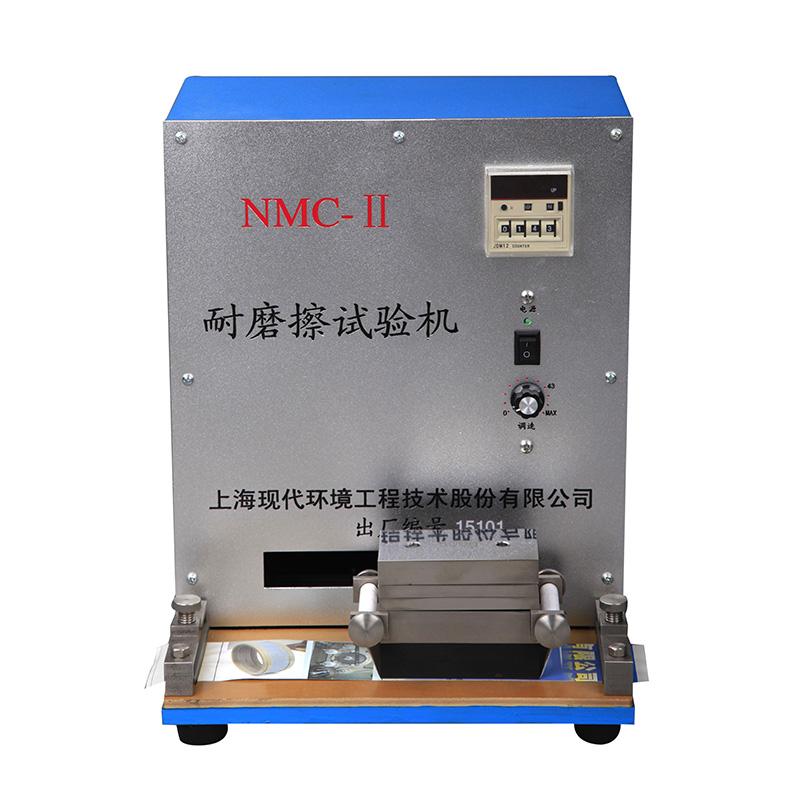
NMC-II friction resistance testing machine uses
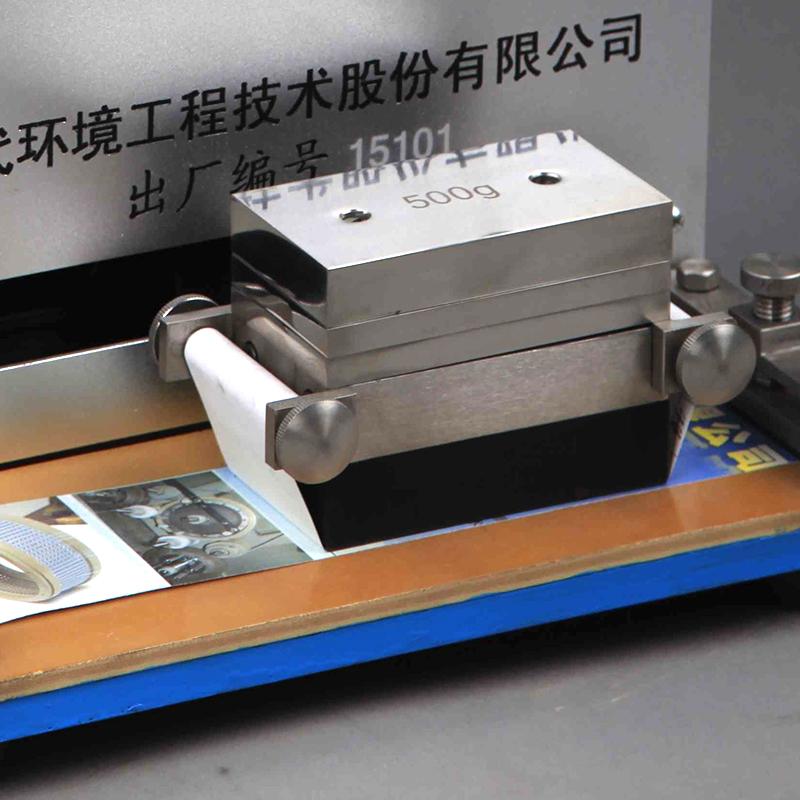
The NMC-II abrasion resistance testing machine is a device used to evaluate the abrasion resistance of the ink layer of paper decorative prints. This device rubs the ink sample to be measured back and forth. The number of frictions can be directly read by the counter. According to the number of frictions and the degree of wear, the friction resistance of the ink can be evaluated. This instrument is a calibration tool required by ink manufacturers and ink research departments.
Product picture of NMC-II friction resistance testing machine
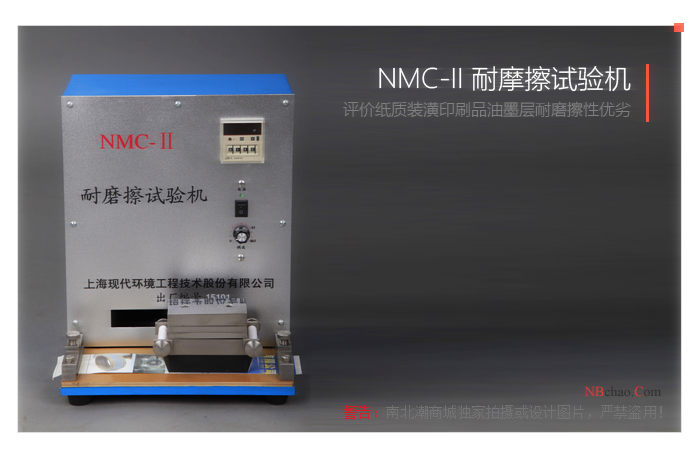
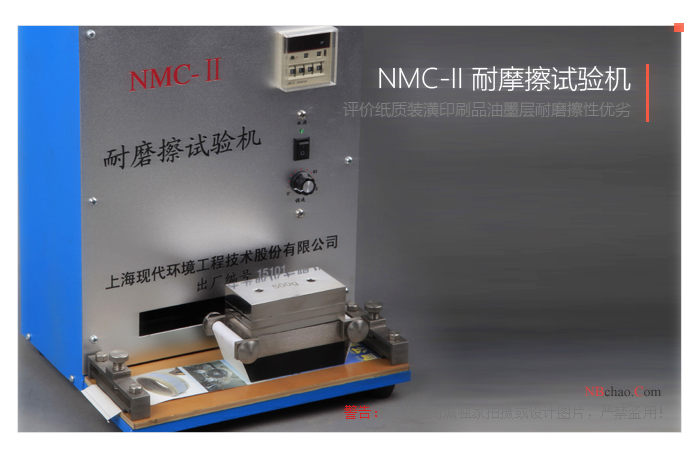
NMC-II friction resistance testing machine operating instructions
1) Unscrew the tightening bolts on the sample clamps at both ends, place the sample paper cut into 60Ã300mm under the rubber fixing plate, tighten the sample paper, and then tighten the tightening bolts.
2) Cut the 80g/m2 clean copy paper into 50Ã290mm wide as friction paper. Loosen the locking nuts on both sides of the polishing head and rotate the paper cylinder (i.e. the shaft with a slot in the middle) to tighten and fix the friction paper. On the grinding head, tighten the locking nut, and then place the grinding head on the swing arm of the testing machine. To increase the load capacity, additional weights can be placed on the sanding head.
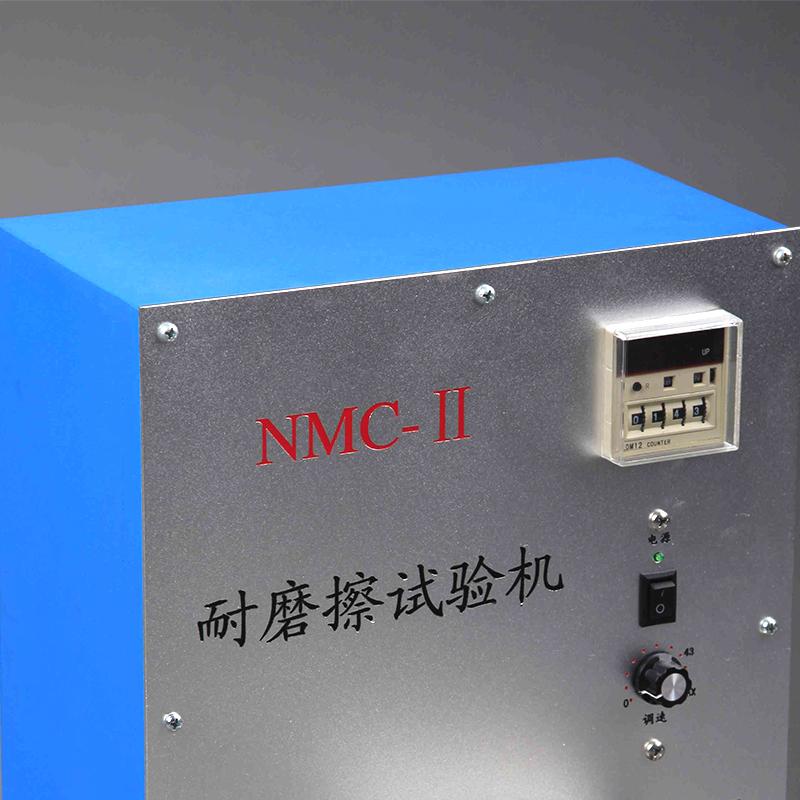
3) Plug in the power, use the counter to set the number, and select the number of times you want to rub (usually 40 times); turn the speed knob to select the required friction speed (43 times/min is recommended, that is, the speed knob points to the red dot) ).
4) Turn on the power switch of the speed regulator and the machine starts to work. After reaching the predetermined number of times, the machine automatically stops and the sample is removed for observation.
5) If you want to stop the machine while it is running, you can directly turn off the power switch of the speed regulator, and then turn on the power switch of the speed regulator if you want to continue working.
6) After the machine stops automatically, just press the "clear" button on the counter and the machine can start running again.
Precautions
1. It is strictly forbidden to turn on the machine without installing the sample and friction paper.
2. If the friction paper or sample breaks, the machine should be stopped as soon as possible.