
Qiwei JFS-750 Dual Axis Disperser 750W Power
SE JFS-750

-
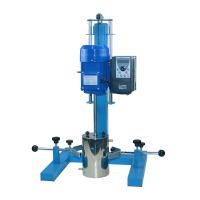 HUXI HR-750JFS Laboratory High Speed grinding Disperser Square Tube 750W/10L$ 674.00SE
 -
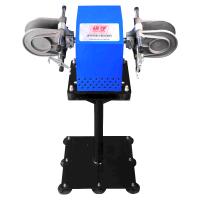 MODERNER KS-370A Coating Blue-devil Dispersion Testing Machine, Column Clamp Type, Blue Devil
 -
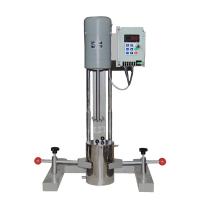 Qiwei GFJ-0.7 (GFJ-750) Coating Disperser High Speed Frequency Conversion$ 655.00SE
 -
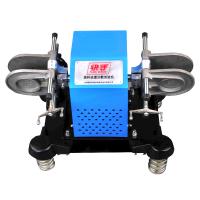 MODERNER KS-370D Coating Rapid Dispersion Tester, Floor-to-Floor Bottle Clamp
 -
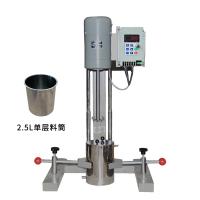 Qiwei GFJ-0.7 (GFJ-750) Coating Disperser high-speed frequency conversion, with 2.5L single-layer barrel$ 666.00SE





QiWei JFS-750 Disperser (high-speed frequency conversion)SPEC
QiWei JFS-750 Disperser (high-speed frequency conversion)Details
QiWei JFS-750 Disperser (high-speed frequency conversion)Packing list

- SKU
- NB017285
- Motor power
- 750W
- Speed regulation range
- 60~8000rpm
- Lifting stroke
- 200mm
- Impeller diameter
- F6mm / F8mm
- Power
- 220V 50HZ
- Dimensions
- 400*450*800mm
- Impeller diameter
- F460mm
Introduction
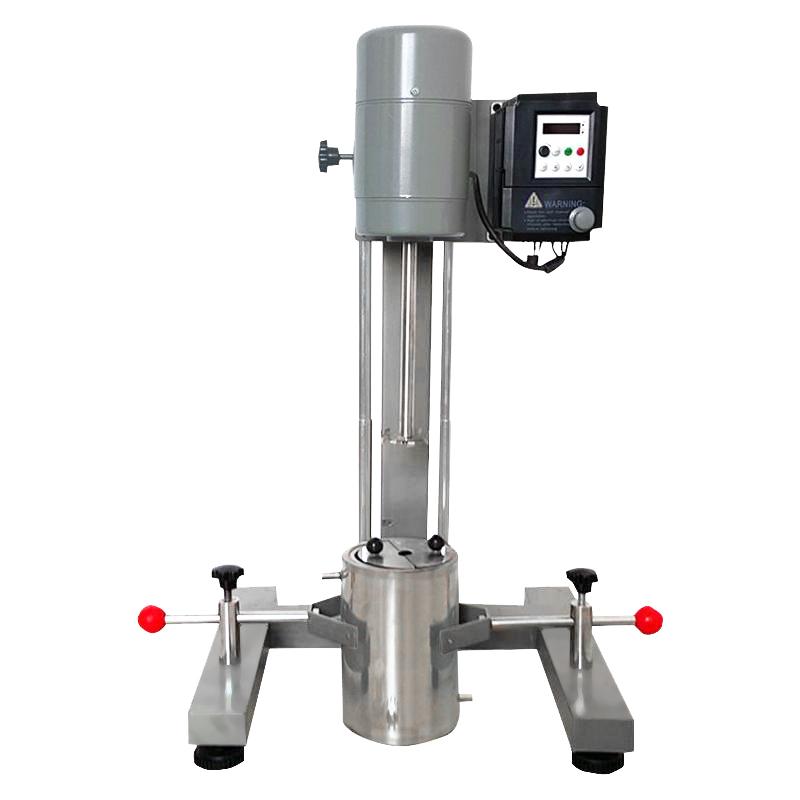
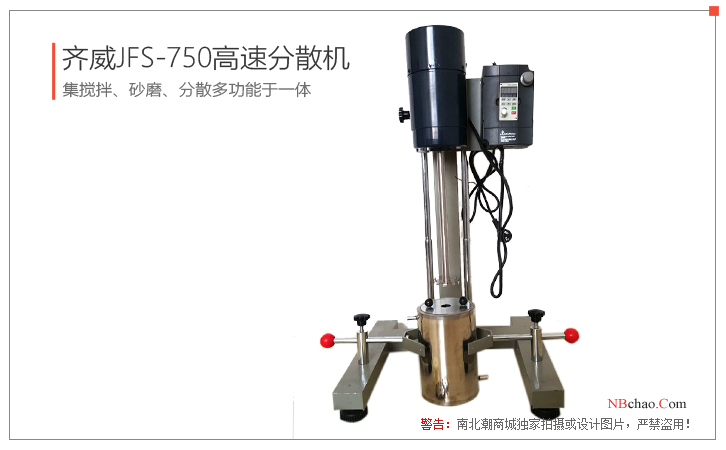
Qiwei JFS-750 dispersing machine is a new environmental protection laboratory dispersing machine with a motor power of 750W and a double-axis constant force lifting system, which is convenient for lifting. The JFS-750 disperser is a digital display of the rotating shaft speed directly, and is equipped with a dispersing impeller and a sanding blade disc. It is a satisfactory experimental equipment for laboratory personnel. It adopts a frequency conversion motor, which has the advantages of small size, low noise, no commutation interference, and no carbon. Brush mechanical wear and other advantages.
The JFS-750 disperser can adapt to the needs of different tests in the laboratory, and can directly calculate the relationship between the linear speed of the stirring, dispersing, and sanding blades, the viscosity of the material, and the chemical reaction rate according to the displayed shaft speed, providing a good source for large-scale production. correct data.
structure function
1. The machine adopts a double-axis constant force lifting system, which is convenient for lifting.
2. The dispersing impeller and sanding disc of JFS-750 dispersing machine are directly connected with the rotating shaft with screws.
3. Adopt a new type of frequency conversion motor, and implement stepless speed regulation for the motor through an intelligent frequency conversion controller. Using digital PID technology, the control precision is high, and the 4-digit digital tube directly displays the spindle speed.
4. JFS-750 dispersing machine is fixed to the barrel by the left and right holders. The barrel adopts a jacket structure, which can be processed by stainless steel through cooling water.
installation method
1. Install the two holders on the fixed frame respectively, with the plane of the clamping rod upward.
2. Fix the stainless steel barrel in the holder, and the hole of the barrel cover coincides with the motor shaft.
operation method
1. Plug in the power supply, the display on the meter is normal.
2. For the JFS-750 dispersing machine , turn the potentiometer knob to the left to the end.
3. Press the "RUN" key on the panel, the motor is ready to run.
4. Adjust the potentiometer knob to the desired speed. (You can also press the "▲" or "▼" key until the desired speed.)
5. Press the "STOP" key, the motor stops running.
Frequency conversion controller key description
DATA: Press this key to switch among the measured values such as speed, frequency, Voltage, temperature, etc.;
RUN: run button;
STOP: stop button;
PRO: programming button;
◀: When programming, press the button to move the value to the left;
▲: Value up button;
▼: Value down button;
Pictures
- 1ISO 8780-3-1990《Pigments and extenders - Methods of dispersion for assessment of dispersion characteristics - Part 3: Dispersion using a high-speed impeller mill》
- 2HG/T 5164-2017《Textile dyeing and finishing auxiliaries - Water-borne polyurethane emulsions for textile coating》
- 3GB/T 21868.4-2008《Pigments and extenders - Methods of dispersion for assessment of dispersion characteristics - Part 4:Dispersion using a bead mill》
- 4GB/T 21868.3-2008《Pigments and extenders - Methods of dispersion for assessment of dispersion characteristics - Part 3: Dispersion using a high-speed impeller mill》
- 5GB/T 21868.1-2008《Pigments and extenders - Methods of dispersion for assessment of dispersion characteristics - Part 1:Introduction》