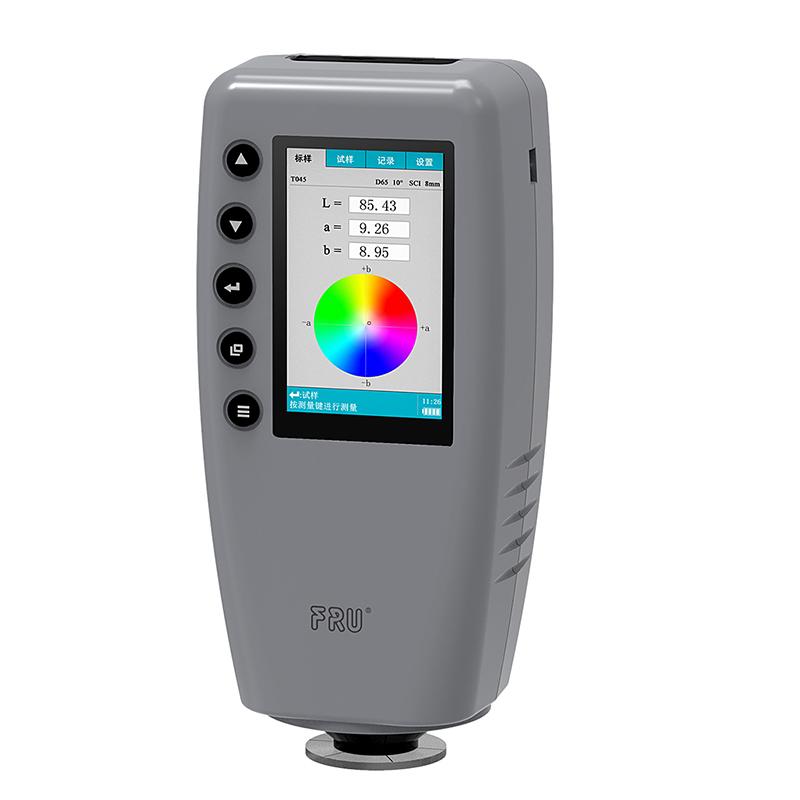
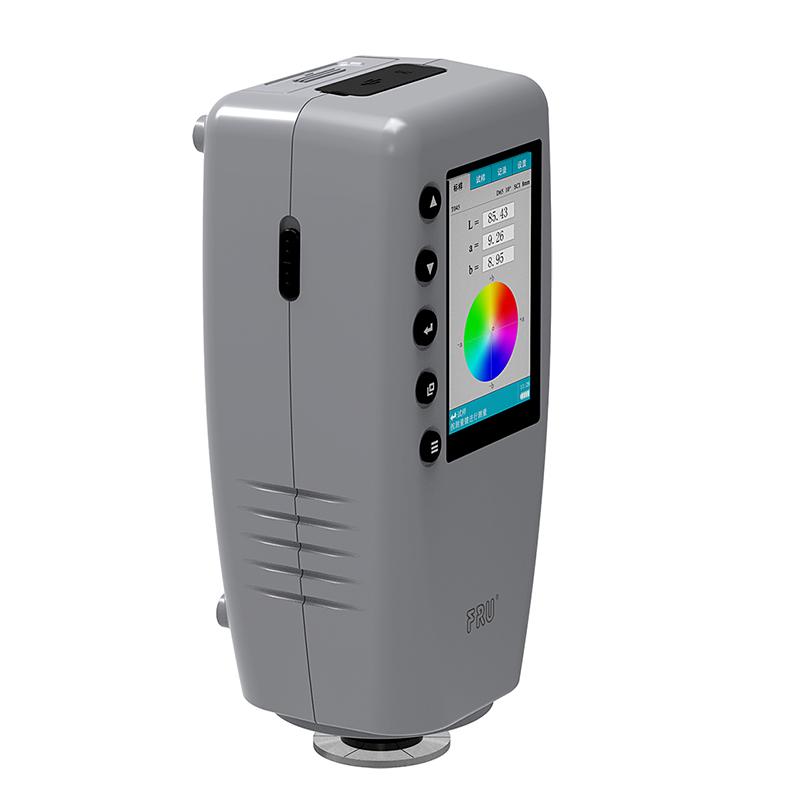

IWAVE WR-10 Colorimeter suitable for Spinning & weaving, chemical, leather, food, plastic, paints, toys, etc
SE WR-10
WR-10

-
 3NH SC-10 handheld Colorimeter 4mm caliber, suitable for plastics, Coatings, automobiles, printing, Spinning & weaving, food, etc
 -
 LS173 Handheld color difference meter Portable color difference meter 3.5 inch Touchscreen$ 225.00SE
 -
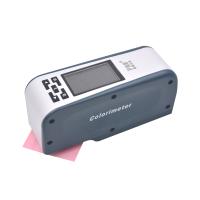 IWAVE WF28 Colorimeter 8mm caliber, suitable for Spinning & weaving, Chemical, Plastic, Food, Hardware, Printing and Dyeing, etc$ 698.00SE



IWAVE WR-10 ColoriMeterSPEC
IWAVE WR-10 ColoriMeterDetails
IWAVE WR-10 ColoriMeterPacking list

- SKU
- NB000254
- Lighting method
- 8°/d
- Sensors
- Integrated Photodiode Array
- Measuring range
- L:0~100
- Measurement light source
- D65
- Measurement time
- 1.0s
- Measurement caliber
- F8mm
- Sexual repeability
- ΔE * from < 0.08
- Operating language
- Simplified Chinese, English
- Data Interface
- USB2.0(USB-B型)、RS-232(115200bps)
- Viewing Angle
- CIE 10 °
- Color difference formula
- ΔE * from
- Data storage
- 100 master standard data, 100 sample data under each master standard
- Power
- Lithium battery can be measured 5000 times after being fully charged
- display mode
- CIELAB
- Operating conditions
- 0 ℃ -40 ℃ (32 ° F -104 ° F); Relative Humidity below 85% No condensation
- Storage environment
- -20℃-50℃
- Dimensions
- 199*68*90mm
- Weight
- 700g
- Inter-station difference
- ΔE * from < 0.2
- Lighting source life
- 5 years more than 1.60 million measurements
- Display
- TFT True Color 2.8inch @(16:9)
- Packing size
- 400*240*340mm
- Standard accessories
- 3000mAH lithium battery, power adapter, manual, warranty card
- Optional accessories
- Powder test box, micro printer
Introduction
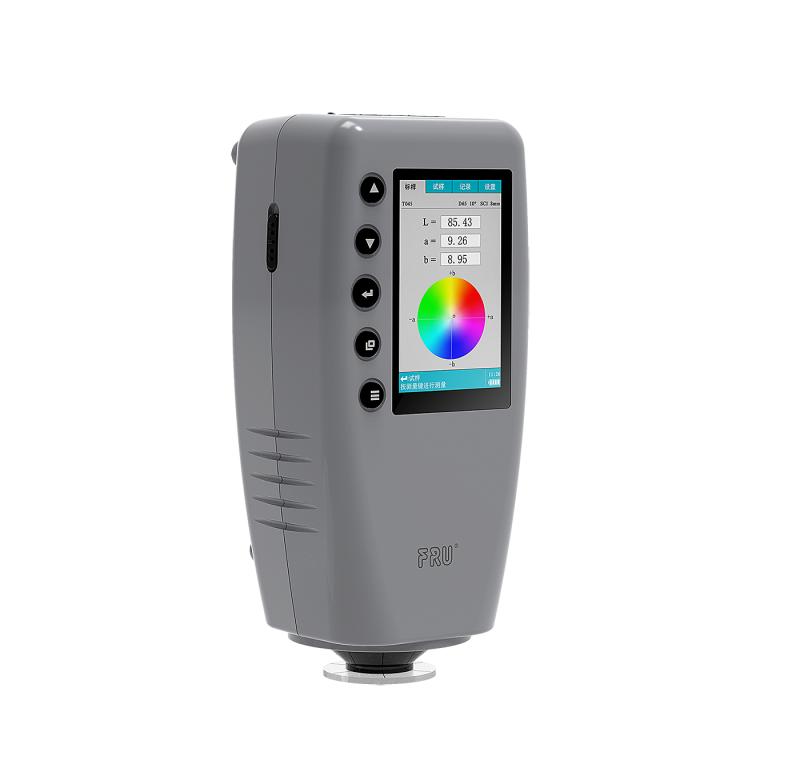
IWave WR-10 Colorimeter is a hand-held Colorimeter with a measurement diameter of 8mm. It has the advantages of stable and fast measurement, simple and convenient operation, and uses a lithium battery, so the power consumption of the Colorimeter is very low. The vertical structure design of the WR-10 Colorimeter determines its advantages in production line inspection and mobile measurement, and it is easy to carry. The use of photodiode array sensors can quickly obtain full-wavelength data in a short time, and the measurement is fast.
IWave WR-10 Colorimeter is a professional hand-held Colorimeter developed and produced according to the relevant standards of the International Commission on Illumination CIE and national standards. The WR-10 Colorimeter has the characteristics of precision and stability, simple operation, easy to learn, and economical benefits.
Features
1. IWave WR-10 Colorimeter uses lithium battery, low power consumption design.
2. It has the function of automatic calibration at startup, which reduces the operation procedures.
3. Large LCD color display, easy to read.
4. IWave WR-10 Colorimeter has a measuring diameter of 8mm and wide adaptability.
WR-10 Colorimeter Operating Instructions
2.1 Boot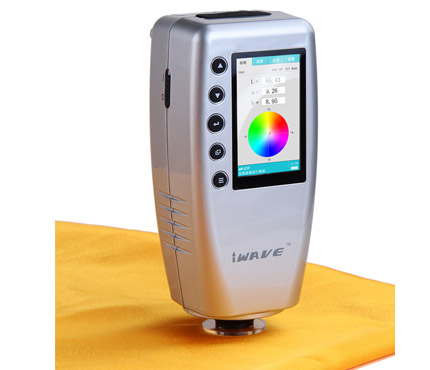
Before starting up, check whether the WR-10 Colorimeter is connected to an external power source, or whether the battery has been installed, and confirm that the instrument has power supply, and then start the WR-10 Colorimeter , and the screen will display the startup LOGO.
After the start-up interface is completed, the WR-10 Colorimeter enters the self-test program to ensure the normal operation of the WR-10 Colorimeter.
Colorimeter picture
2.2 Color difference measurement
The WR-10 Colorimeter requires two steps for color difference measurement, which are "standard sample measurement" and "sample measurement".
1. Measure the standard sample to obtain the standard color parameters of the standard sample;
2. The sample measurement obtains the parameters of the sample to be tested, and simultaneously calculates the color difference data between the sample and the standard sample.
2.2.1 Standard sample measurement
As shown in Figure 6, on the "Standard Sample" page, you can perform standard sample measurement to obtain the color parameters of the standard sample. The measured color parameters will be displayed in the measurement page.
The current test conditions are displayed on the upper right corner of the WR-10 Colorimeter page, including light source, observer and light-containing method.
2.2.2 Sample measurement
After the standard sample measurement is completed, to measure the color difference between the sample and the standard sample, press the "page change key" to switch the screen to the "sample" page, as shown in Figure 7, the measured color difference parameters will be displayed on the WR- 10 Colorimeter measurement page.
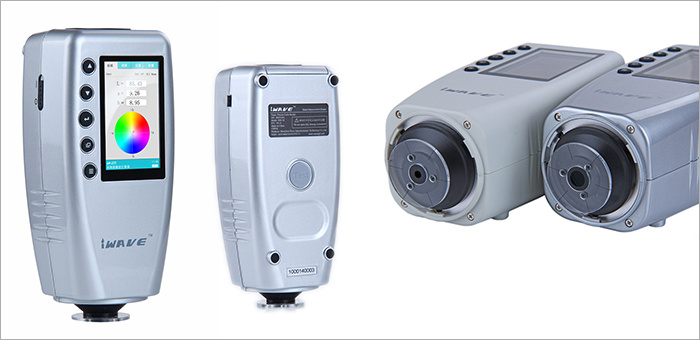
Pictures
Precautions
1 storage
●If the WR-10 Colorimeter will not be used for a long time , it should be stored in the packing box;
●Storage in a cool and dry environment with a temperature of -10°C~50°C and a Relative Humidity below 85%;
2 use
●When using the WR-10 Colorimeter , the ambient temperature is 0°C~40°C, the Relative Humidity is 85%, and there is no condensation;
●Avoid using the WR-10 Colorimeter in the environment of strong magnetic field, violent vibration, dust, and smoke to prevent abnormal data and performance failure of the Colorimeter.
●Prevent liquid, powder, solid and other foreign matter from entering into the WR-10 Colorimeter to prevent abnormal measurement data.
Industry application
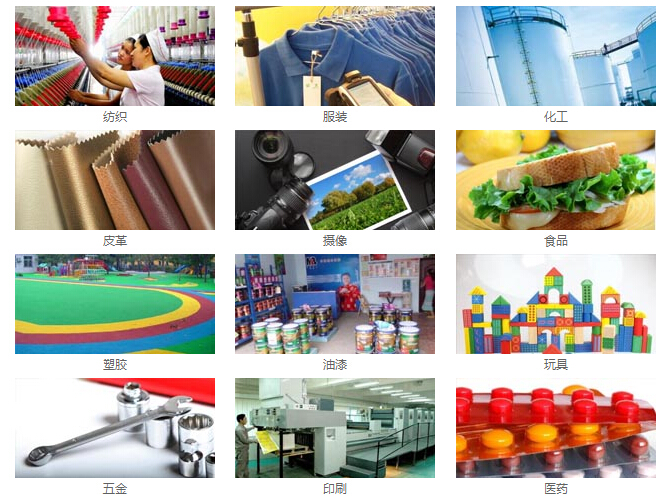
The application industries of IWave WR-10 Colorimeter include: textile, printing, chemical industry, clothing, leather, camera, food, plastic, paint, toy, medicine, hardware, etc.
- 1GB/T 36392-2025《Coated paper and board for food packaging》
- 2JB/T 5595-1991《Colorimeter》
- 3 0905-2015《Standard test method for color of petroleum products by the automatic tristimulus method》
- 4YS/T 680-2016《Powder for coating aluminium alloy extruded profiles for architecture》
- 5GB/T 20147.3-2023《Colorimetry—Part 3:CIE tristimulus values》
- 6GB/T 13448-2019《Test methods for prepainted steel sheet and strip》
- 7ISO 11664-3-2019《Colorimetry - Part 3: CIE Tristimulus Values》
- 8GB/T 2374-2017《Dyestuffs—General rules for dyeing test》
- 9GB/T 22374-2018《Floor coating》
- 10GB/T 23997-2009《Solvent-thinned polyurethane wood coatings for indoor decorating and refurbishing》