
Qnix 5500Fe3mm magnetic Induction Coating Thickness Gauge
 QNix 5500Fe3mm

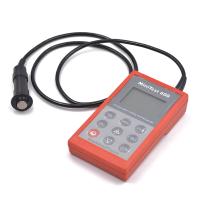
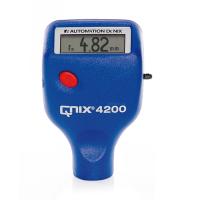
Qnix QNix 5500Fe3mm Coating Thickness GaugeSPEC
Qnix QNix 5500Fe3mm Coating Thickness GaugeDetails
Qnix QNix 5500Fe3mm Coating Thickness GaugePacking list

- SKU
- NB028219
- Measurement principle
- Magnetic Induction
- Measurement range
- 0~3000μm
- margin of error
- ±2~3%
- Minimum measurement surface
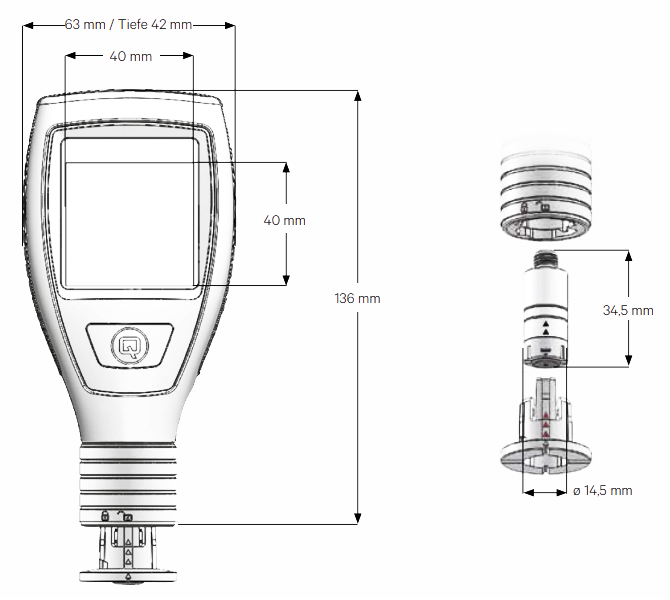
- Φ14.5mm
- Minimum radius of curvature
- R6mm
- thinnest substrate
- 0.2mm
- probe
- Integrated probe
- Probe size
- Φ14.5*34.5mm
- Probe material
- Shell top stainless steel (1.4305); Shell bottom Trogramid ® (CX7323)
- Probe Weight
- 11.9g
- Unit display
- μm
- Power Supply
- 2 * 1.5V (AA) alkaline battery
- Standards
- DIN EN ISO 2808,DIN 50981,DIN 50984,ISO 2178, BS 5411(3&11),BS 3900-C5,ASTM B 499,ISO 2360, ASTM D 1400,ASTM D 1186,ASTM D 7091
- Display screen
- IPS-LCD, 2-inch, color, 350cd/m2, with a Viewing Angle of 70 ° in all directions.
- Operating temperature
- -20℃-70℃
- Battery life
- 1 year (1 measurement per second)
- Protection level
- IP65
- Shell material
- Hard fiberglass * PA12 GF30
- Machine Weight
- 132g
- Machine size
- 136* 63*42mm
- Storage temperature
- -20~70℃
- Maximum workpiece surface temperature for continuous measurement
- 80℃
- statistical function
- MAX Maximum, MIN Minimum, Average, Standard deviation
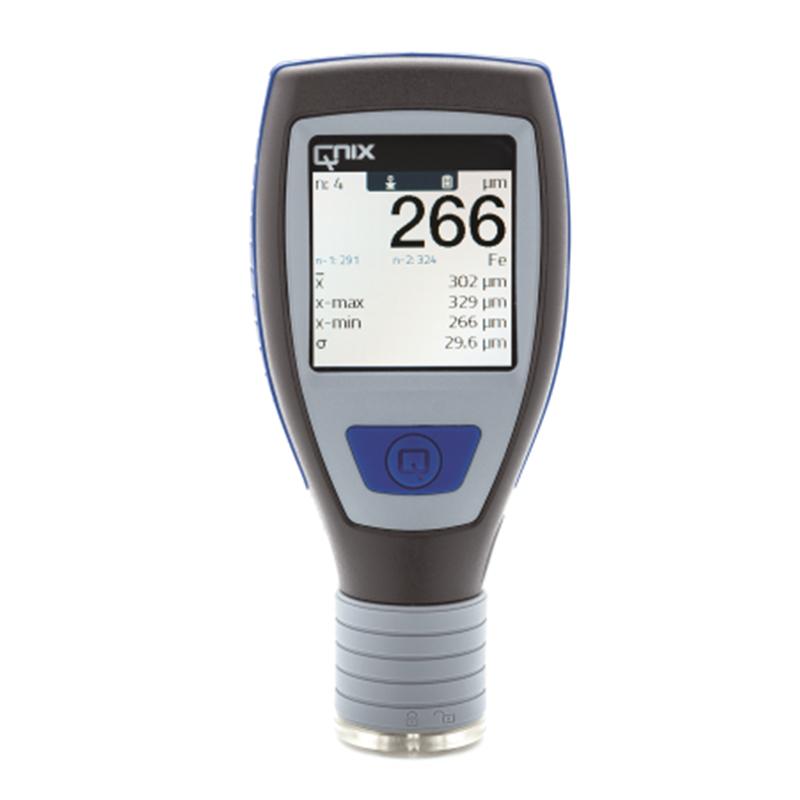
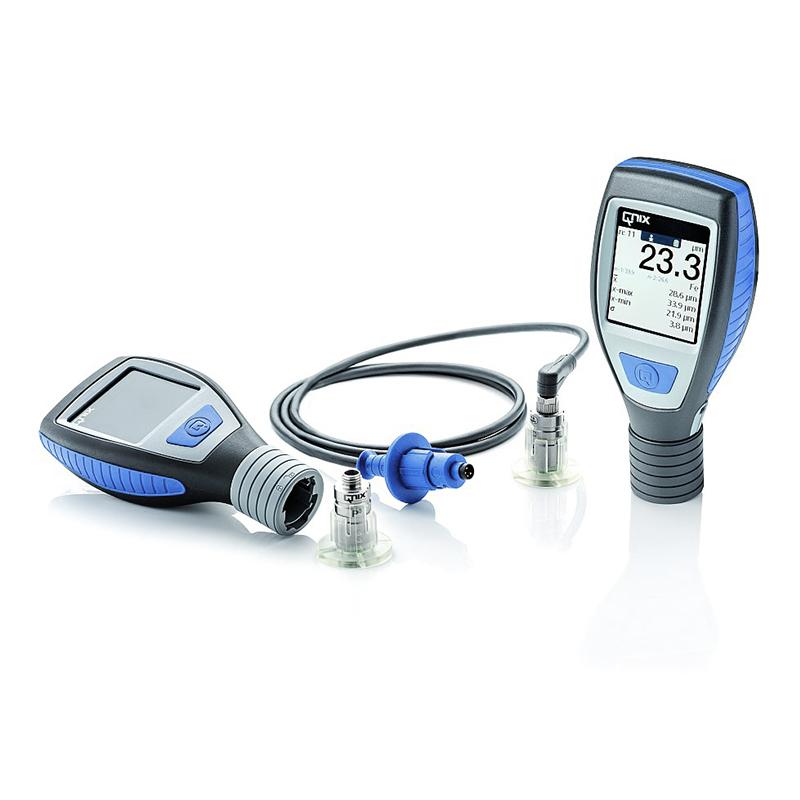
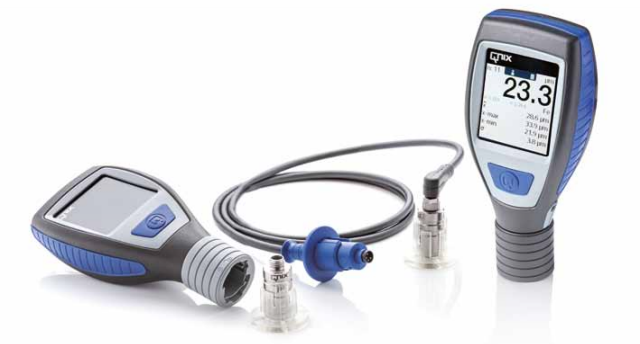
The QNix 5500 Coating Thickness Gauge is a convenient, durable, and action-friendly instrument for:Modular version, the user can decide which probe to use and the cable. Just in case, remember to disconnect the power supply when replacing the probe!
Whether in industrial painting and engineering coatings, in heavy corrosion protection or in vehicle evaluations conducted by vehicle professionals and retailers: QNix®The 5500 provides you with excellent support for rapid inspection of coatings, and there is no need for complex equipment configuration - just turn it on, turn it on, and read it.
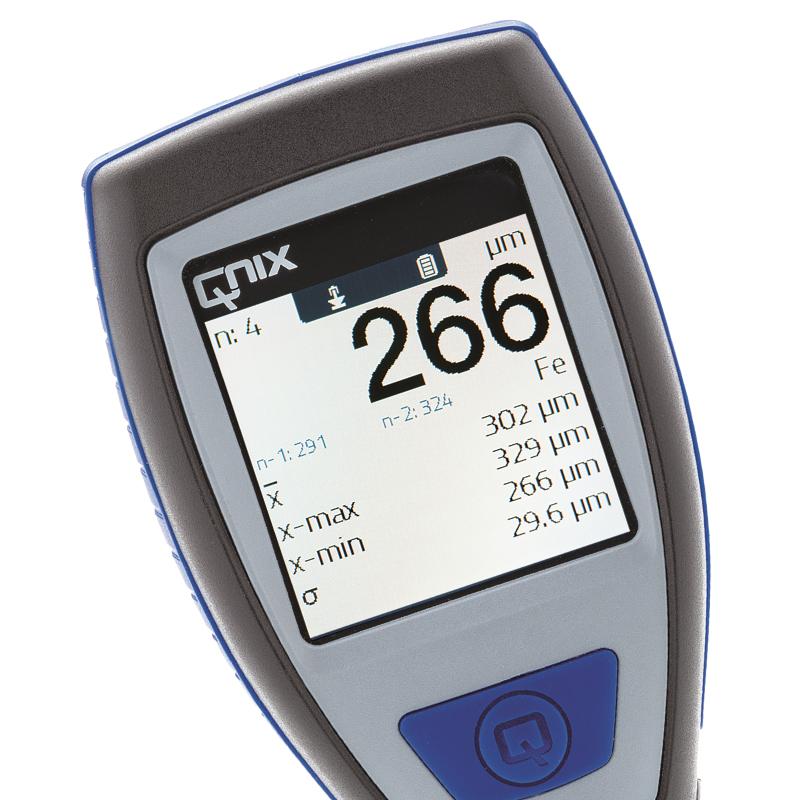
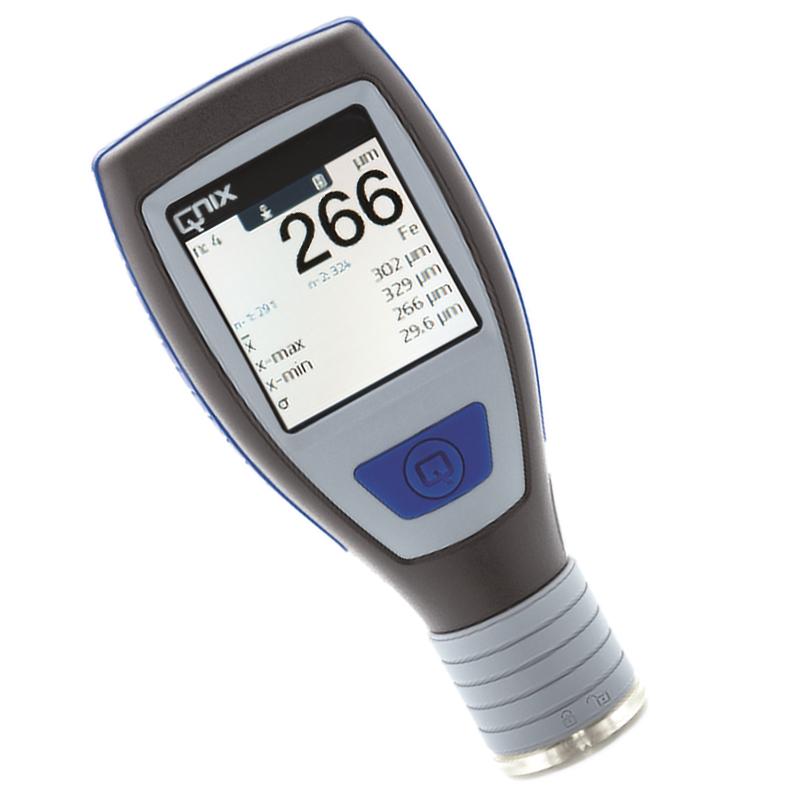
The large 2-inch color LCD with auto-flip makes it easier to read the measured values in any position, even in harsh lighting conditions. Such as bridge cavities and Water Tanks or when working outdoors orIn strong sunlight. QNix5500Provide all the necessary statistical information about the current measurement series:Display of mean, standard deviation, maximum and minimum measurements.
The proper design ensures safe contact and avoids erroneous measurements. For smaller contact areas or inclined components, simply use the probe cable and plug the QNix®5500 inStay in the cable device for a few seconds (only for the modular version). The angled cable connection makes it easier to work comfortably even when space is limited.
With one-click operation, you can quickly and reliably make adjustments to the base substrate or the included zero plate.
The right probe for every application – precise, with high accuracy over the entire measuring range: measuring ranges from 1.25 mm to 3 mm to 5 mm, Fe, NFe or dual probes can be used.
- 1Principle, Application and Type Selection of Electronic Coating Thickness Gauge
- 2Preparation of SiO _ 2 aerogel composite insulating coating
丁逸栋 刘朝辉 王飞 贾艺凡 舒心 - 《中国人民解放军后勤工程学院化学与材料工程系》
- 3Concept and basic knowledge of coating Thickness Gauge
- 4Application of QNix Coating Thickness Gauge in coating Film thickness measurement
- 5Coating Thickness Gauge for coated Film thickness measurement in vehicle evaluation
- 6PHYNIX Surfix ® easy Coating Thickness Gauge comparison table
- 7Synthesis of Hyperbranched Resin and Its Application in Polyurethane Coatings
王延飞; 沈本贤; 荆红德 - 《热固性树脂》
- 8Why Use Coating Thickness Gauges in Powder Coatings?
- 9Comparison of the selection of several types of scribes with a number of teeth of 11 and a spacing of 1mm
- 10Which Coating Thickness Gauge is Right for You?
- 1QJ 990.3A-2011《Inspection methods of coating.Part 3:Measurement of coating thickness》
- 2GB/T 42541-2023《Coated steel pipes for gas piping》
- 3GB/T 7991.5-2014《Test method of viterous and porcelain enamels—Part 5:Determination of thickness by electromagnetic mothod》
- 4JJG 818-2018《Magnetic and Eddy Current M easuring I nstrument for Coating Thickness》
- 5GB/T 1727-2021《General methods for preparation of coating films》
- 6HG/T 20720-2020《Construction and acceptance specification of waterborne anti-corrosion coatings for steel structures in industrial buildings》
- 7SY/T 0315-2013《Technological specification of external fusion bonded epoxy coating for steel pipeline》
- 8ASTM B499-2021《Standard Test Method for Measurement of Coating Thicknesses by the Magnetic Method: Nonmagnetic Coatings on Magnetic Basis Metals》
- 9GB/T 4956-2003《Magnetic substrate, nonmagnetic overlay, overlay thickness measurement magnetic method》
- 10GB/T 4956-1985《Methods of test for chemical resistance of paint films》