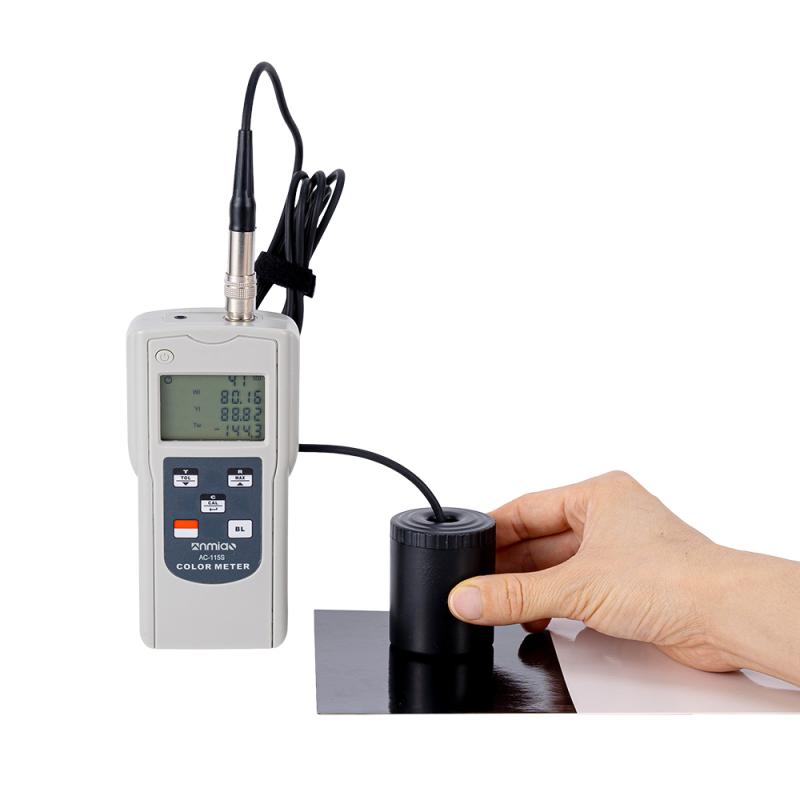
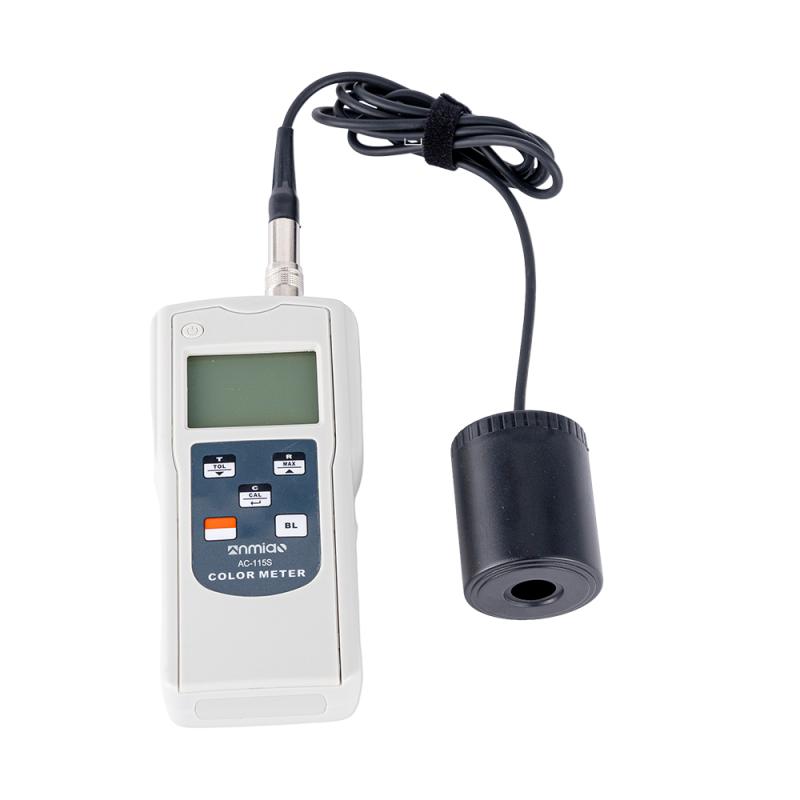
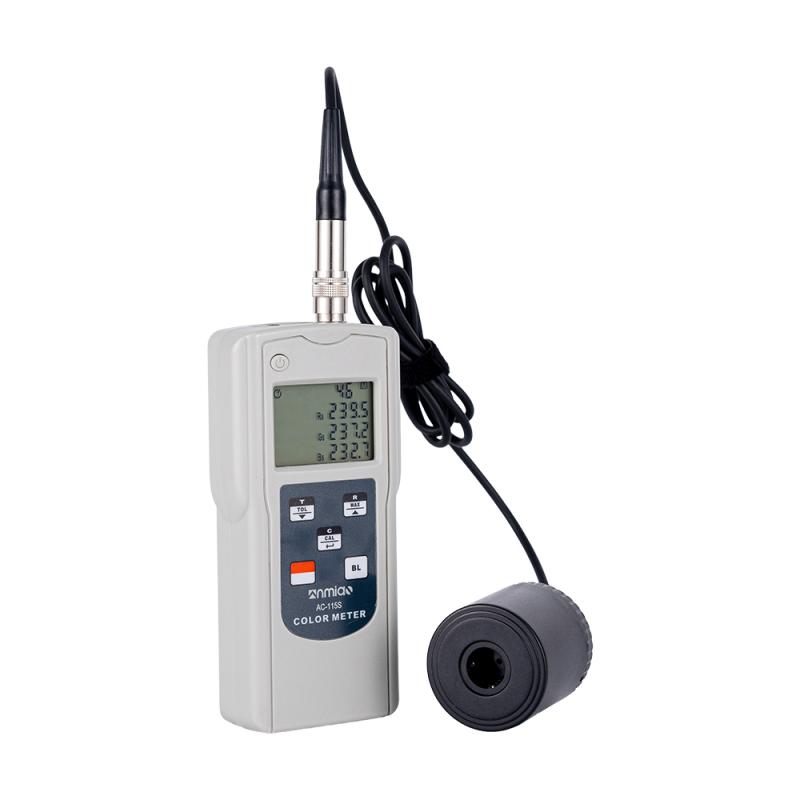
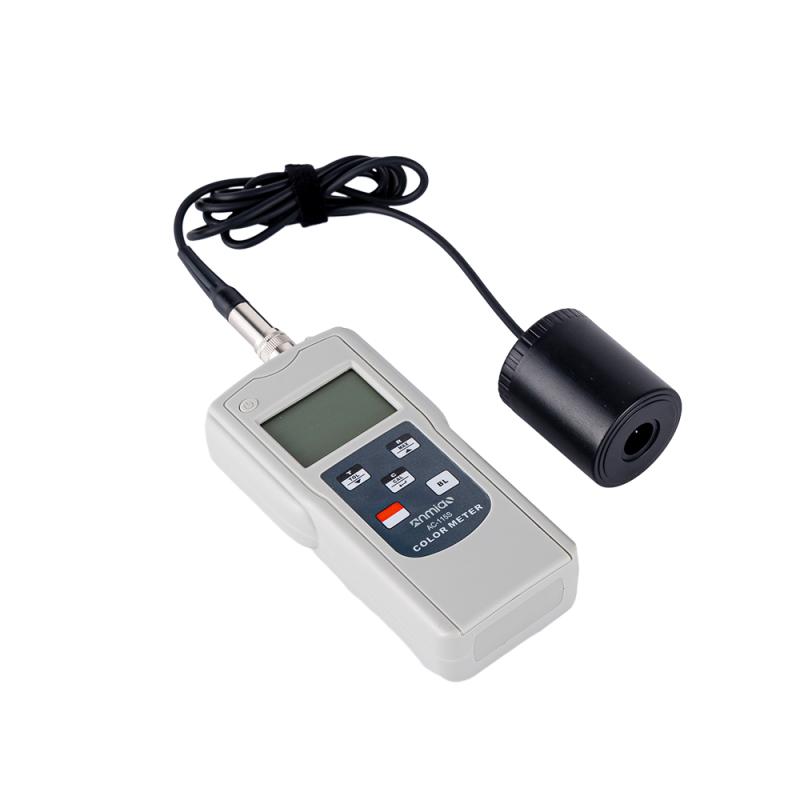
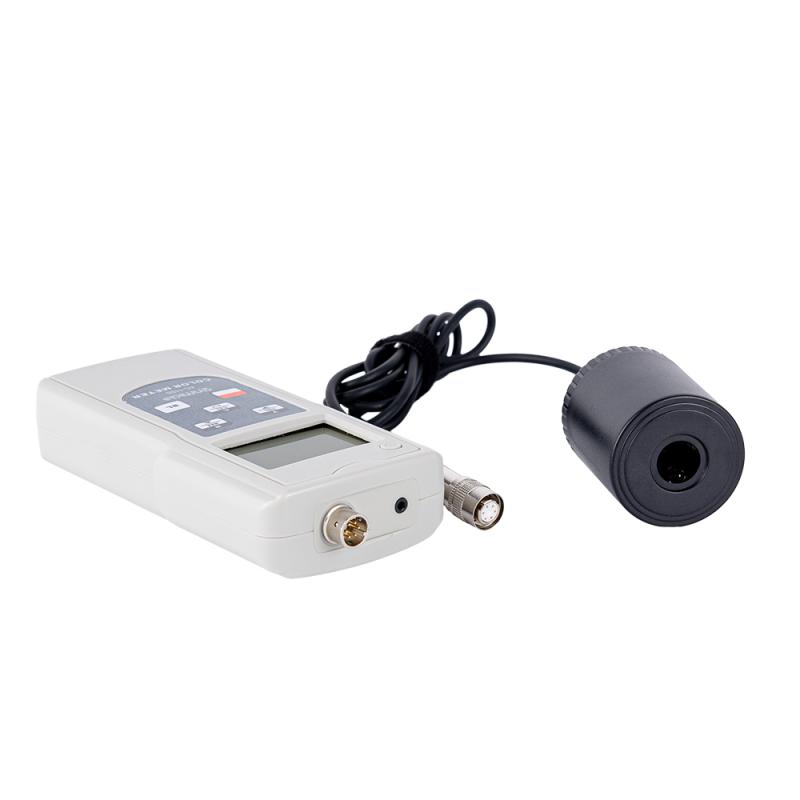

AMITTARI AC-115S Portable Colorimeter
SE AC-115S

AMITTARI AC-115S ColoriMeterSPEC
AMITTARI AC-115S ColoriMeterDetails
AMITTARI AC-115S ColoriMeterPacking list

- SKU
- NB031479
- Lighting method
- 45°/0°
- Measuring range
- L*:5~100
- Measurement time
- About 2s
- Measurement caliber
- F10mm
- Sexual repeability
- Standard deviation is within ΔE * ab 0.5
- Operating language
- Chinese
- Viewing Angle
- Illumination at 45 °, measurement at 0 °
- lighting source
- White LED light
- Data storage
- 9; set via measurement or input
- Power
- Four AA batteries
- display mode
- ∆(L*,a*,b*), ∆(E*ab,C*ab,H*ab), ∆ ( Y, x , y ) , ∆ ( X , Y, Z ) , ∆ ( R s ,Gs , B s )或 ∆(WI,YI,Tw)
- Operating conditions
- 0~40 ℃ at 85% RH
- Storage environment
- -10~40 ℃ at 70% RH
- Dimensions
- 140*70*31mm
- Weight
- Approx. 205g (without battery)
- Color space
- (L *, a *, b *), (L *, C * ab, hab), (Y, x, y), (X, Y, Z), (Rs, Gs, Bs) (WI, YI, Tw)
- Measurement conditions
- Observation: CIE 2 ° standard observation
- Optional accessories
- USB cable and software, Bluetooth adapter and software
- Data memory Capacity
- 99 groups (read directly on LCD)
- Automatic shutdown
- About 3 minutes
- Display
- 3 4-digit LCD displays
- Sensors size
- Φ44x55mm

Introduction
This Colorimeter is a very portable and easy-to-use tri-stimulus Colorimeter, specially designed for measuring the color difference between two colors.
AC-115S Colorimeter is used to measure non-luminous and non-fluorescent samples, such as textiles, paper, leather, spray materials and others. It is a useful tool in quality control and a wide range of industrial applications.
Features
When measuring, the measuring head of this watch should be closely attached to the color sample to be tested without any gap.
Color difference shows ∆(L*,a*,b*), ∆(E*ab,C*ab,H*ab), ∆ ( Y , x , y ) , ∆ ( X , Y , Z ) , ∆ ( Rs ,Gs ,Bs) or ∆(WI,YI,Tw).
Color space display ( L* , a* ,b* ), ( L* ,C* ab, hab), (Y,x,y), (X,Y,Z), (Rs,Gs,Bs) or ( WI, YI, Tw).
Statistical functions (maximum, minimum, average and standard deviation).
Configurable color difference allows error judgment PASS/WARN/FAIL.
9 target colors can be stored.
User calibration function ensures high accuracy.
Automatic memory (99 groups) and read function.
Digital backlight display, no parallax.
Auto power off function.
Using the optional USB cable and its software, it can communicate with a PC computer to realize functions such as data collection, processing, analysis and printing.
Product Structure

1. LCD: Display measurement data and setting items.
2. /TOL/▼ key:
1) : The difference measurement mode control key for the target color. Use this key to enter this mode.
2) TOL: Target color difference tolerance measurement mode control key.
Press this key for 3 seconds to enter or leave this mode.
3) ▼ key: In the reading mode, the cycle scrolling of data or the reduction of display setting value.
3. /CAL/ key:
1): Change the color coordinate control key. Press this key to cycle through the displayed measured color coordinates.
2) CAL: white calibration mode control key. Press this key for 3 seconds to enter or leave this mode.
3) Left arrow key: confirm or store the displayed setting.
4./MAX/▲ key:
1): Memory data reading mode control key. Press this key to enter the reading mode, press the switch key to leave this mode.
2) MAX: The control key of the stored data statistical calculation mode (maximum value, minimum value, average value and standard deviation).
Press this key for 3 seconds to enter this mode, press the switch key to leave this mode.
3) ▲key: Circular scrolling of data in reading mode or increase of display setting value.
5. Measurement switch key:
1) Press the measurement switch key to turn it on, press the measurement switch key for 3 seconds to turn it off.
2) Press the measurement switch key to measure.
6. Backlit keys
7. Data line interface
8. Measuring head
9. Back battery
- 1GB/T 36392-2025《Coated paper and board for food packaging》
- 2JB/T 5595-1991《Colorimeter》
- 3 0905-2015《Standard test method for color of petroleum products by the automatic tristimulus method》
- 4YS/T 680-2016《Powder for coating aluminium alloy extruded profiles for architecture》
- 5GB/T 20147.3-2023《Colorimetry—Part 3:CIE tristimulus values》
- 6GB/T 13448-2019《Test methods for prepainted steel sheet and strip》
- 7ISO 11664-4-2019《Colorimetry - Part 4: CIE 1976 L*A*B* Colour Space》
- 8ISO 11664-3-2019《Colorimetry - Part 3: CIE Tristimulus Values》
- 9GB/T 2374-2017《Dyestuffs—General rules for dyeing test》
- 10GB/T 22374-2018《Floor coating》