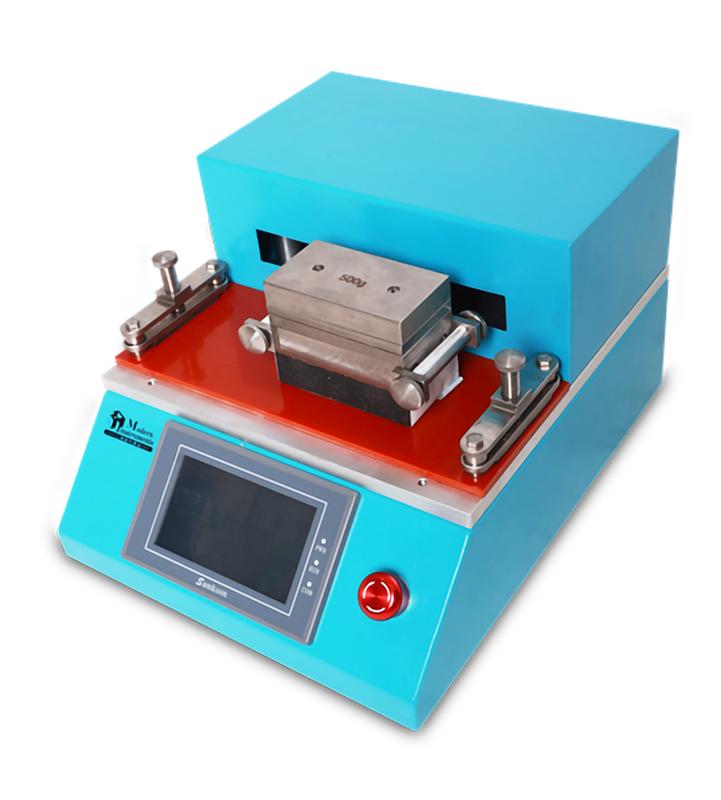
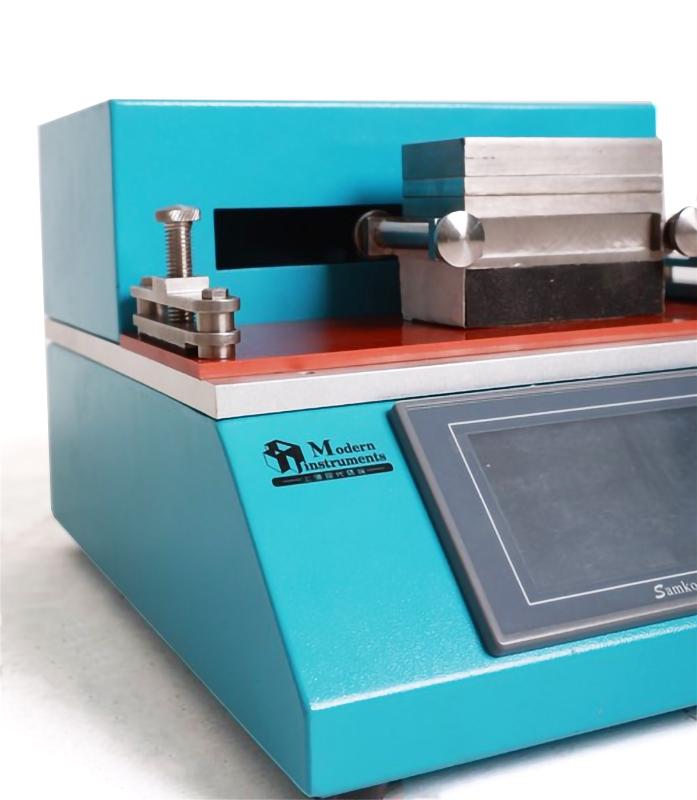
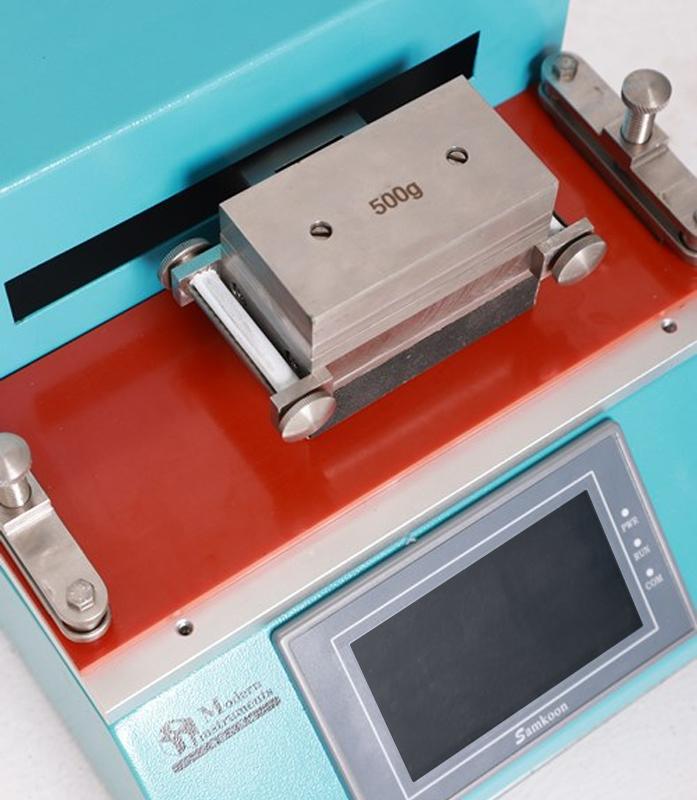

MODERNER ART-I friction wiper, paper friction resistance performance
SE ART-I
ART-I

Moderner ART-I Solvent Rub Resistance TesterSPEC
Moderner ART-I Solvent Rub Resistance TesterDetails
Moderner ART-I Solvent Rub Resistance TesterPacking list

- SKU
- NB034915
- configuration
- Friction wiper
- Wipe one-way stroke
- 110mm
- Wiping speed
- 20~85cpm
- Reciprocating Count Settings (1 Reciprocating Count 1 Time)
- 0~65535r
- Specimen size
- 50*250mm
- Wipe head bottom surface size
- 50×90mm
- Wipe head Mass
- 1000g
- Additional CounterWeight
- 250-250-500g
- Instrument Power
- DC24V
- Power adapter input (accessory)
- AC100~240V50/60Hz
- Overall Dimensions
- 330×260×210mm
Overview
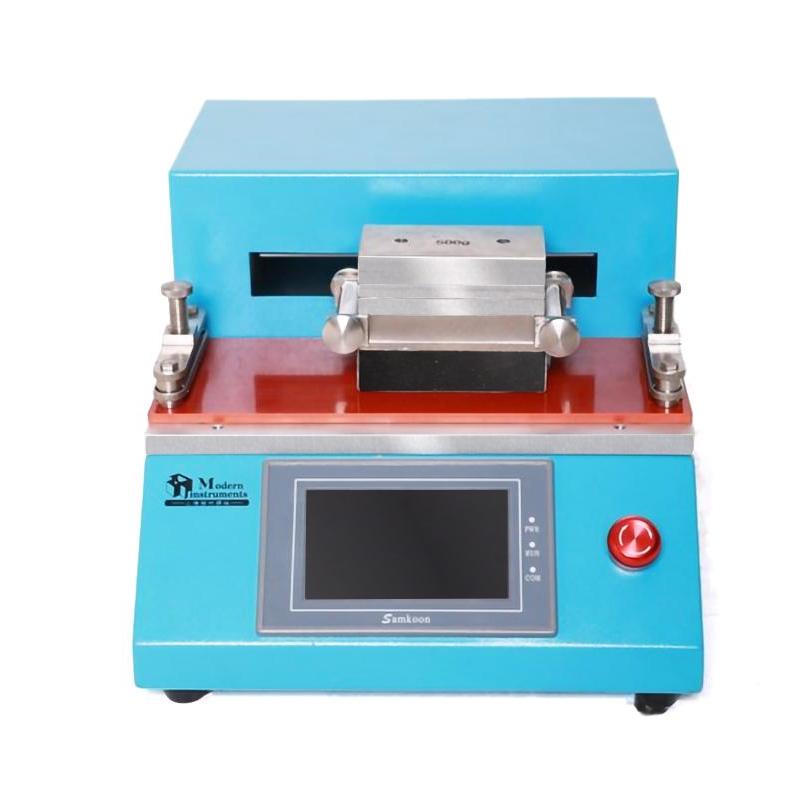
The wiping Tester uses the reciprocating wipe method to evaluate the solvent wiping resistance or paper wiping resistance of paints and inks, and its principle is to use a crank slider mechanism to achieve the reciprocating wiping motion of the instrument. The wipe Tester is available in two optional configurations: the SRT-I Solvent Wipe and the ART-I Friction Wipe.
Configuration 1:The SRT-I Solvent Wiper is used in laboratories to evaluate the solvent wiping resistance of cured specimen surfaces (MEK method), according to the relevant standards ASTM D5409 and GB/T 23989.
Configuration 2:The ART-I friction wipe instrument is used in laboratories to evaluate the friction resistance of cured specimen surfaces, and the relevant standards are ASTM D5264 and GB/T 7705, GB/T 7706, GB/T26461.
Models
| disposition | Solvent wipe | Friction wipe |
| Model | SRT-I | ART-I |
| Wipe one-way travel | 120mm | 110mm |
| Wipe speed | 20~85rpm | 20~85rpm |
| Reciprocating Count Setting (1 reciprocating count 1 time) | 0~65535r | 0~65535r |
| Specimen size | 75×200mm | 50×250mm |
| Wipe the size of the underside of the head | Φ14mm | 50×90mm |
| Wipe head quality | 400g | 1000g |
| Additional counterweights | 600g | 250-250-500g |
| Instrument power supply | DC24V | DC24V |
| Power adapter input (accessory) | AC100~240V50/60Hz | AC100~240V50/60Hz |
| Dimensions | 330×260×210mm | 330×260×210mm |
Instrument use
1. Place the instrument on a stable and flat laboratory table, away from strong magnetic and strong current interference areas. Power the instrument is supplied with a power adapter (input AC110-240V, output DC24V). Turn on the power switch on the rear of the instrument, and the touch screen lights up.
2. The instrument has an emergency stop button, before starting the instrument to run, if the touch screen shows "emergency stop has been pressed, please release the emergency stop button first (rotate the mushroom head to make the emergency stop button jump). The emergency stop button is used when an emergency stop is required.
3. The prepared and dried specimen is fixed on the instrument working surface with a two-end specimen fixture.
4. The solvent wiping head is fixed with a cotton ball with a hoop. A small hole at the top of the wiping head is used to add the appropriate amount of solvent. The wiping head is hooked to the reciprocating rod of the wiping Tester. The solvent wipe resistance test usually has a total load of 1000g.
5. The friction wiping head uses a paper reel to fix the wiping paper. First, cut the wiping paper (usually 80g/m2 white copy paper) into 50×290mm strips, then insert the two ends of the paper strips into the groove in the middle of the roll roller, turn the roll roller to tighten the paper strip, and fix the roll roller after tightening. The wiping head is hooked to the reciprocating rod of the wiping Tester. Place the counterweight onto the wiping head as needed. The friction resistance wipe test usually has a total load of 1000~2000g.
6. Select the wiping speed of the touch screen, 60rpm for solvent resistance, and 43rpm for friction resistance (the speed selection interface can directly click "solvent resistance" or "friction resistance"). Other speeds are also available on request.
7. The touch screen sets the number of laps as needed, and the instrument will automatically stop when it runs until the set laps, and automatically clears the "running laps" and adds 1 "running times". If the "Set Laps" is set to 0, the instrument will not stop automatically, and the instrument will stop running only when you press the "Stop" button or press the emergency stop button.
8. "Running Laps" records the actual number of reciprocating times of the instrument, and the number of runs will be automatically cleared to zero and 1 number of runs will be added to the set number of laps. You can also click the "Clear" button to clear the "Running Laps".
9. "Number of Operations" records the number of sets of laps actually completed by the instrument. Tap the "New Start" button to clear both "Running Laps" and "Running Cycles".
10. After the pre-run preparation operation is completed, you need to move the wiping head to the left end (or right end) before you can click the "Run" button to start the reciprocating wiping operation of the instrument. In order to prevent the instrument from running by mistake before the operation is ready to be completed, the touch screen will display the operation confirmation screen after clicking the "Run" button, if it is indeed to run, click the "Yes" button to start running, otherwise the "No" button will return to the main interface.
11. Every time you start running, the instrument will start running at a low speed (20rpm), and after running 1 reciprocating operation, it will automatically increase to the set speed and continue to run until the end. If the "Set Laps" is not 0, the instrument will automatically stop running until the set laps are set. The instrument can also be stopped at any time using the "Stop" button during operation.
12. After use, clean and maintain the instrument in time to prepare for reuse.
13. Note: SRT-I Solvent Wiper and ART-I Friction Wiper use different crank configurations, which have been set before assembly and cannot be changed by the user. The solvent wiper head can be used on the ART-I Friction Wipe, but the friction wiper head cannot be used on the SRT-I Solvent Wiper (it will damage the instrument). Before use, please check and confirm that the model and name of the instrument displayed on the touch screen meet the procurement requirements.
14. The speed of more than 60rpm can only be used for wiping heads with a total mass of no more than 1000g.
- 1ASTM D7835/D7835M-23《Standard Test Method for Determining the Solvent Resistance of an Organic Coating Using a Mechanical Rubbing Machine》
- 2SJ 20910A-2018《General specification for powder spraying coating》
- 3JB/T 4279.10-2008《Verification procedure for test equipment of enamelled winding wire.Part 10:Tester for resistance to solvents》
- 4GB/T 13448-2019《Test methods for prepainted steel sheet and strip》
- 5HG/T 5776-2020《Water-based coatings for surface of rubber sealing products》
- 6HG/T 5367.1-2018《Coatings for rail transit vehicles - Part 1: Waterborne coatings》
- 7GB/T 13448-2006《Test methods for Prepainted Steel Sheet》
- 8ASTM D4752-2020《Standard Practice for Measuring MEK Resistance of Ethyl Silicate (Inorganic) Zinc-Rich Primers by Solvent Rub》
- 9ISO 20566-2020《Paints and varnishes Determination of scrub resistance of coatings by laboratory automobile cleaning method》