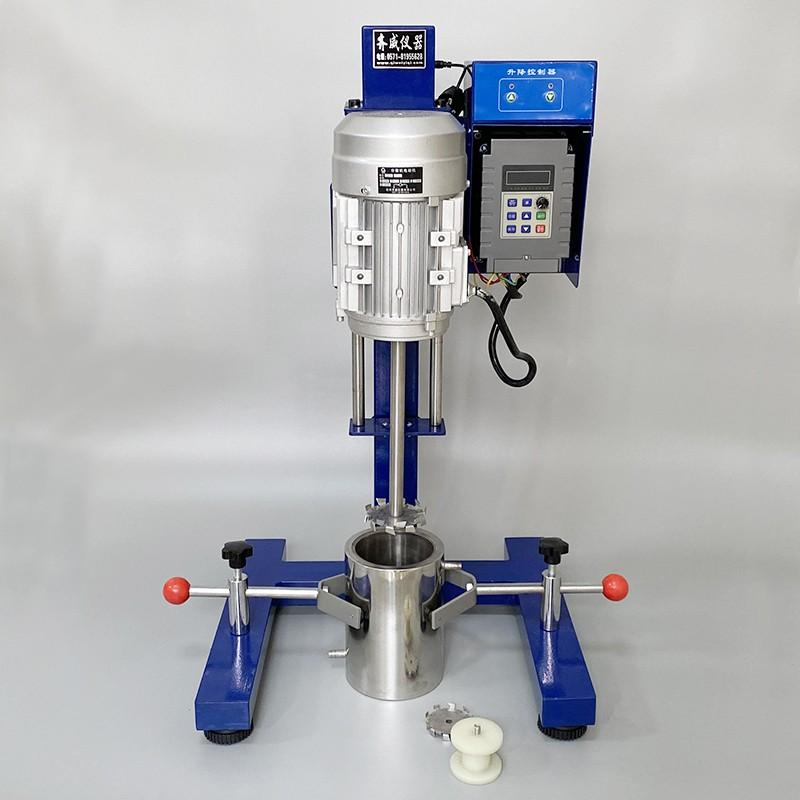
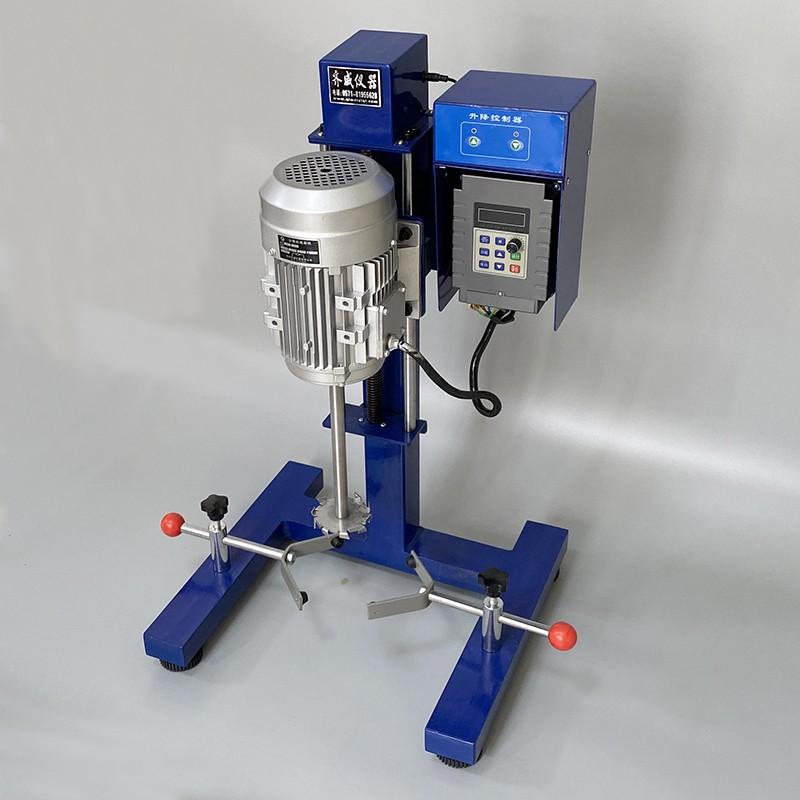

QIWEI JRH-400 Mulser 400W
SE JRH-400

QiWei JRH-400 MulserSPEC
QiWei JRH-400 MulserDetails
QiWei JRH-400 MulserPacking list

- SKU
- NB038529
- power
- 400W
- Stator size
- Φ65mm
- Speed range
- 100~8000rpm
- Lifting stroke
- 270mm
- Power Supply
- 220V/ 50HZ
- Length of emulsification rod
- 550mm
- Dimensions
- 460*420*750mm
- Weight
- 35Kg
Overview
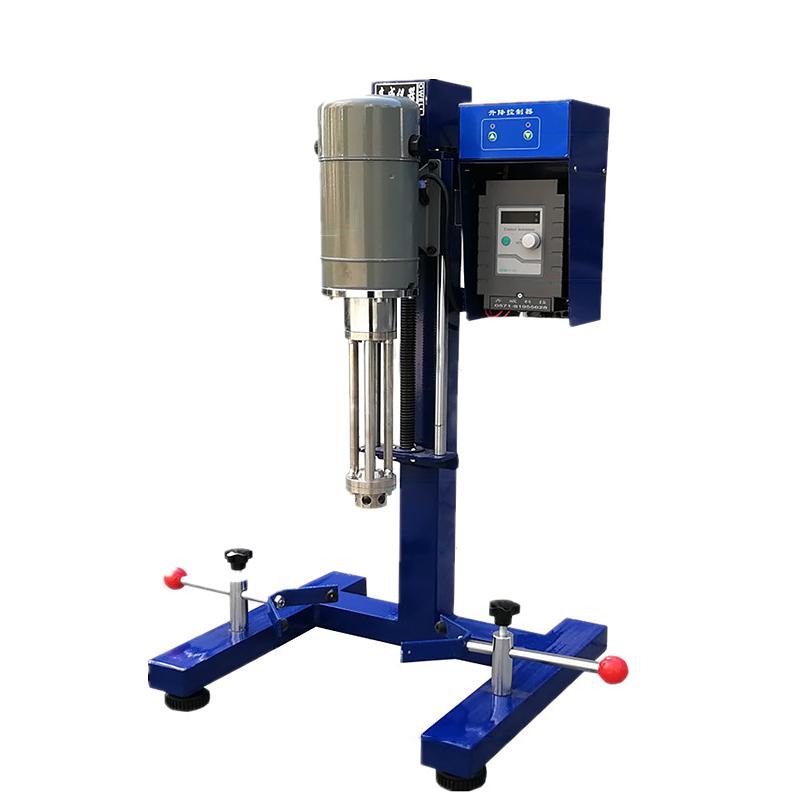
The emulsifying machine uses a specially designed rotor and stator to suck the processed materials into the rotor under the high-speed driving of the motor. Due to the strong kinetic energy brought by the high-frequency mechanical effect generated by the high-speed rotation of the rotor, the materials are placed in the precise gap between the stator and the rotor. It is split, broken, and dispersed under the combined effects of strong mechanical and hydraulic shear, centrifugal extrusion, liquid layer friction, high-speed impact tearing, and turbulence, and the material is subjected to hundreds of thousands of such shears in a short period of time. The shearing effect allows incompatible materials to achieve the effects of emulsification, crushing and dissolution evenly and finely in an instant. The application fields of emulsifiers are relatively wide, such as adhesives, paints and coatings, cosmetics, food, medicines, printing and dyeing, ink, etc. It is widely used in asphalt and other industries.
Selection
| model | JRH-400 | JRH-1000 |
| power | 400W | 1100W |
| Stator size | Ï65mm | |
| Speed âârange | 100-8000rpm | |
| Lifting stroke | 270mm | 270mm |
| Voltage | 220V/50HZ | 220V/50HZ |
| Emulsification rod length | 550mm | 550mm |
| Dimensions | 460*420*750mm | 460*420*750mm |
| weight | 35KG | 38KG |
structure
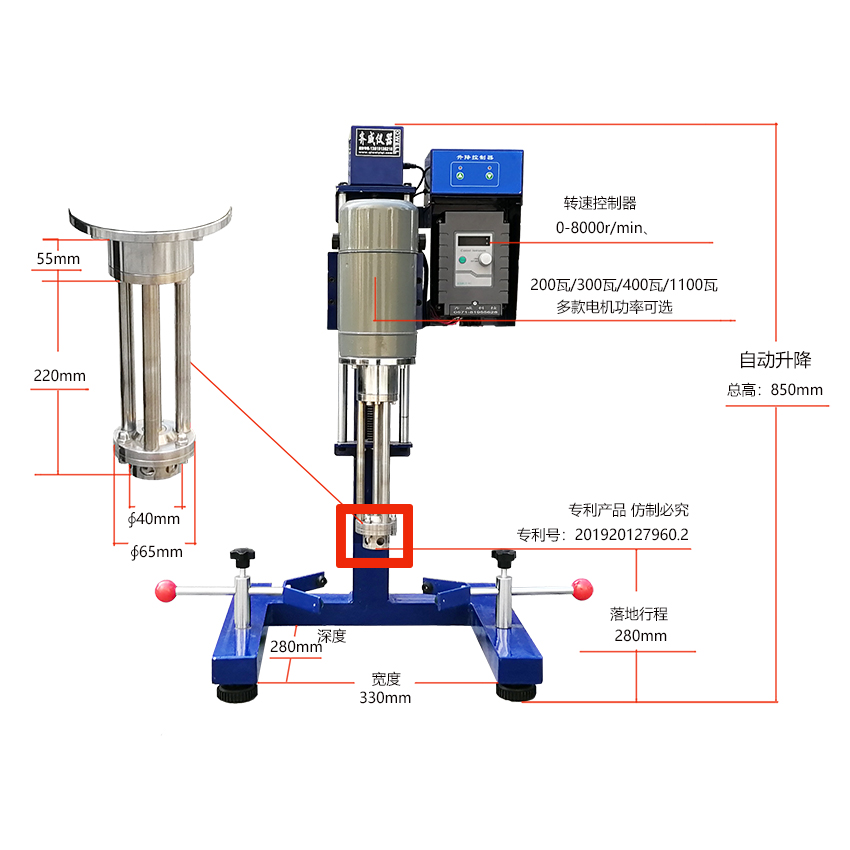
ãThis machine adopts manual lifting method (first loosen the safety buckle of the hand switch, then move it to the required height, and then tighten the safety buckle). It is easy to lift and lower.
Instructions
ã1. Adjust the motor locking bolt, adjust the height position of the rotating shaft and the container, put in the material and close the container lid.
2. Plug in the power, and the meter will display "0000".
3. Before running, make sure the potentiometer is turned counterclockwise to the end, press the "Run" key to start the work, and adjust the potentiometer from left to right to the corresponding speed as needed.
4. Press the "Stop" button to stop the motor. Cut off the power and shut down.
5. Idling is strictly prohibited.
Timing operation method
After the boot window displays "0000", press "Time", the upper right corner will light up with a red light, adjust the positioning knob to set the time, and then press the "Time" key to display. At this time, you can set the corresponding rotation speed through the positioning knob. Wait until the setting The instrument automatically stops working when the time is over.
Stop working: Under any working condition, press the positioner knob once and the machine will stop running.