
Tensile Tester HF-300K Hypertherm, Large Load Value, Wheel Amplitude Sensors
SE HF-300K

HBO HF-300K Force Gauge (Digital Display)SPEC
HBO HF-300K Force Gauge (Digital Display)Details
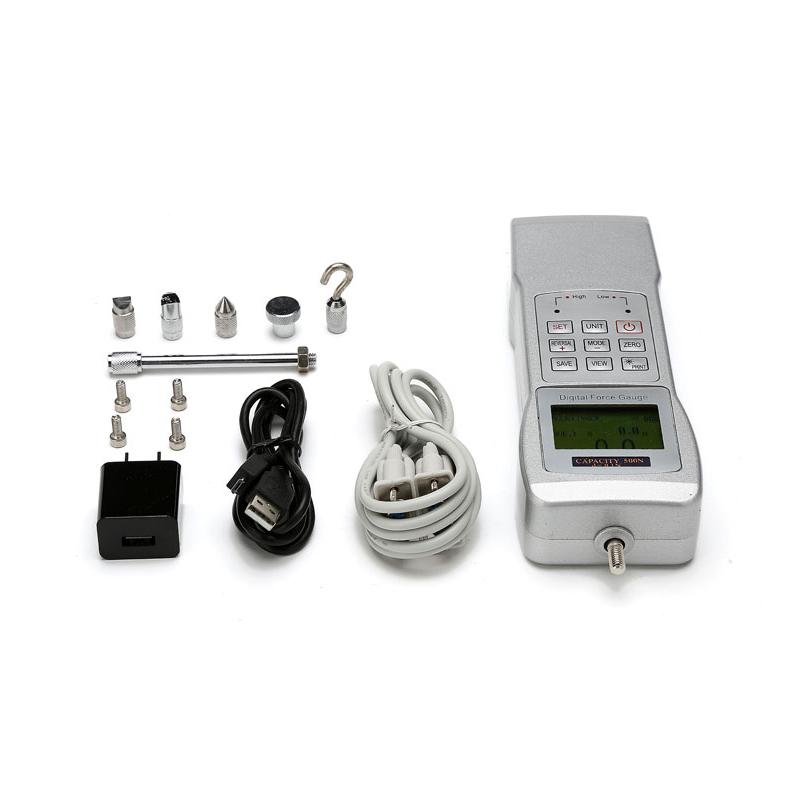
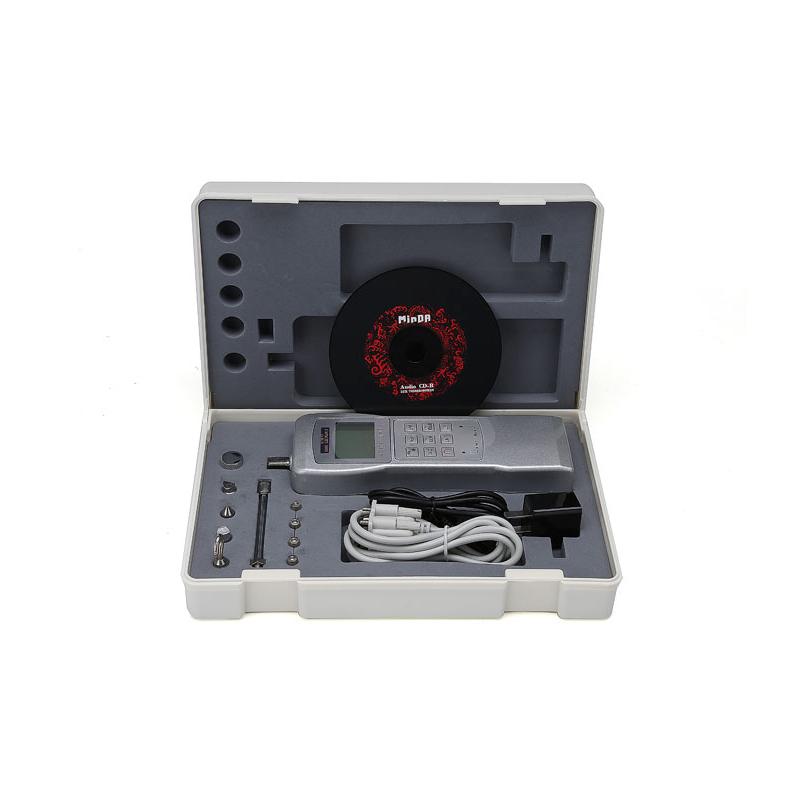
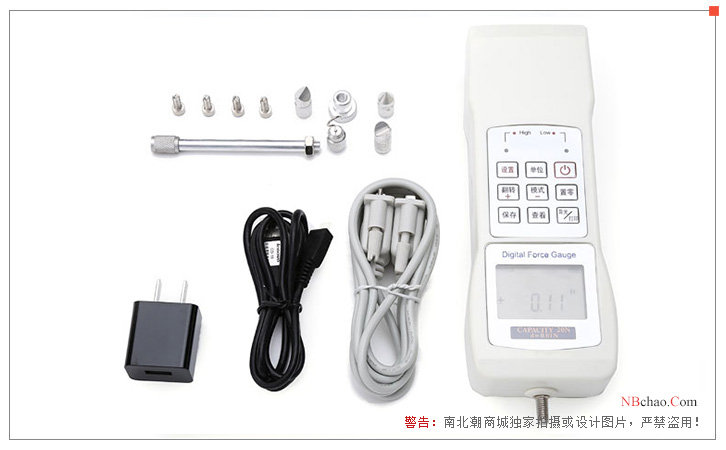
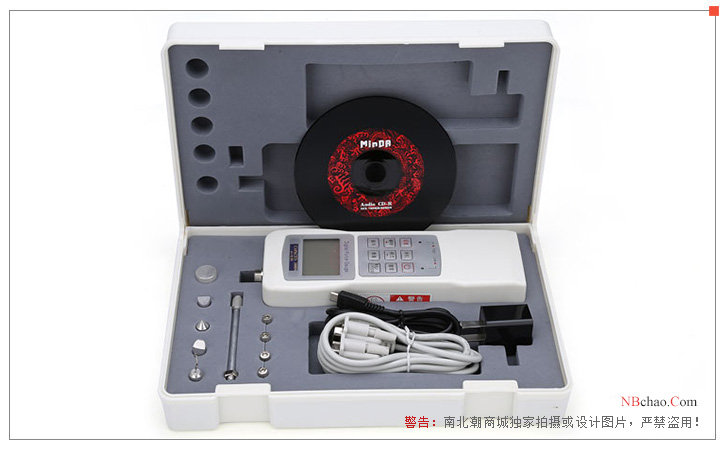
HBO HF-300K Force Gauge (Digital Display)Packing list

- SKU
- NB003899
- display
- digital display
- Measured value
- 300KN 30000kg 66000lb
- Load Graduation
- 0.1KN、10kg、20lb
- Sensors structure
- Sensors External
- error of indication
- ±0.5%
- Power Supply
- NiMH battery 6V/1500mAh
- unit
- Kgf、N、Lbf
- ADC conversion speed
- 15Hz~960Hz
- Operating temperature
- 0~40℃
- Storage temperature
- -20℃~70℃
- Relative Humidity
- 15%~80%RH
- Operating Environment
- No vibration and corrosion medium around
product description
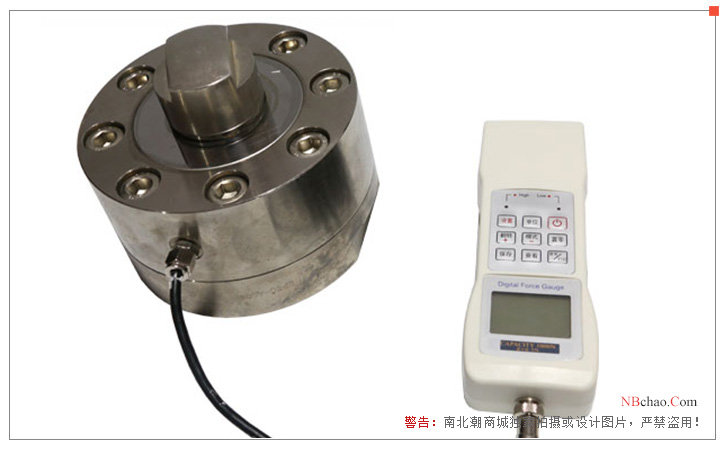
Haibao Instruments HF-100K/200K/ 300K /500K/1000K tensile Tester is a spoke-type tensile Tester, which is an external sensor type, which is different from the sensor of a general tensile Tester. The sensor of a spoke-type tensile Tester is A wheel shape, dedicated to some test occasions where the measured load value is large. The maximum load value measured by HF-100K/200/300K/500K/1000K tensile Tester can reach 100KN, 200KN, 300KN , 500KN, 1000KN respectively, which are several tensile Testers with relatively high load value among Haibao HF series tensile Testers .
Features and advantages
1. Button action force and resilience test function.
2. During the test, it supports the first peak hold mode function.
3. HF-100K/200/ 300K /500K/1000K tensile Tester can set the neutral acceleration value.
4. Display the test direction (pull +, push -).
5. The accuracy and resolution are very high, and the sampling speed can be as high as 960HZ.
6. Freely set the upper and lower deviation values, automatic sound alarm and level signal output.
7. HF-100K/200/300K/500K/1000K tensile Tester adopts dot-matrix liquid crystal display and green backlight screen.
8. The operation interface can be displayed in Chinese or English, and the displayed test content can be flipped 180 degrees, which is convenient for multi-angle measurement.
9. Peak hold and peak release functions (can be set from 0 to 99 seconds).
10. Large-capacity storage function, which can store 200 sets of test data, and automatically calculate the average value, minimum value, and maximum value of the stored data.
11. Automatic shutdown without operation (freely set the time from 0 to 99 minutes).
12. Serial port communication, computer display force value curve, force value table and other display methods, and process the pulling force data, such as statistical analysis.
13. Serial port output, which can print the stored tensile test data and the maximum, average and minimum values.
Product Structure
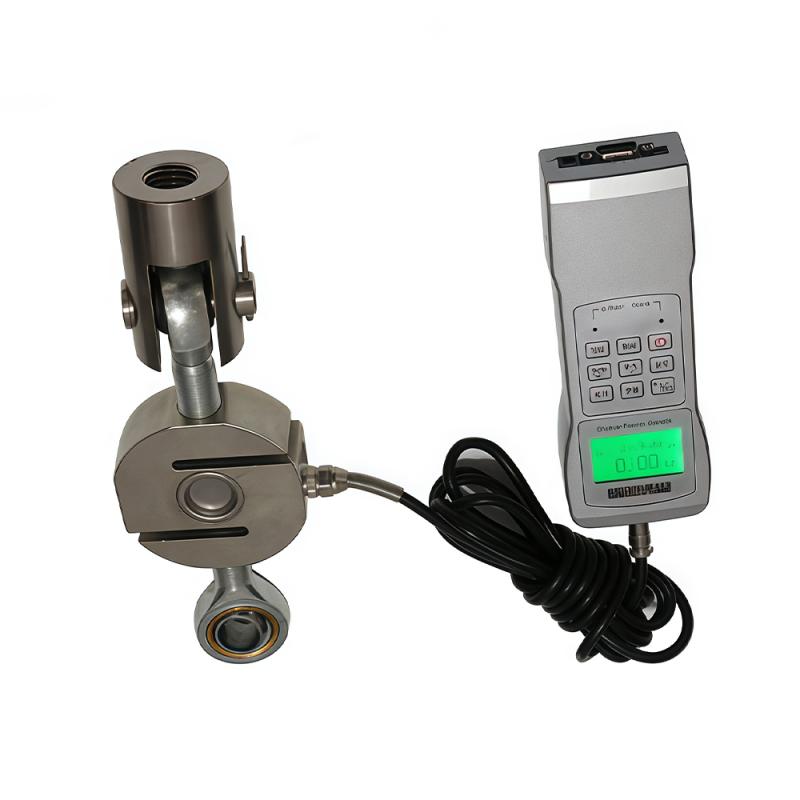
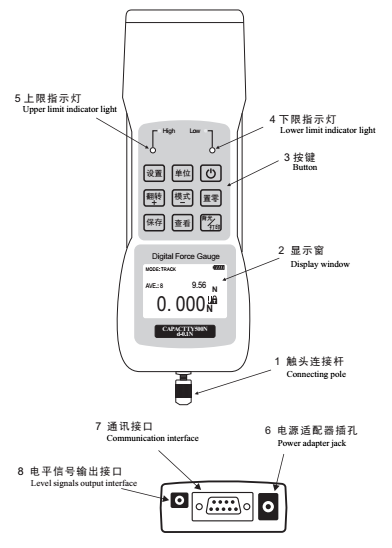
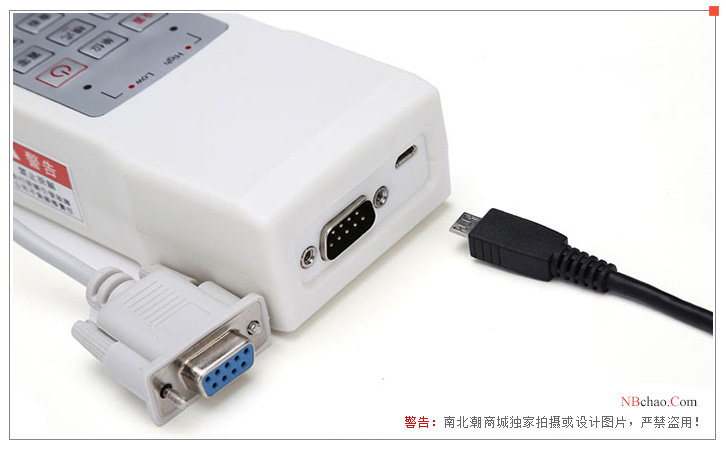
The composition and structure of Haibao Instruments HF-100K/200/ 300K /500K/1000K tensile Tester: level signal output interface, communication interface, power adapter jack, upper limit indicator light, lower limit indicator light, button, display window, contact connection pole.
Pictures
patent certificate
