
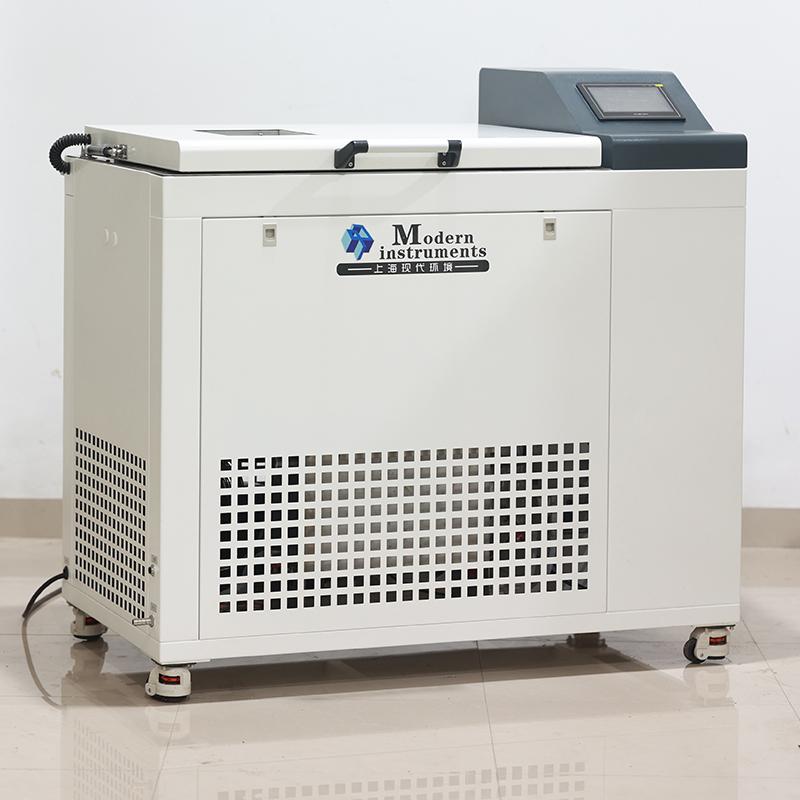

MODERNER Anti-fog Coating performance Tester Coating box XD-005-2FWTL-MF
 XD-005-2FWTL-MF

Moderner XD-005-2FWTL-MF Coating performance TesterSPEC
Moderner XD-005-2FWTL-MF Coating performance TesterDetails
Moderner XD-005-2FWTL-MF Coating performance TesterPacking list

- SKU
- NB042274
- Temperature range
- B5 (low temperature zone); 5 ℃~ 75 ℃ (high temperature zone)
- Humidity range
- Humidity range: 30%~ 95% RH (high temperature area)
- Instrument resolution
- Temperature: 0.1 ℃; Humidity: 0.1% RH
- Temperature Fluctuation
- ±0.5℃
- Temperature Uniformity
- ≤1.5℃
- Humidity stability
- ≤2%RH
- Stabilization time
- Temperature Stabilization time less than 30min; Humidity Stabilization time less than 30min
- noise
- Less than or equal to 55 decibels (A sound level), there will be no resonance sound between the box door and the equipment door
- Power
- AC220V 50Hz
- Maximum load Capacity
- 8.5KW
- Maximum current
- 9A
- Power switch Capacity
- 32A
- water supply
- Please use purified water or distillation water, conductivity ≤ 10μS/cm2

Device Description
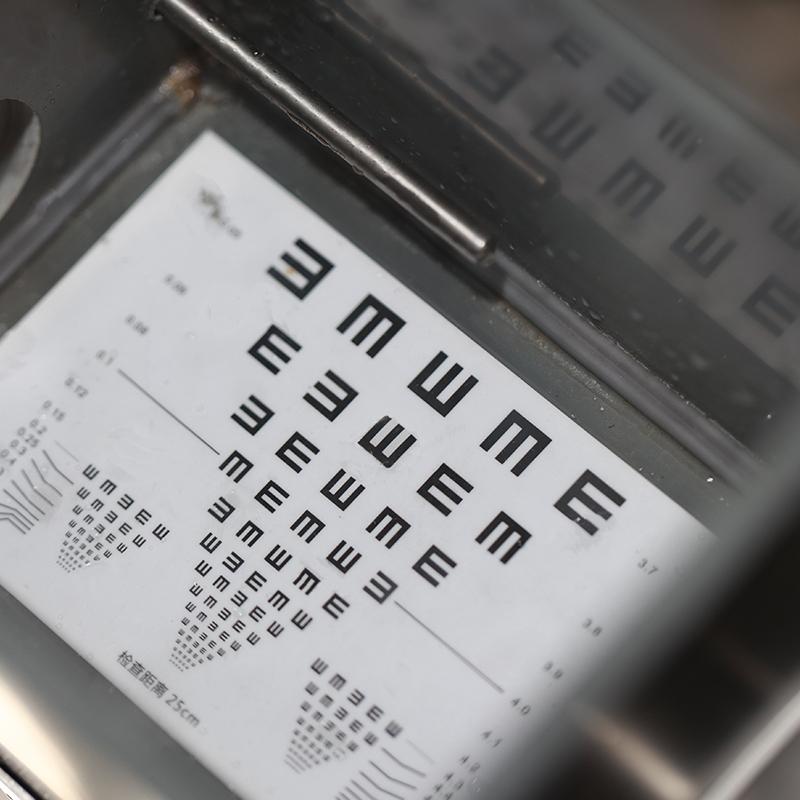
This equipment is aimed at the current lack of effective testing equipment and evaluation methods for the anti-fog performance of anti-fog coatings at home and abroad. Special equipment for anti-fog performance testing is developed to establish a more accurate, effective and feasible anti-fog performance testing and evaluation method. This method meets the demands of domestic (CN) and foreign anti-fog coating application units for excellent technical methods for anti-fog performance testing and evaluation. Provide scientific evaluation methods and means for domestic (CN) anti-fog coating research and production enterprises, promote the technological progress of functional coatings in CHINA, narrow the technological gap with Japan and the United States, prevent being stuck by foreign countries, and at the same time increase the international reputation of Chinese coating standards have the right to speak , taking this as an opportunity to further enhance the international influence of CHINA's coatings standards and ensure fair competition between domestic (CN) coatings companies and international coatings companies. The equipment is easy to operate and can be started with one click and operates fully automatically (the environmental parameters in the box have been set at the factory and do not need to be set again). The temperature and Relative Humidity control of this equipment uses PLC as the core control unit, which has high reliability and strong anti-interference, and realizes intelligent control of temperature and humidity.
Preparation for operation
Confirm that the power supply connected to the device is consistent with the instructions on the device nameplate.
When deionized water is connected, the device may have 1 or 2 water shortage alarms is a normal phenomenon. It can be eliminated by waiting for a few minutes and running again.
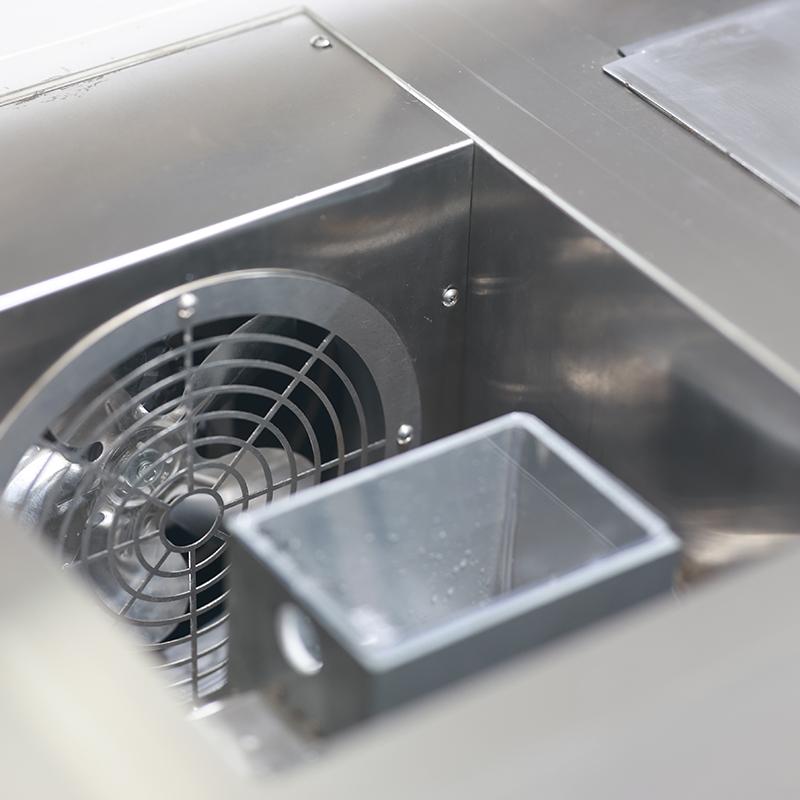
Place a 5L water collection box at the equipment drain outlet to collect wastewater from the humidification system.
Turn on the power and press the run button on the touch screen. The run indicator light will light up and the device will run.
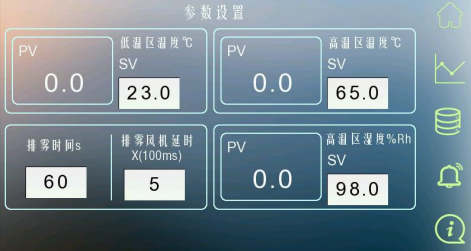
parameter settings
Set the low temperature zone temperature: Click the SV temperature text box to pop up the keyboard and enter the required temperature.
Set the temperature of the high temperature zone: click the SV temperature text box to pop up the keyboard and enter the required temperature.
Set the humidity in the high temperature zone: Click the SV humidity text box to pop up the keyboard and enter the required humidity.
Fog removal time: Default is 60S, the value can be set as needed.
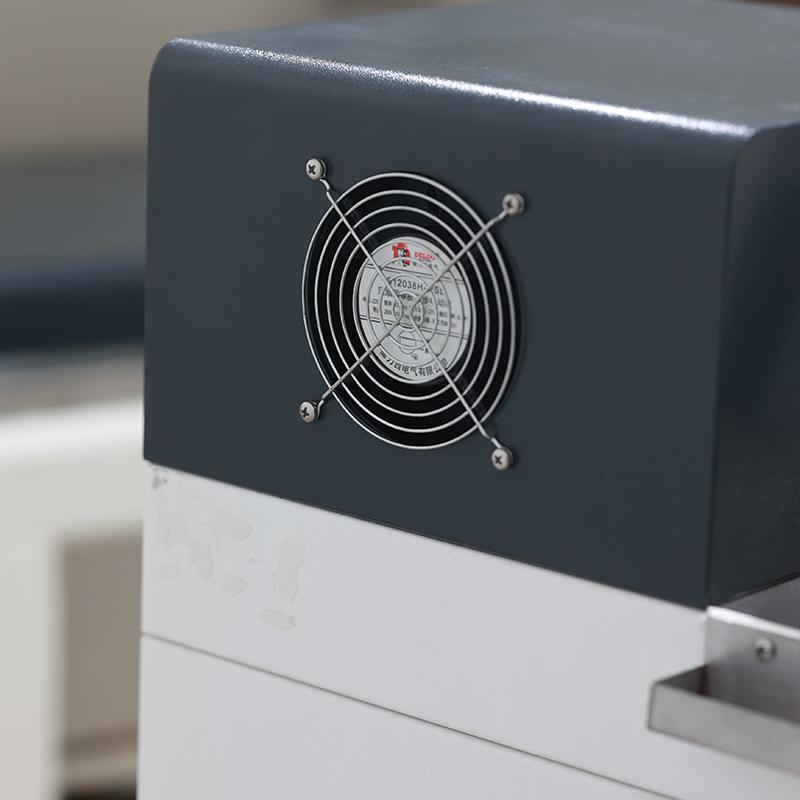
Mist exhaust fan delay: open the mist exhaust valve first, and then open the supply fan after the valve is opened.