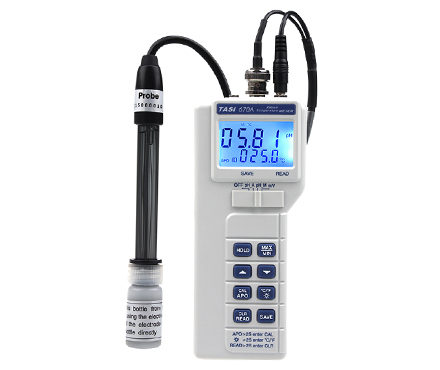
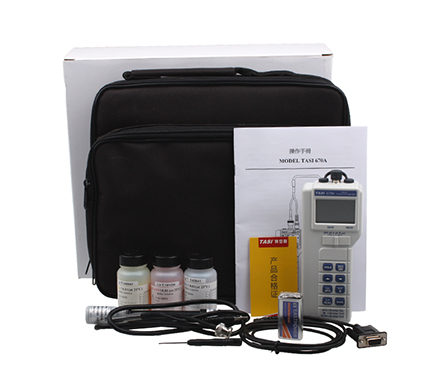

TASI TASI-670A PH acid alkalinity meter pH range: 0.00~14.00 Temperature range: 0 ℃~ 80 ℃ (32 ° F~ 176 ° F)
 TASI-670A

TASI TASI-670A PH acid alkalinity MeterSPEC
TASI TASI-670A PH acid alkalinity MeterDetails
TASI TASI-670A PH acid alkalinity MeterPacking list

- SKU
- NB000466
- PH range
- 0.00~14.00pH
- PH Measurement Accuracy
- ±0.03pH
- Power Supply
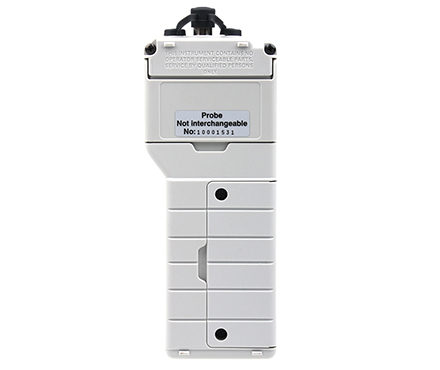
- Standard 9V battery (NEDA 1604, IEC 6F22 006P).
- Dimensions
- 165*65*35mm
- Weight
- 260g
- Environmental temperature
- Body: 0 ℃ to 50 ℃ (32 ° F to 122 ° F), Relative Humidity less than 70%
- resolution
- 0.01pH;0.1℃/0.1℉;0.1/1 mV
- Low Voltage prompt
- When the battery Voltage is lower than the operating Voltage, the LCD will display
- Precision
- The standard Accuracy is guaranteed to be at 23 ℃ +/- 5 ℃ (79 ° F +/- 9 ° F), with a Relative Humidity of less than 70%.
- pH electrode
- 0 ℃ to 80 ℃ (32 ° F to 176 ° F)
- Storage environment
- -20 ℃ to 60 ℃ (-4 ° F to 140 ° F), Relative Humidity less than 70%, except pH electrodes and batteries.
- Battery life
- Carbon zinc battery about 200 hours
- Accessories
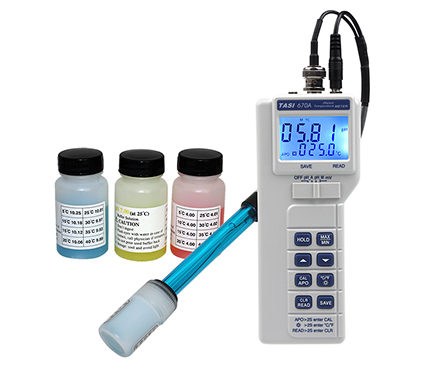
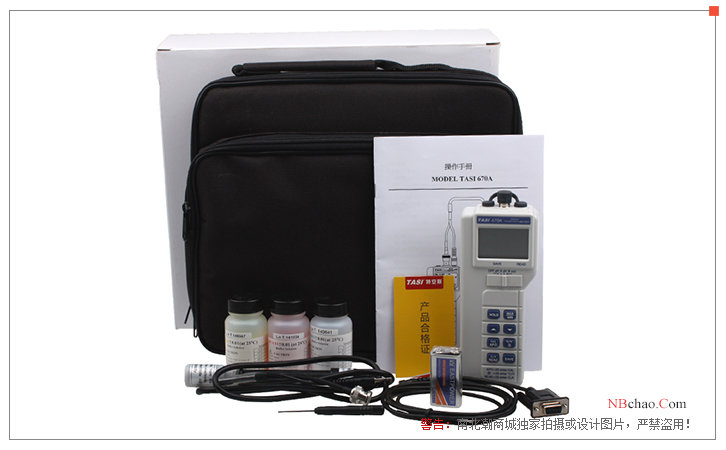
- Operation manual, interface software, battery, RS232 transmission line, standard liquid pH4.01, pH7.00 and pH10.01, composite pH electrode
- Shop Accessories
- Compound pH electrode, standard liquid pH 4.01, pH 7.00 and pH 10.01, carrying outer box.
- Measurement Accuracy of mV
- +/- (0.5% read value + 2)
- Measurement Accuracy
- ±1℃
- Measurement range mV
- -1000~1000mV
- Measurement range
- 0℃~80℃
PH pH meterOverview of TASI-670A
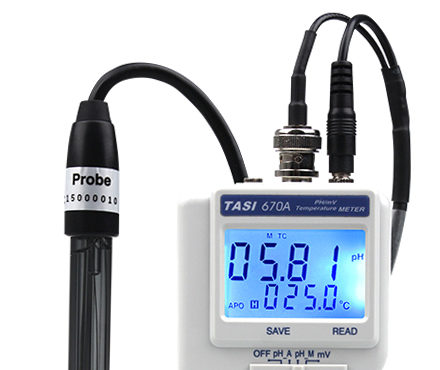
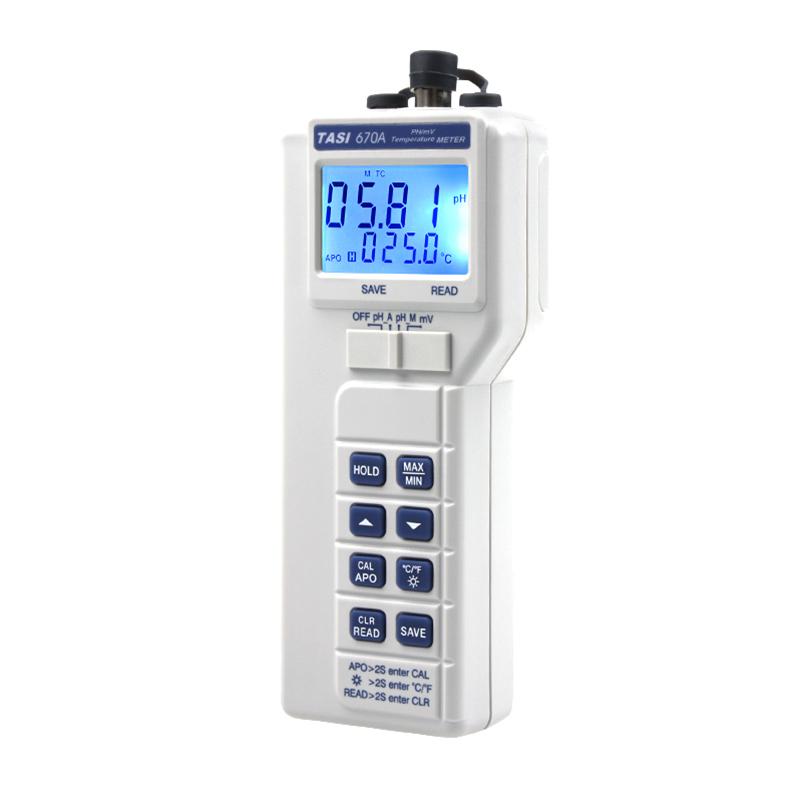
TASI-670A PH pH meter is a PH pH meter with white shell and external PH electrode, which is used to test the pH value of various aqueous solutions, etc., and the LCD screen displays both PH value and temperature value, which can be manually or automatically compensated during the test process to prevent the temperature change of the analyte from affecting the structure of the test. Also, in terms of data management,TASI-670A PH pH meter has a data storage function, which can store the values of 128 groups of tests, which is convenient for subsequent data analysis and other work.TASI-670A PH pH meter has the characteristics of accurate and stable measurement, compact structure design, and simple operation.
Functional structure diagram of TASI-670A
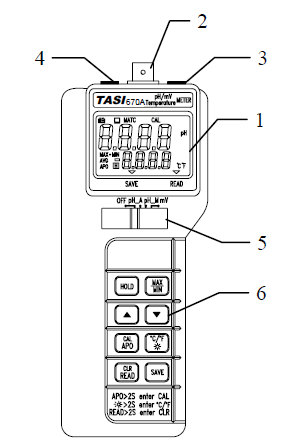
1. Display: Displays the measured value, unit symbol and decimal point.
2. Input slot: BNC connection slot for pH and mV.
3. Input slot: temperature test rod connection slot (3.5mm).
4. Input slot: RS-232 transmission line connection slot (2.5mm).
5. Slide switch: power switch and measurement gear selection.
6. Buttons: Operation function selection.
PH pH meterpeculiarity
1. Adopt dual display (pH or mV, temperature).
2. Carryable, simple 3 1/2 digit (1999) pH/mV instrument.
3. Automatic shutdown function (10 minutes).
4. Serial transmission (RS232) interface includes Windows operation interface.
5. Data storage function (maximum storage 128 times).
6. Automatic temperature compensation (ATC) and manual temperature compensation (MTC).
pH measurement with a pH meter
1.TASI-670A PH pH MeterCalibrate the pH electrode prior to measurement.
2. Connect the pH electrode to the BNC socket.
3. Use the slide switch to select pH_A or pH_M.
4. According to the introduction of the product manual, different temperature compensation operations are carried out in ATC mode and MTC mode.
5. Put the electrode into the solution to be measured,TASI-670A PH pH MeterThe pH value is displayed.
6. After the measurement, clean the electrode with distilled water.
PH pH meter calibration steps
1. Select pH_A gear and °C (or °F);
2. Press the CAL key for about 2 seconds to enter the calibration program;
3. Put the pH electrode into the standard solution pH4.01 and stir the standard solution;
4. Wait for pH and temperature readings to stabilize;
5. Press the CAL button for about 2 seconds to enter the correction pH 4.01 mode, and the main display (pH) will flash.
6. Enter the standard value according to the temperature reference table outside the standard bottle (the default value is PH4.01), enter the value with the "up" or "down" key, enter the value, press the "CAL" button for about 2 seconds to complete the pH 4.01 calibration, and the LCD will display the SA screen.
7. Clean the electrodes and dry them with a cotton cloth.
8. Put the pH electrode into the standard solution PH7.0 and repeat for 3~7 steps.
9. Put the pH electrode into the standard solution PH10.01 and repeat for 3~8 steps.
10. Complete 1~9 steps, the LCD will display CAL (main display) and End (secondary display).
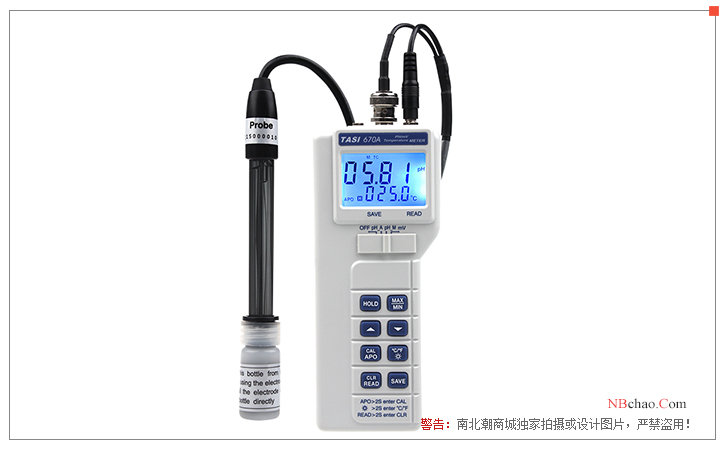
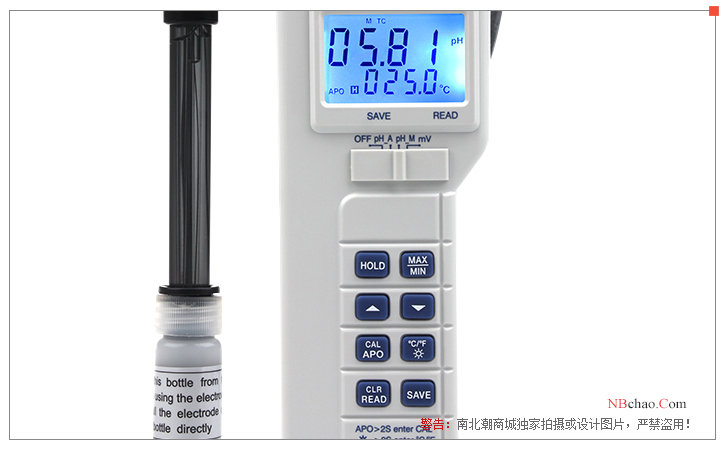
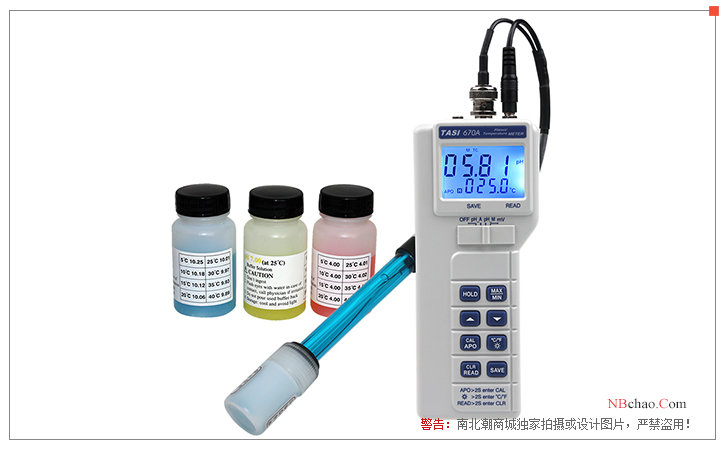
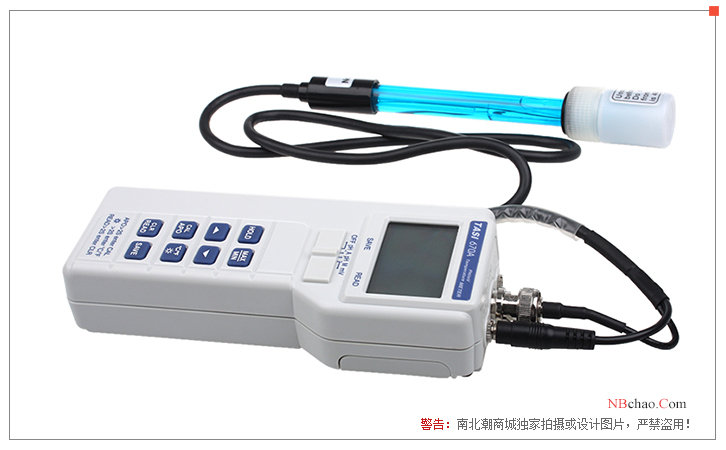
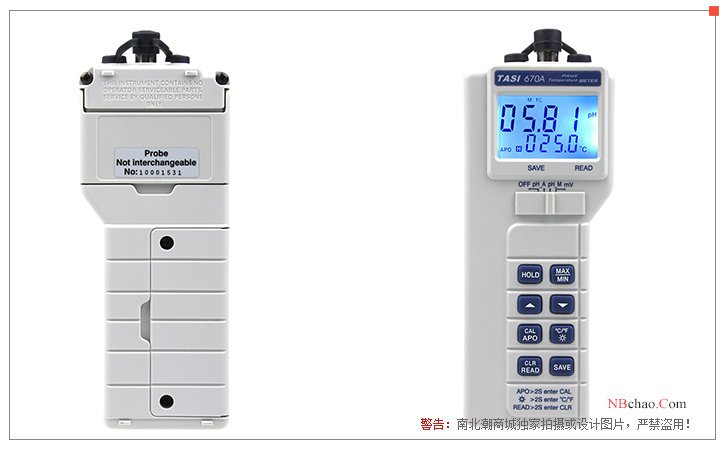
TASI-670A PH pH meter display
- 1Uncertainty measurement experiment introduced by different levels of pHmeter
修宏宇; 贺新洋 - 《不同级别pH计在测量时所引入的不确定度分量》
- 2How to use pH meter, maintenance measures and methods of Troubleshooting
- 3Glass electrode of pH acidity meter should be selected correctly
张莉 - 《中国氯碱》
- 4Teans MODEL TASI-670A pH Meter Operating Instructions
- 5Calculation method of pH