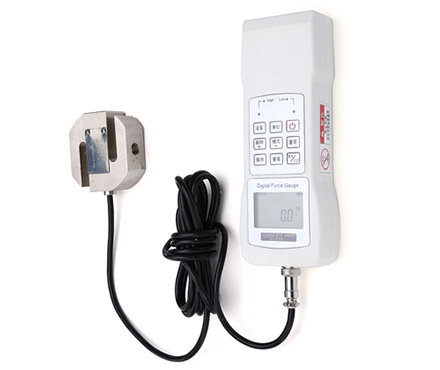

Digital Display Force Gauge HG-10K Hyperion Pressing and Tension Machine 10KN/0.001KN
SE HG-10K

-
 Electronic Force Gauge HF-10K Hypertherm, External Sensors Push-pull testing device 10KN/0.005KN$ 674.00SE
 -
 LANDTEK FM-204-1000K Electronic Force Gauge Measurement Range +/- 1000kgf$ 259.00SE
 -
 LANDTEK FM-207-1000K Small Force Gauge Measurement range +/- 1000kgf$ 405.00SE
 -
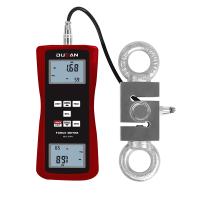 DUBAN DB25-207FM-10KN Split Force Gauge External Thrust-Tensile Force Tester$ 575.00SE




HBO HG-10K Force Gauge (Digital Display)SPEC
HBO HG-10K Force Gauge (Digital Display)Details
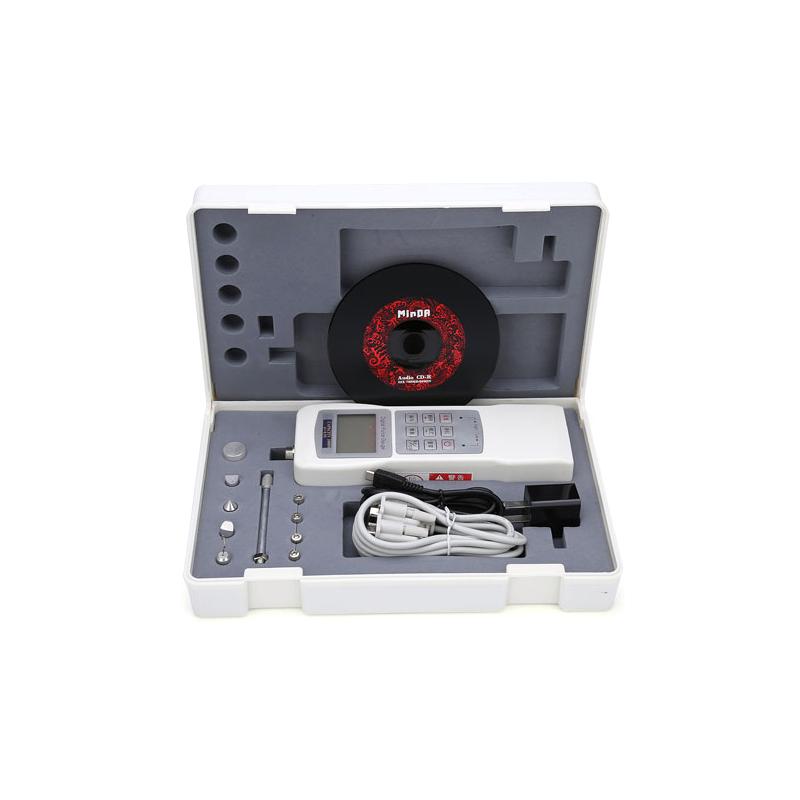
HBO HG-10K Force Gauge (Digital Display)Packing list

- SKU
- NB004666
- display
- digital display
- Measured value
- 10KN、1000kg、2200lb
- resolution
- 0.001kN、0.1kg、1lb
- Sensors structure
- external
- Precision level
- Level 0.5
- error of indication
- ≤±0.5%
- Power Supply
- Lithium Battery: 3.7V/1000mAh
- Dimension
- 208Mm * 70mm * 41mm (instrument)
- Weight
- 0.35Kg (instrument)
- unit
- N、KN、Kgf、gf、lbf、tf
- ADC conversion speed
- 15Hz~480Hz
- Operating temperature
- 0~40℃
- Storage temperature
- -20℃~70℃
- Relative Humidity
- 15%~80%RH
- Operating temperature
- No vibration and corrosion medium around
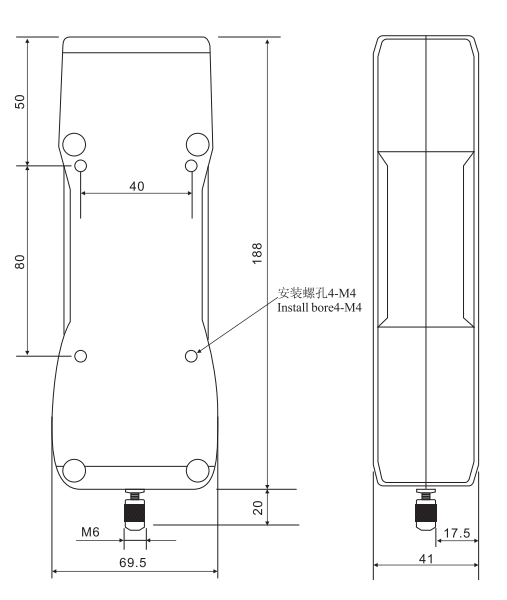
- Installation size
- 40Mm * 80mm screw hole: 4-M4 (instrument)
- Charger
- AC Input:220V/50HZ、DC Output:5V/1A
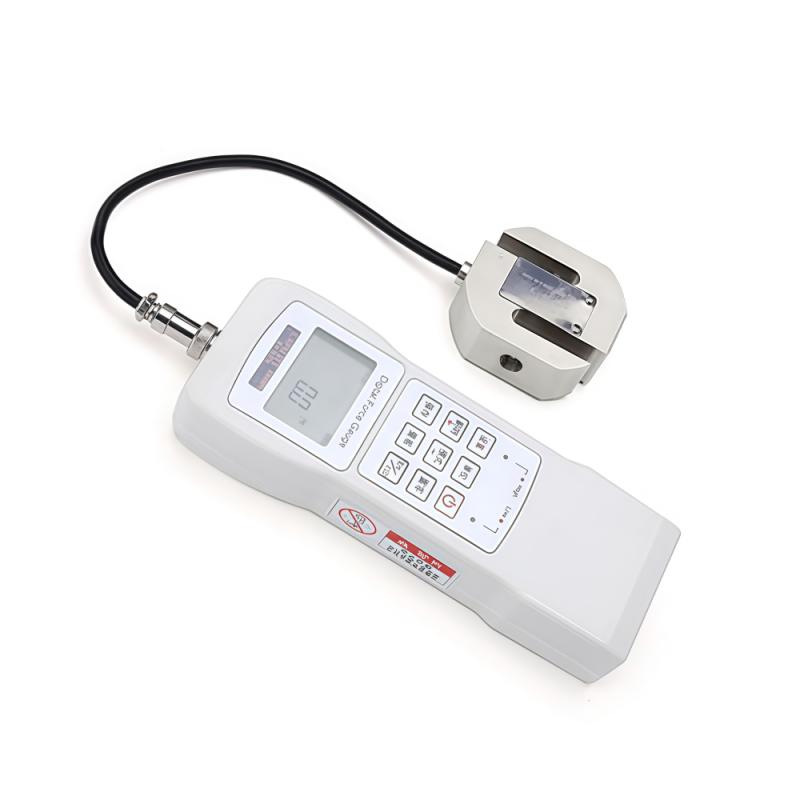
Introduction to HG-10K Digital Push-Pull Force Gauge
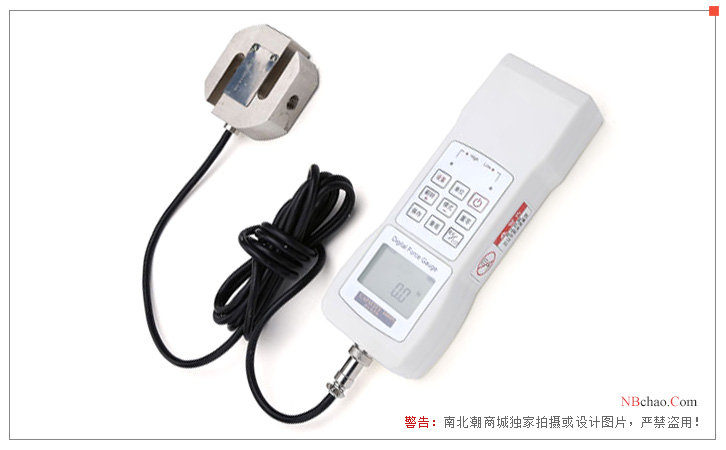
Haibao Instruments HG-10K digital display push-pull gauge is a portable digital display push-pull gauge with a maximum measurement value of 10KN and a load scale value of 0.005KN. HG-10K digital display push-pull gauge has high precision and high resolution rate, high stability and so on.
Product Structure
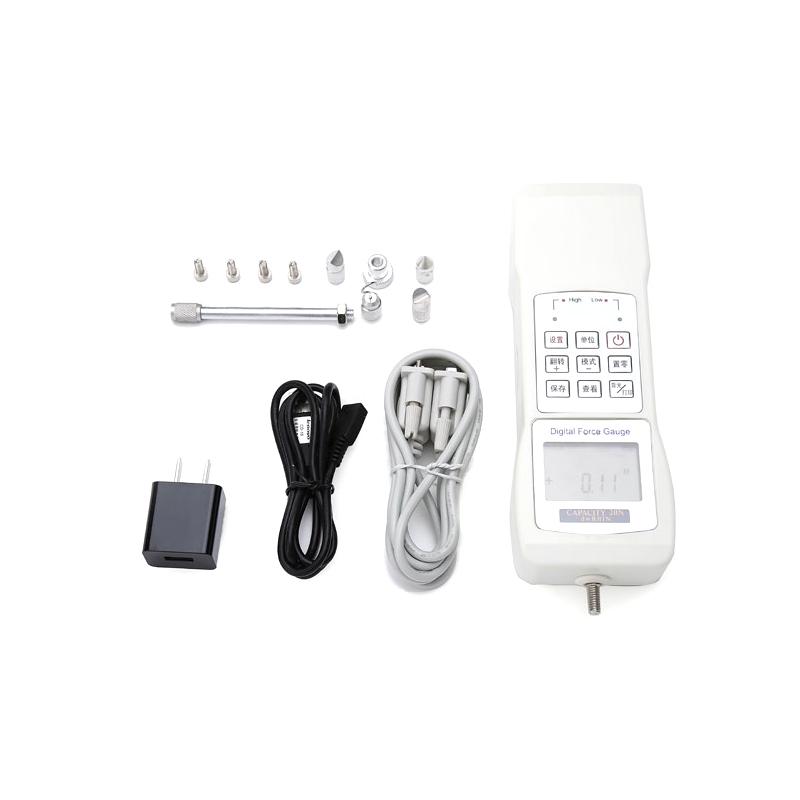
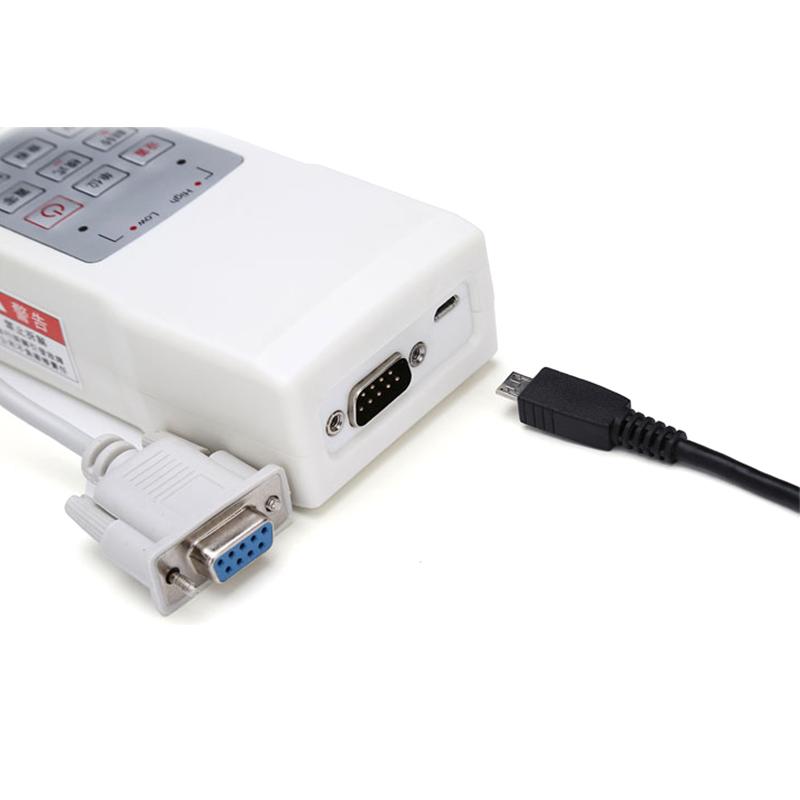
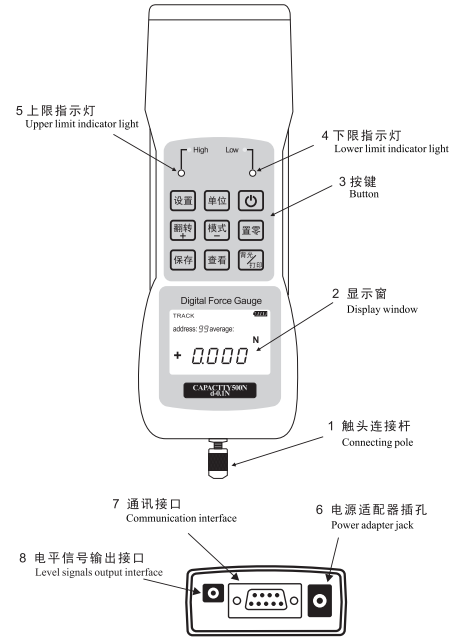
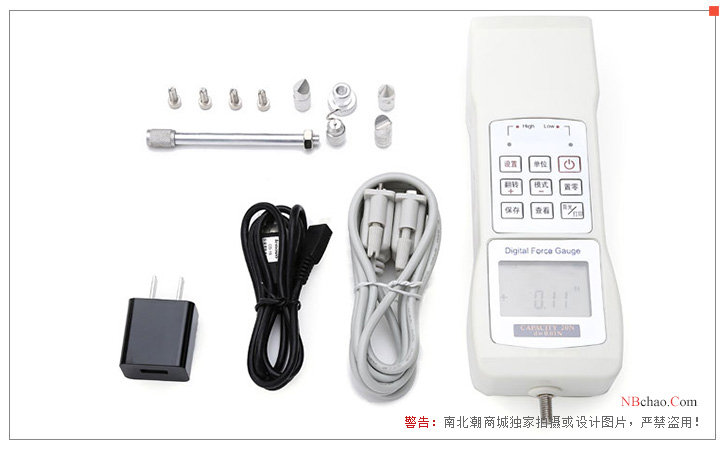
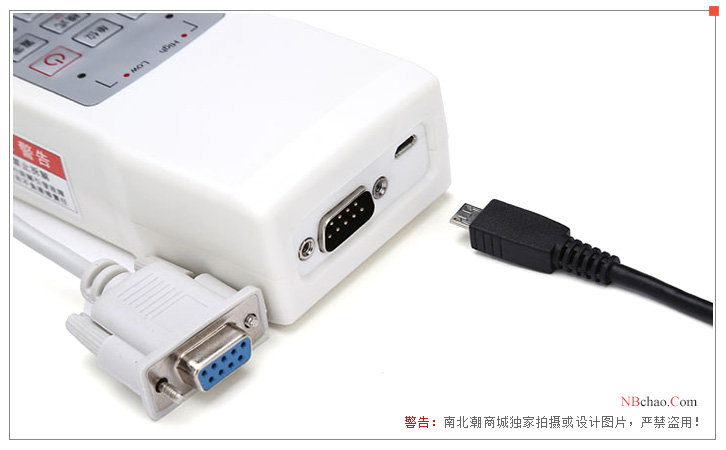
The structure of HG-10K digital push-pull gauge includes: level signal output interface, communication interface, power adapter jack, contact connecting rod, display window, buttons, upper limit indicator light, lower limit indicator light, etc. Specifically as shown below
Specification Dimensions
Calibration method
1. Choose an environment without wind and vibration sources for calibration.
2. When the digital push-pull force gauge is in the off state, press and hold the mode button for a long time, and then press the ON/OFF button, and wait for the screen to display "DEFAU".
3. Release the button, press the mode button, the screen will display "USEr", and then press the setting button to enter the basic on-point calibration.
4. After the belt data is stable, press the SET button to complete the basic point calibration and enter the high point calibration.
5. Press the up and down arrow keys to select the force value to be applied and wait for the data to stabilize, then press the setting key to complete the user calibration, and the digital push-pull force gauge enters the test interface.
Indicator light description
The upper and lower limit automatic alarm indicators are red light-emitting diodes, which emit red light when the upper limit is exceeded, and red light when it is lower than the lower limit, and there is no light display when it is normal.
Pictures
patent certificate