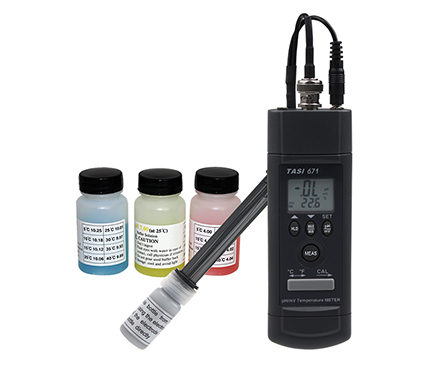

TASI TASI-671 PH acid alkalinity meter pH range: 0.00~14.00ph Temperature range: 0 ℃~ 80 ℃
 TASI-671

TASI TASI-671 PH acid alkalinity MeterSPEC
TASI TASI-671 PH acid alkalinity MeterDetails
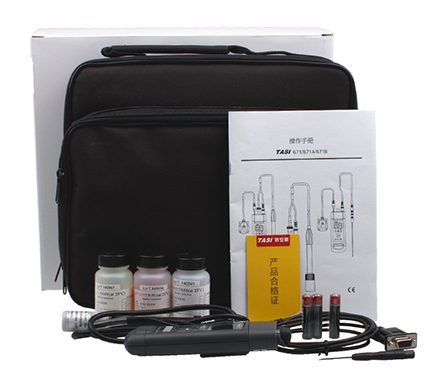
TASI TASI-671 PH acid alkalinity MeterPacking list

- SKU
- NB000469
- PH range
- 0.00~14.00pH
- Measurement Accuracy
- +/- 3 (without electrode error ); +/- 1 ℃ (2 ℉); +/- ( 0.5% reading value + 2)
- Impedance
- 1012Ω
- Dimensions
- 155.5*48*35mm
- Weight
- Approx. 94g
- Environmental temperature
- 0~50℃
- Resolution
- 0.01pH;0.1℃/0.1℉;0.1/1 mV
- Storage environment
- -20 ℃~ 60 ℃, 0~80% R.H. (after battery removal)
- Accuracy test environment
- 23 ℃ +/- 5 ℃, Relative Humidity < 75% R.H.
- Measurement Accuracy of mV
- +/- (0.5% read value + 2)
- Measurement Accuracy
- ±1℃
- PH Measurement Accuracy
- +/- 3 (without electrode error)
- Allowable Relative Humidity
- <75%R.H
- Measurement range mV
- 0~1999mV
- Measurement range
- 0℃~80℃
Overview of the TASI-671 PH pH Meter
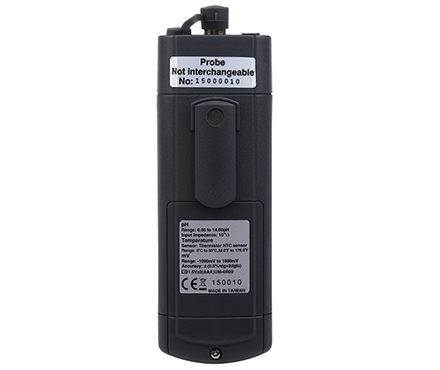
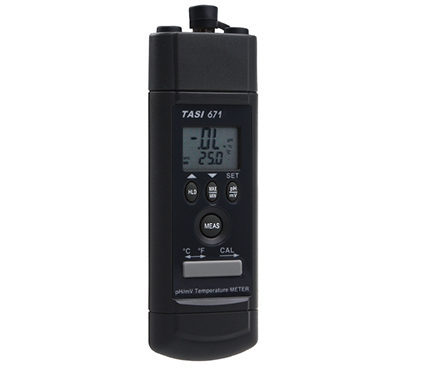
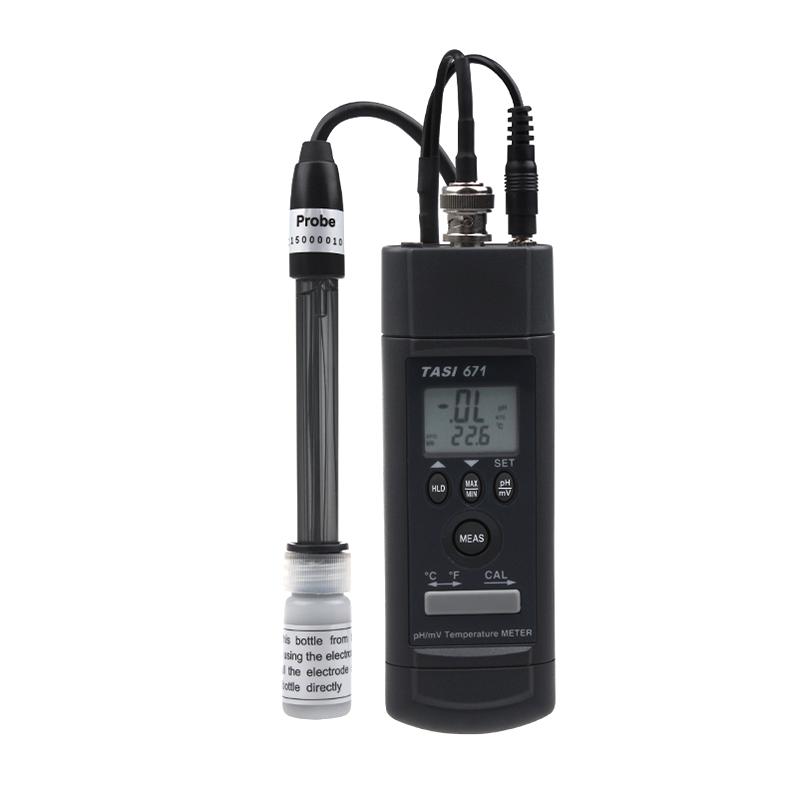
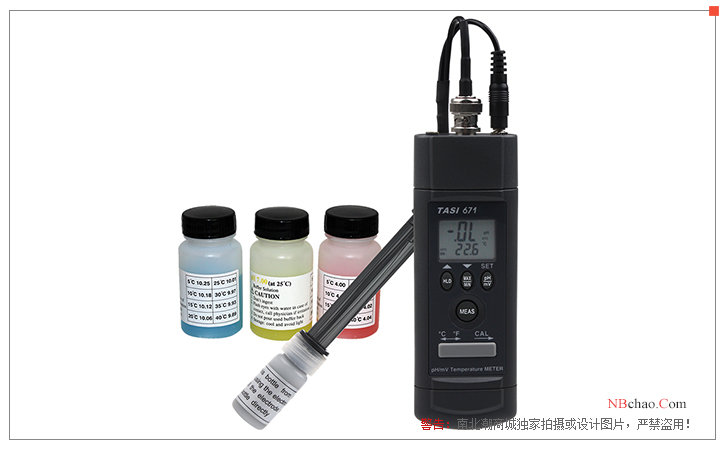
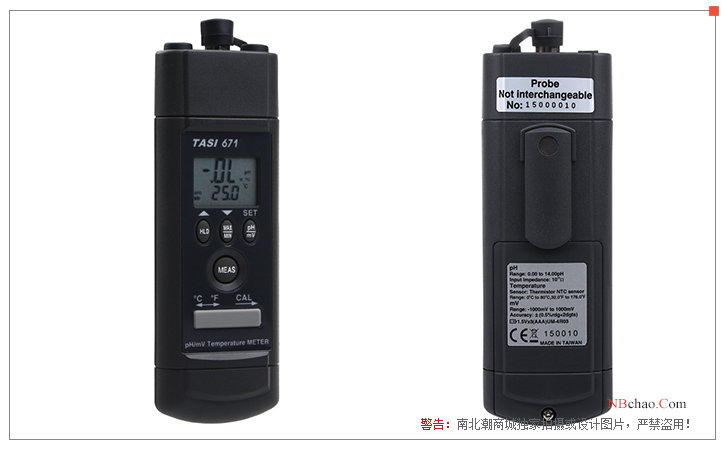
TeansTASI-671 PH pH Meter is a portable pH meter with black case, measuring pH value range of 0.00~14.00PH and temperature range of 0~80 degrees Celsius with high accuracy.TASI-671 PH pH MeterMultiple slots are designed at the top, which is an external electrode type, and has a serial transmission interface and a Windows operation interface, which is simple and convenient.The TASI-671PH pH meter uses a carbon-zinc battery to provide power supply, which is convenient for on-site testing and use.
Functional structure diagram of PH pH meter
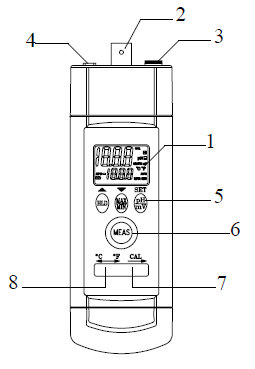
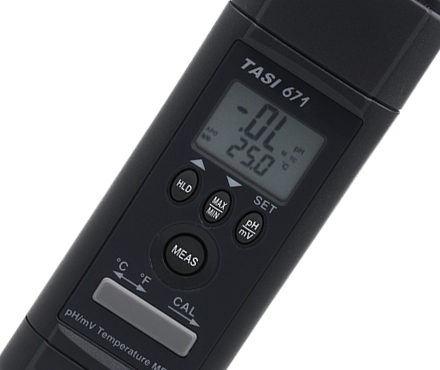
1. Display: Displays the measured value, unit symbol, and decimal point
2. Input slot: BNC connection slot for pH and mV
3. Input slot: temperature test rod connection slot (3.5mm)
4. Input slot: RS-232 transmission line connection slot
5. Buttons: Operation function selection
6. Button: Power switch
7. CAL switch: The switch is dialed to the right, which is the correction mode
8. °C/°F Switch: °C/F° selector switch
STEPS FOR USING PH PH meter
1. Calibrate the pH meter and electrode before measuring.
2. Connect the pH electrode to the BNC socket.
3. Press "MEAS" to power on the pH meter.
4. If you are in "ATC" mode, please refer to 5.1.1 Automatic Temperature Compensation.
5. If you are in MTC gear (remove the 3.5mm temperature sensor plug), please refer to 5.1.2 Manual Temperature Compensation
6. Place the electrode in the solution to be measured, and the pH meter will show the pH value.
7. After measuring, clean the electrode with distilled water.
TASI-671 PH pH Meterpeculiarity
● 31/2 digits, 2000 digits display.
● Both pH and temperature are displayed.
● pH (pH4, pH7, pH10) and temperature correction.
● Lock, max, minimum, max minus, average key functions.
● Automatic (0°C~80°C) and manual temperature compensation (0°C~100°C).
● RS232 computer interface and Windows software
Correction steps
1. Select pH_A gear and °C (or °F)
2. Press the CAL button for about 2 seconds to enter the calibration program
3. Place the pH electrode into the standard solution pH 4.01 and stir the standard solution
4. Wait for pH and temperature readings to stabilize
5. Press the CAL button for about 2 seconds to enter the correction pH 4.01 mode, and the main display (pH) will flash
Temperature compensation
The pH meter measures at different temperatures, and the correct pH value is measured with the electrode temperature adjustment, and the pH meter can be manually compensated for the temperature, using the up and down keys to adjust, or immersing the electrode sensor in the solution to be measured for automatic temperature compensation.
Temperature compensation mode
1. Automatic temperature compensation:
Plug the 3.5mm temperature test stick plug into the headphone socket (3.5mm), select the pH function, and the pH meter will switch to selfDynamic temperature compensation gear.
2. Manual Temperature Compensation:
Unplug the 3.5mm temperature test rod plug, press the "SET" button for more than 2 seconds to enter the temperature adjustment mode, the adjustment range can be 0.0°C to 100.0 (32.0 °C°F to 212 ) °F, the preset temperature is 25.0 (77.0 ) °C°F, press "▲" and "▼" to increase or decrease the value, press the "SET" button for more than 2 seconds to complete the temperature setting.
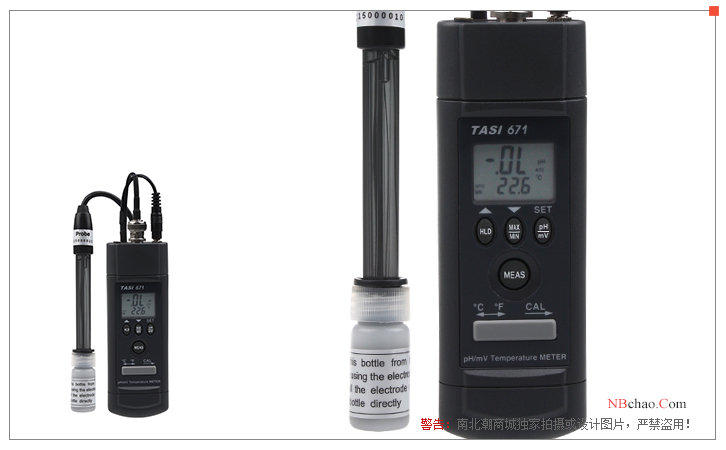
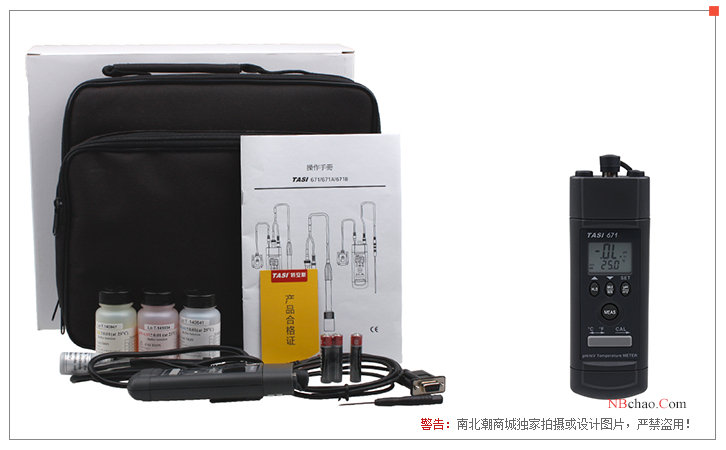
TASI-671 PH pH MeterPictures
- 1Uncertainty measurement experiment introduced by different levels of pHmeter
修宏宇; 贺新洋 - 《不同级别pH计在测量时所引入的不确定度分量》
- 2Glass electrode of pH acidity meter should be selected correctly
张莉 - 《中国氯碱》
- 3Teens MODEL TASI671/671A pH Meter Operating Instructions
- 4How to use pH meter, maintenance measures and methods of Troubleshooting
- 5Calculation method of pH