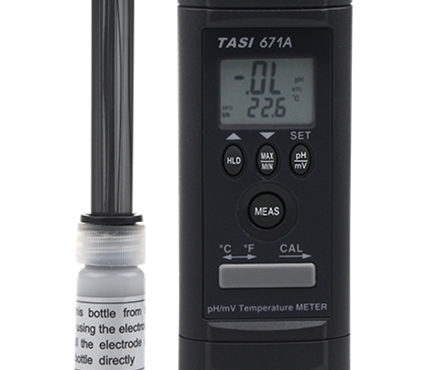
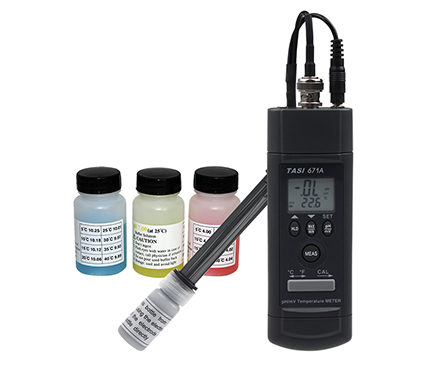
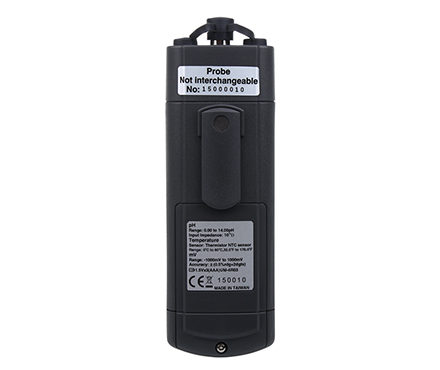
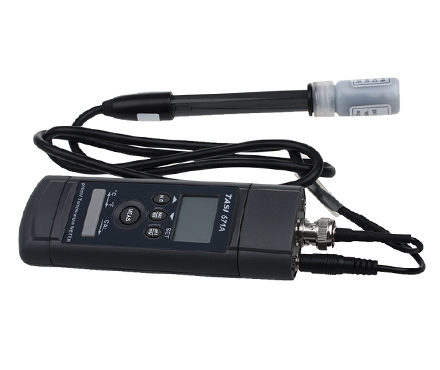


TASI-671A acid alkalinity Tester pH and temperature double group display
 TASI-671A

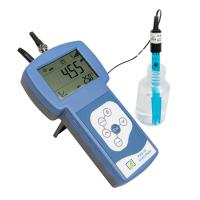
TASI TASI-671A PH acid alkalinity MeterSPEC
TASI TASI-671A PH acid alkalinity MeterDetails
TASI TASI-671A PH acid alkalinity MeterPacking list

- SKU
- NB000471
- Measurement parameters
- 0.00 to 14.00ph at 0 ℃ to 80 ℃; 0 ℃ to 80 ℃ (32 ° F to 176 ° F); 0mV to 1999mV (automatic shift)
- Measurement Accuracy
- +/- 3 (without electrode error ); +/- 1 ℃ (2 ℉); +/- ( 0.5% reading value + 2)
- Impedance
- 1012Ω
- Dimensions
- 155.5*48*35mm
- Weight
- Approx. 94g
- Environmental temperature
- 0~50℃
- resolution
- 0.01pH;;0.1℃/0.1℉;0.1/1 mV
- sensor
- NTC thermistor sensor
- Storage environment
- -20 ℃ to 60 ℃, 0 to 80% R.H. (batteries must be removed)
- Accuracy test environment
- 23 ℃ +/- 5 ℃, Relative Humidity < 75% R.H.
- Resolution
- 0.01pH
- Temperature Resolution
- 0.1℃/0.1℉
- Measurement Accuracy of mV
- +/- (0.5% read value + 2)
- Measurement Accuracy
- ±1℃
- PH Measurement Accuracy
- +/- 3 (without electrode error)
- Allowable Relative Humidity
- <75%R.H
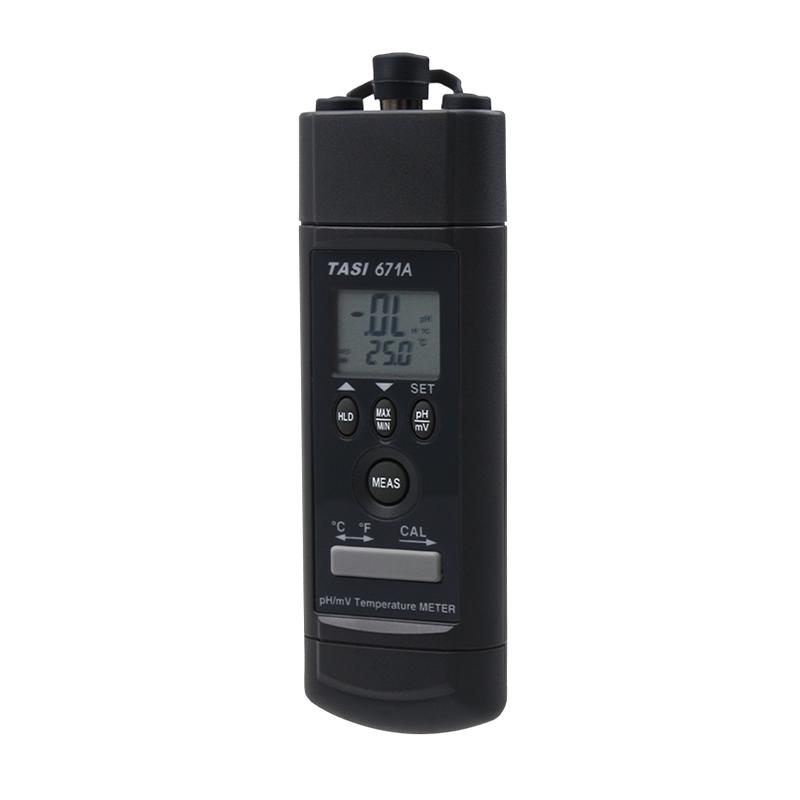
Introduction to TASI-671A pH Tester
TeansTASI-671A PH pH Tester is a professional pH meter for detecting the pH value of water quality, which is small in size and is powered by batteries, which is very convenient for testing in the field and on site, and can display the test value in time.TASI-671A PH pH meter with RS232 communication interface, which can transfer the test data to the computer to achieve larger data storage. rootTASI-671A PH pH Meter is CE certified and qualified, and the quality is guaranteed.
Features
1. It is easy to carry and can be operated with one hand
2. Dual display of pH and temperature
3. pH (pH4, pH7) and temperature correction
4. Lock, maximum, minimum, maximum minus, average key functions
5. Automatic and manual temperature compensation (0°C~100°C)
6. mV ion selection
7. 3-1/2 digits, 2000 digits display
8. CE certification qualified
9. It has RS232 communication interface to connect to the computer
Description of the key function
1) "HOLD" button: Press the "HOLD" button to enter the reading lock mode, and the "H" symbol appears at the bottom left of the monitor. When the data lock mode is selected, the PH meter will lock the reading value and stop all measurement actions. Press the clear data lock mode again, and the PH meter will continue to measure the action.
2) "MAX/MIN" button: pressThe "MAX/MIN" button enters the MAX, MIN, MAX-MIN, and AVG reading modes. In this mode, pressing the "HOLD" key will lock the reading value without stopping the recording, and pressing the "HOLD" key again will cancel the reading value lock. In this mode, the APO function and other keys are disabled, except for the backlight and HOLD functions. HoldIf the "MAX/MIN" key is greater than 2s, it will leave this key function.
3) "Sun" and "°C/°F" buttons: Press the "Sun" button for less than 2 seconds to turn on or off the backlight, press and hold for about 2 seconds to do "℃/℉"Unit Switching.
4)“▲and "▼" buttons: 1. When pH_M gear, press“▲or▼" button to increase or decrease the value of the temperature compensation;2. When the READ function is used, press “▲or▼button to view the previous or next stored material.
5) "SAVE" button: Press the "SAVE" button to store the current data into the meter, including pH or mV and temperature values.▼(SAVE) will light up.
6) "READ/CLR" key: Press the "READ" button to read the stored data and use it“▲or▼button to select Read Data. Press this key again to leave the "READ" function.
7) Press the "CLR" button for about 2s, you can clear all the stored data in the instrument, and the LCD will display the word "CLR".
8) "APO/CAL" button: press "APO" button to start or turn off the automatic shutdown function, and "CAL" button for 2s to enter the correction function.
Correction steps
1) Select pH_A gear and °C (or °F);
2) Press the CAL button of the PH meter for about 2 seconds to enter the calibration program;
3) Put the pH electrode into the standard solution pH4.01 and stir the standard solution;
4) Wait for pH and temperature readings to stabilize;
5) Press the CAL button for about 2 seconds to enter the correction pH 4.01 mode, and the main display (pH) will flash.
pH temperature compensation for PH Tester
The pH Tester measures at different temperatures, and the correct pH value is measured with the electrode temperature adjustment, and the pH meter can be manually compensated for the temperature, using the up and down keys to adjust, or the electrode sensor can be immersed in the solution to be measured for automatic temperature compensation.
Temperature compensation mode
1. Automatic temperature compensation:
Plug the 3.5mm temperature test stick plug into the headphone socket (3.5mm), select the pH function, and the pH meter will switch to selfDynamic temperature compensation gear.
2. Manual temperature compensation:
Unplug the 3.5mm temperature test rod plug, press the "SET" button for more than 2 seconds to enter the temperature adjustment mode, the adjustment range can be 0.0°C to 100.0 (32.0 °C °F to 212) °F, the preset temperature is 25.0 (77.0) °C°F, press "▲" and "▼" to increase or decrease the number of values, press the "SET" button for more than 2 seconds to complete the temperature setting.
Directions:
1. Calibrate the pH meter and electrode before measuring.
2. Connect the pH electrode to the BNC socket.
3. Press "MEAS" to power on the pH meter.
4. If you are in "ATC" mode, please refer to 5.1.1 Automatic Temperature Compensation.
5. If you are in MTC gear (remove the 3.5mm temperature sensor plug), please refer to 5.1.2 Manual Temperature Compensation
6. Place the electrode in the solution to be measured, and the pH meter will show the pH value.
7. After measuring, clean the electrode with distilled water.
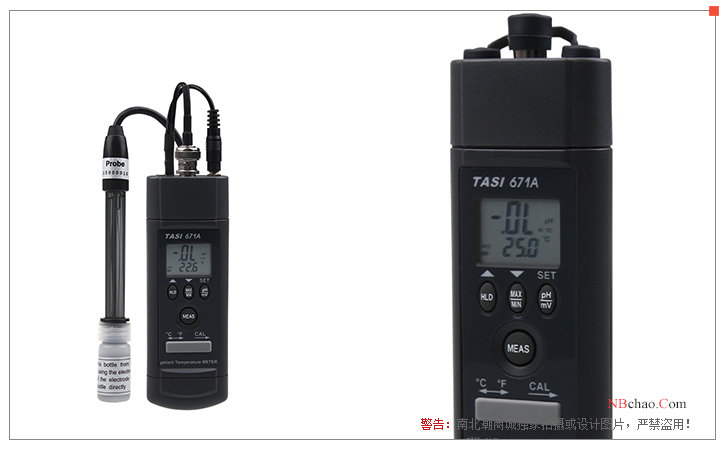
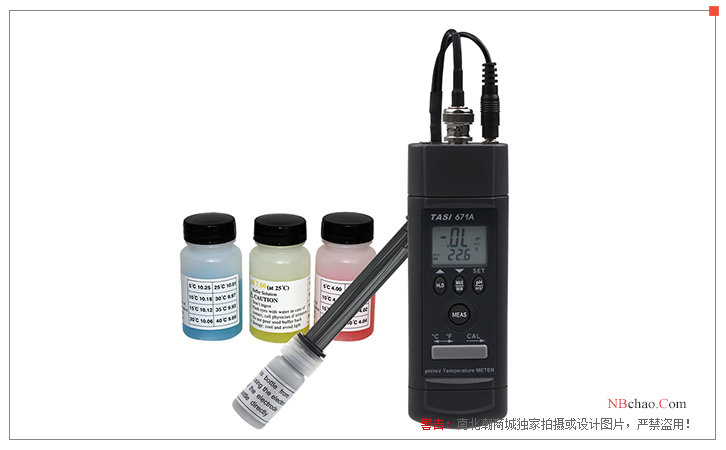
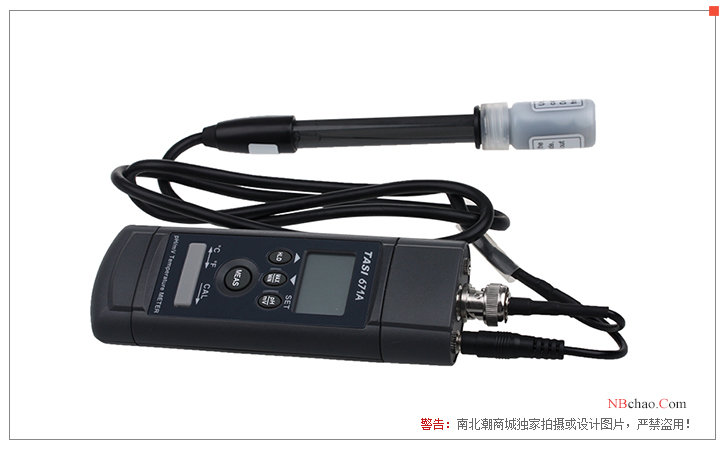
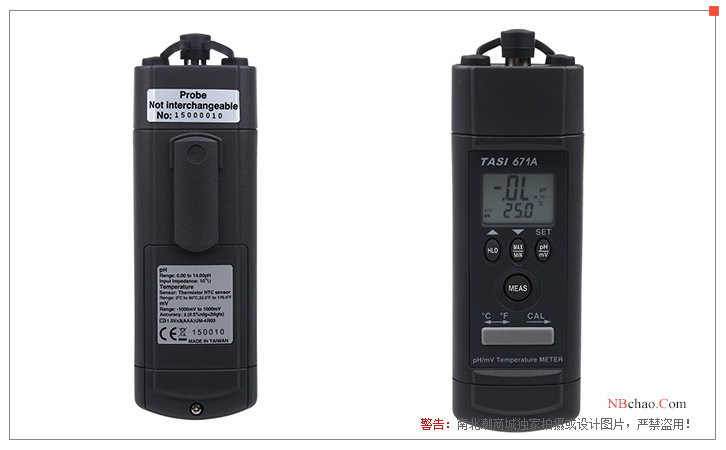
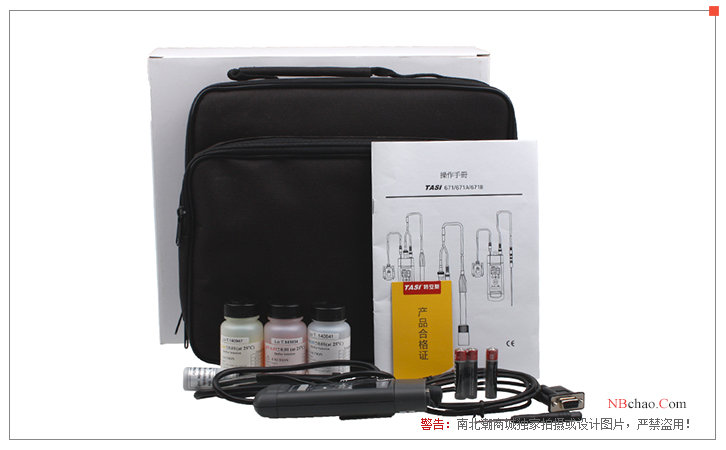
TASI-671A pHMeter display diagram
- 1Problems and solutions of pH meter in industry application
单凤霞; 张晓莉 - 《PH计使用过程中常见问题及解决办法》
- 2How to use pH meter, maintenance measures and methods of Troubleshooting
- 3Acidity meter operation instructions
- 4Detailed explanation of the application principle of pH meter
- 5On-site management of electro-coating
- 6Calculation method of pH
- 7Glass electrode of pH acidity meter should be selected correctly
张莉 - 《中国氯碱》
- 8Teens MODEL TASI671/671A pH Meter Operating Instructions
- 9Experimental water mass inspection
- 10Uncertainty measurement experiment introduced by different levels of pHmeter
修宏宇; 贺新洋 - 《不同级别pH计在测量时所引入的不确定度分量》