
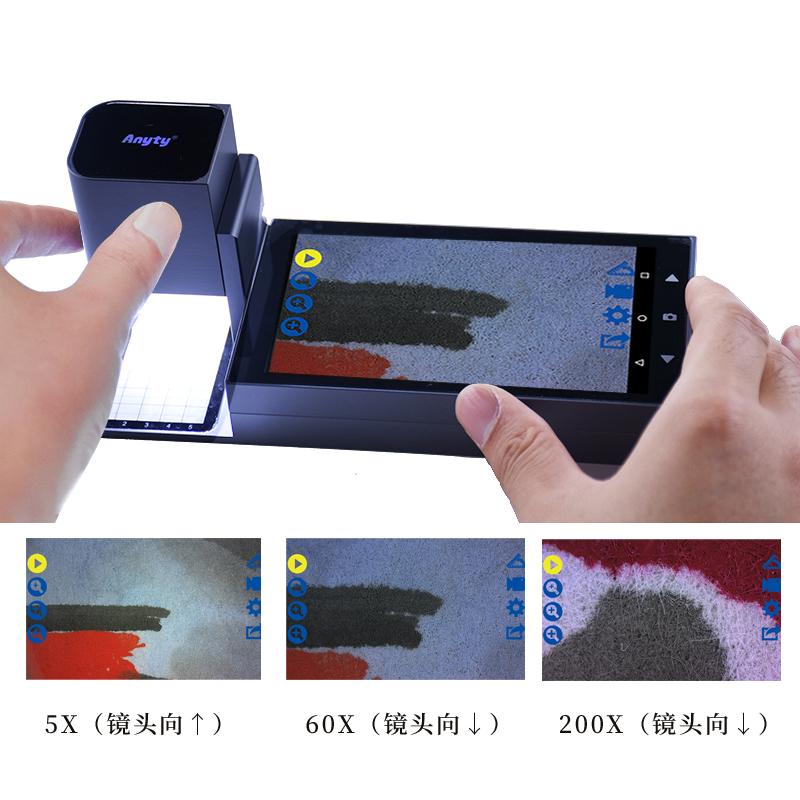


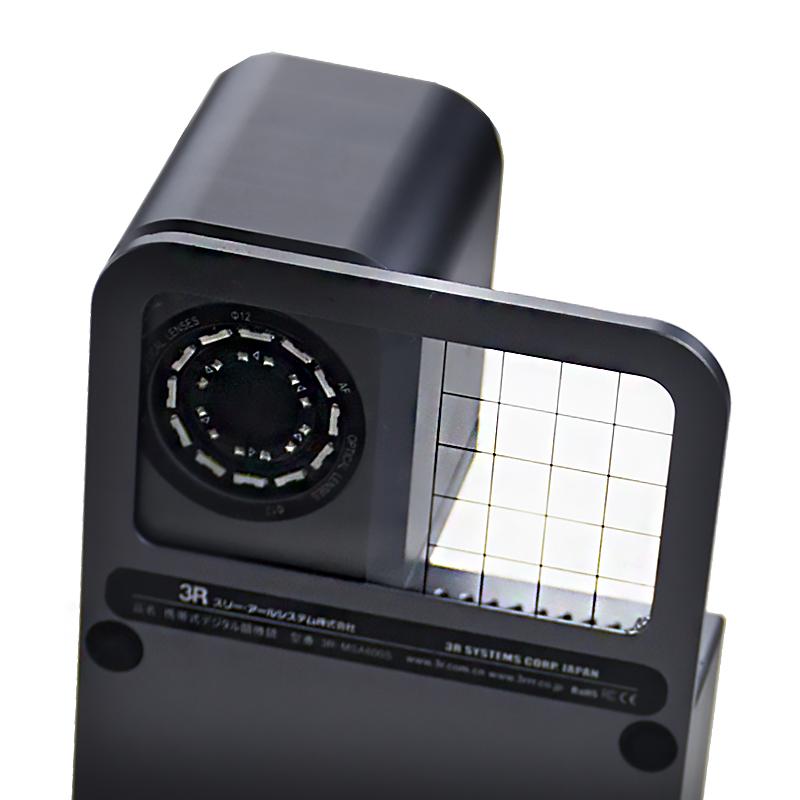

ANYTY 3R-MSA600S (Three Light Sources 8G) Portable Video Microscope Handheld 200 times high definition touch screen
 3R-MSA600S (Three Light Sources 8G)

Anyty 3R-MSA600S (Three Light Sources 8G) Portable Video MicroscopeSPEC
Anyty 3R-MSA600S (Three Light Sources 8G) Portable Video MicroscopeDetails
Anyty 3R-MSA600S (Three Light Sources 8G) Portable Video MicroscopePacking list

- SKU
- NB050409
- Sensors
- CMOS 1.30 million pixel color
- Total Magnification
- 5X/60X/200X
- Display
- 5.0 inch, 720P high definition LCD touch screen
- battery Capacity
- 5200mAh
- battery life
- 3.5 hours of continuous shooting
- Supported operating systems
- Android 5.0
- Airframe storage
- 8GB
- image size
- 1280X720 pixels
- Dimensions
- 183*72*52mm
- Data Interface
- Type-c 、HDMI
- network interface
- WIFI, Bluetooth
- operating temperature
- 5-35 degrees
- Storage temperature
- -20 degrees~ + 50 degrees
- image format
- PNG
- lighting source
- High luminance white LED * 8 + UV (365nm) + IR (850nm)
- Body material
- aluminum alloy
- Airframe Weight
- About 400g
Features:
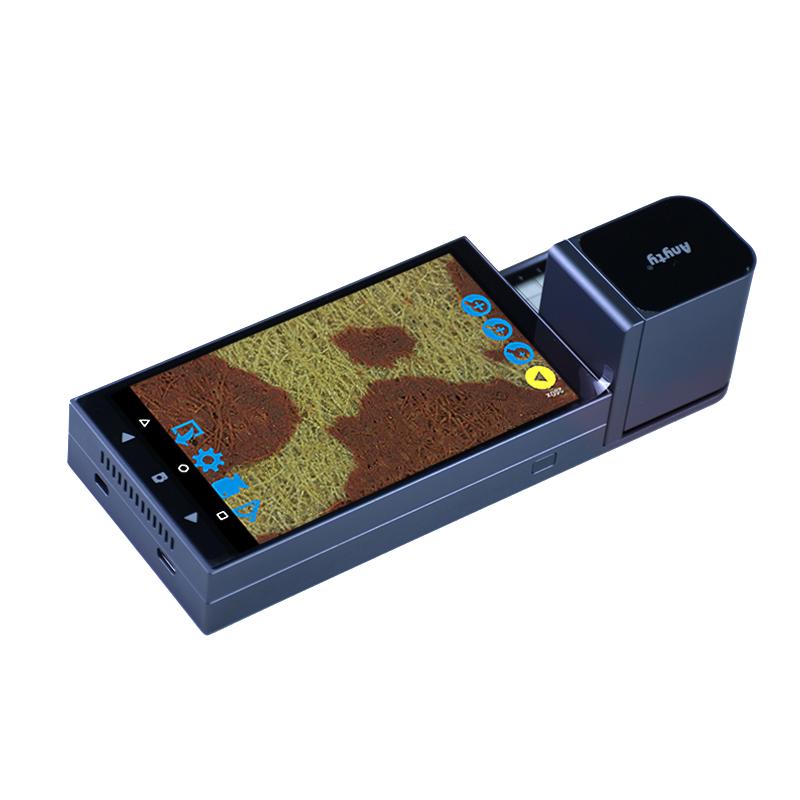
Handheld integrated design, the device is compact and easy to carry.
Android system, no need for external computer and power supply for microscopic analysis.
5-inch HD touch screen, all operation is done with simple touch.
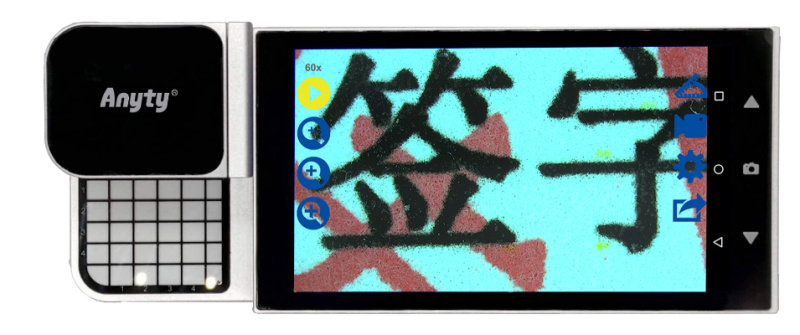
High-resolution optical lens with up to 200x magnification, motorized focus with manual fine-tuning to truly restore colors.
One-click storage, storage image playback function, can save pictures and measurement data pictures at the same time, convenient for further processing and analysis of data.
Instrument structure
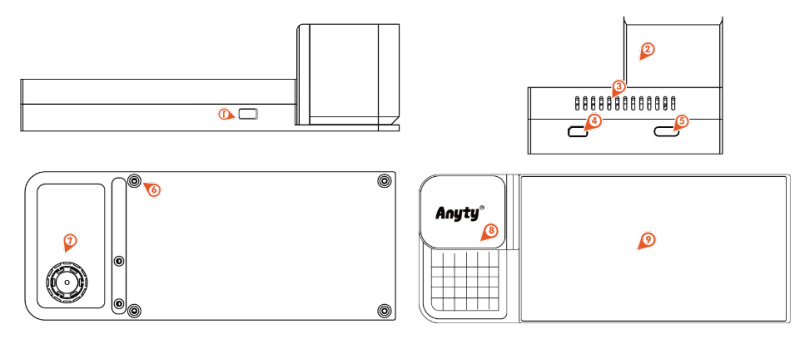
| 1: Instrument opening key | 2: Lens and sliding module | 3: Heat dissipation air vent | 4: HDMI high-definition interface | 5: Type-C interface | 6: Soft foot pads |
| 7: Positioning tablet | 8: Charging indicator | 9: Touch screen | |||
Measurement function
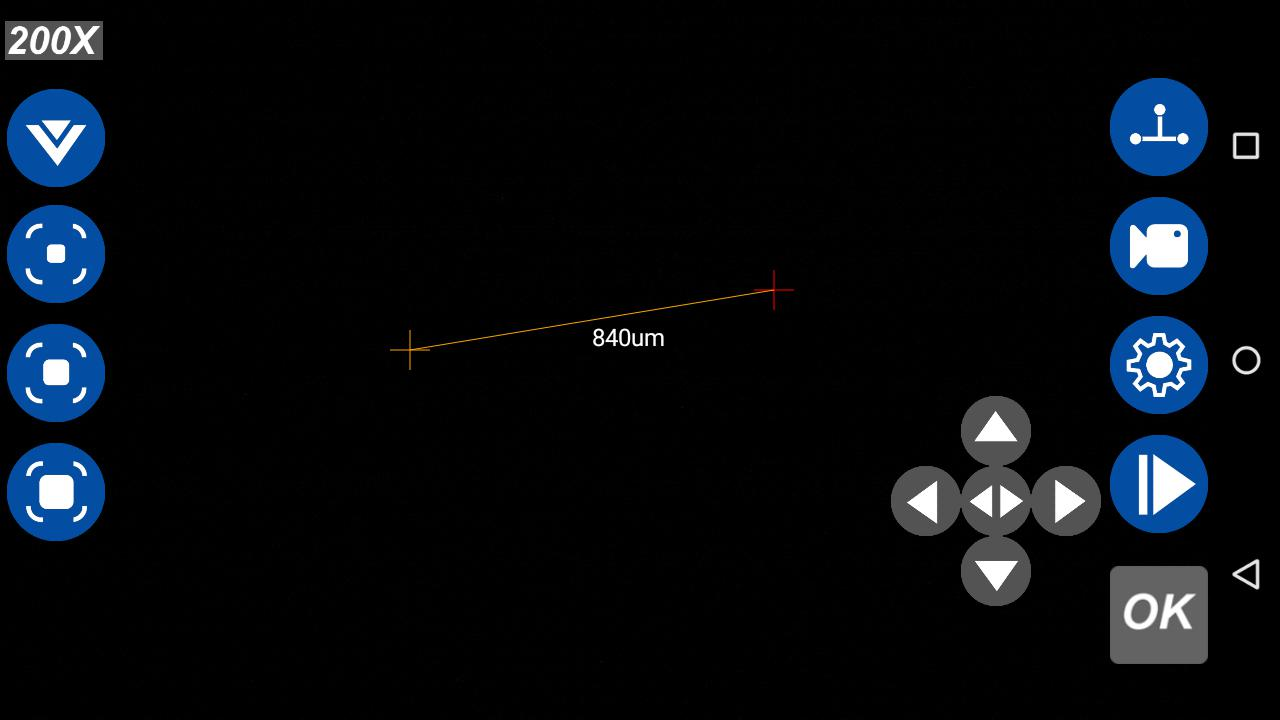
Linear measurement function
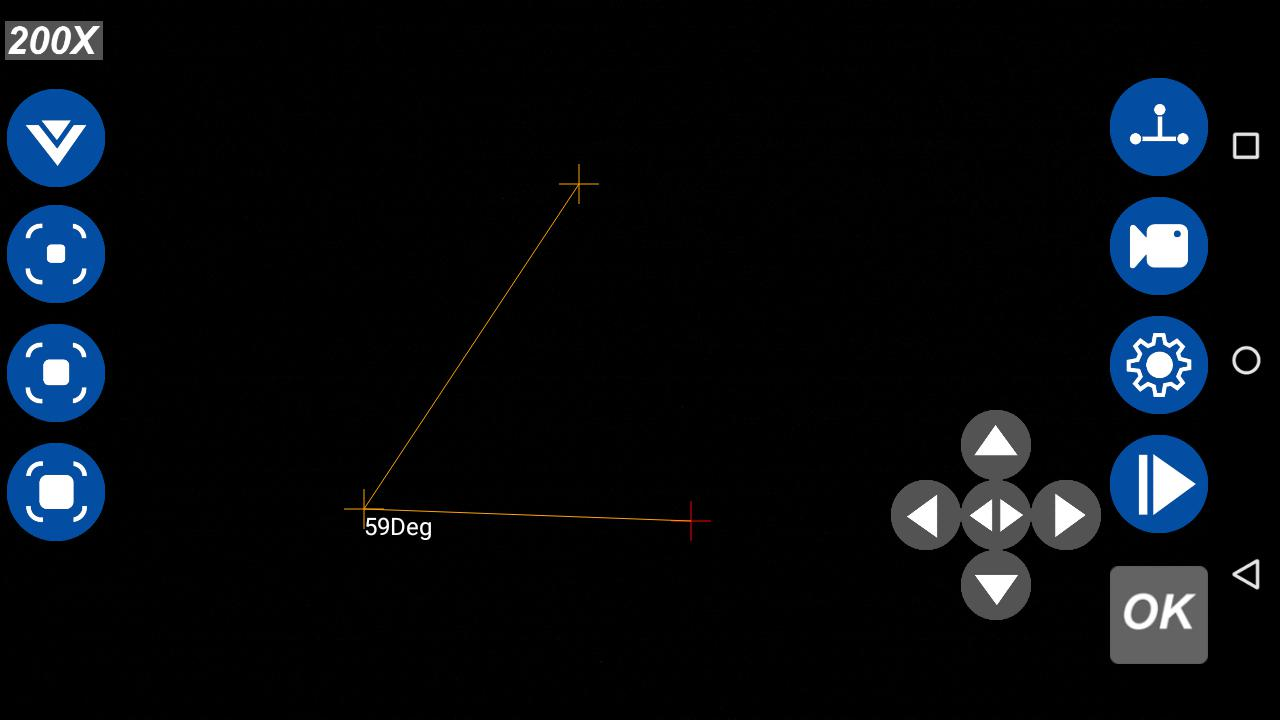
angleMeasurement function
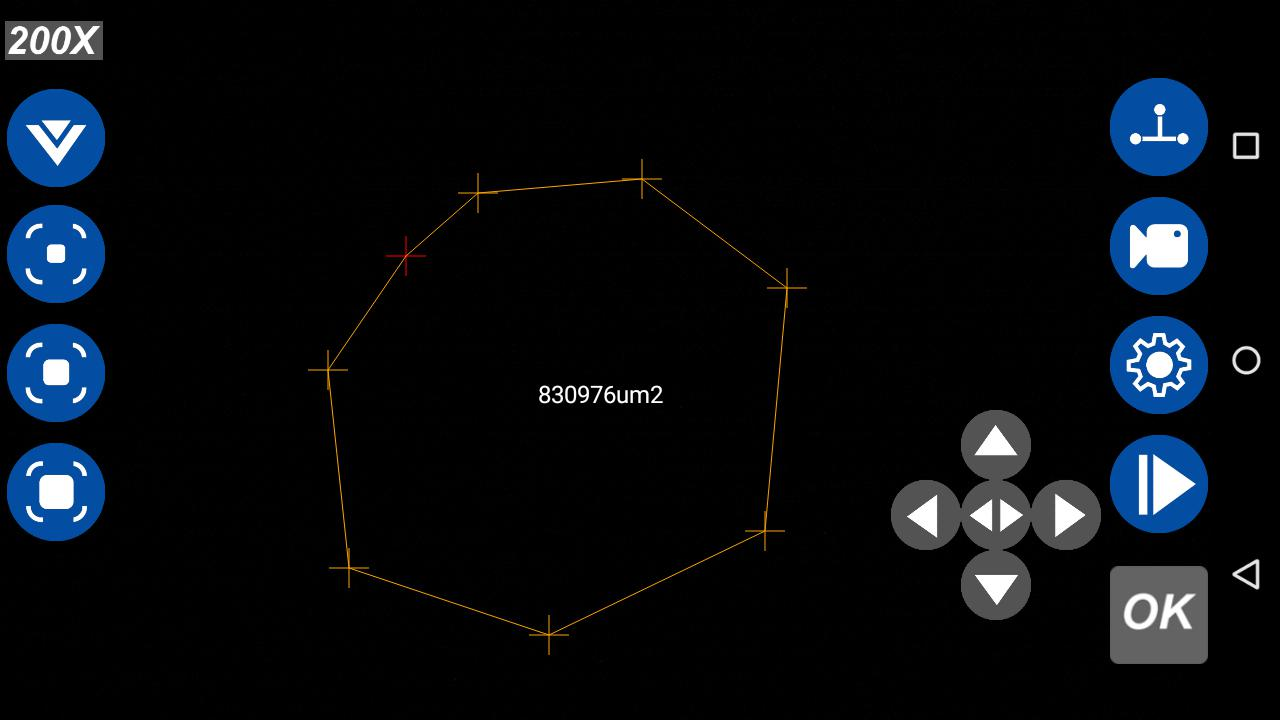
Polygon area measurement function
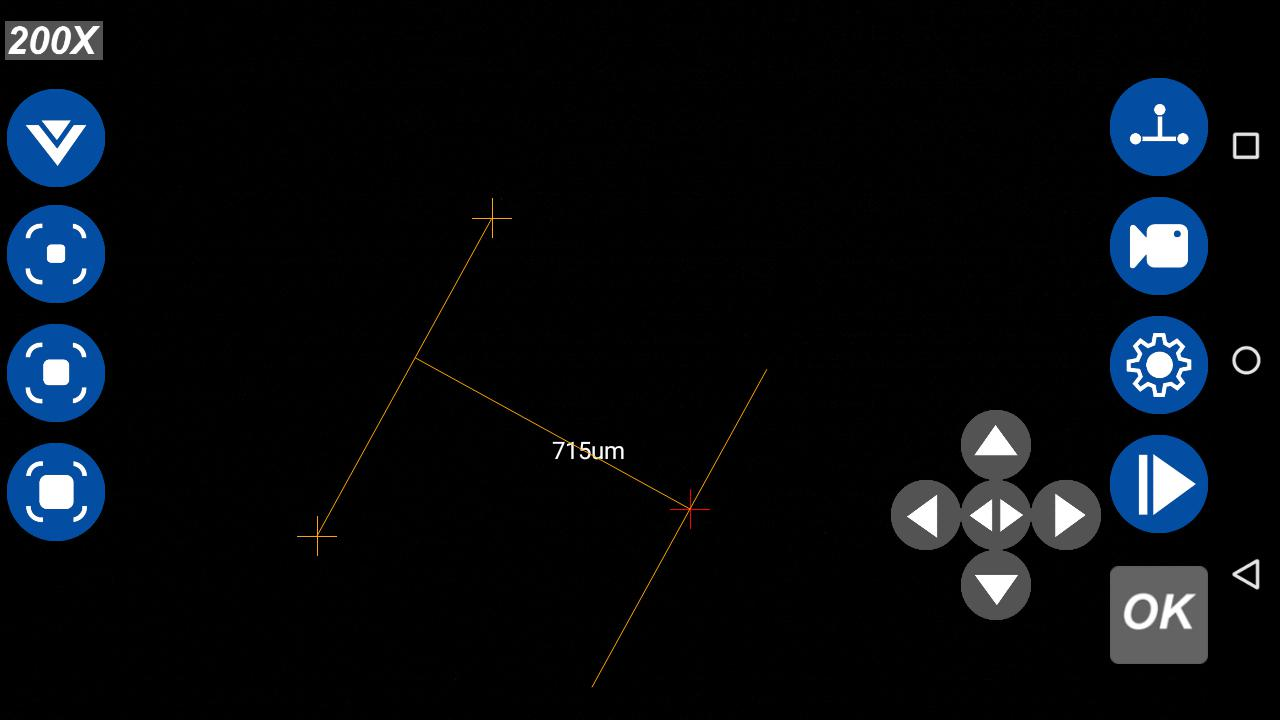
Parallel line measurement function
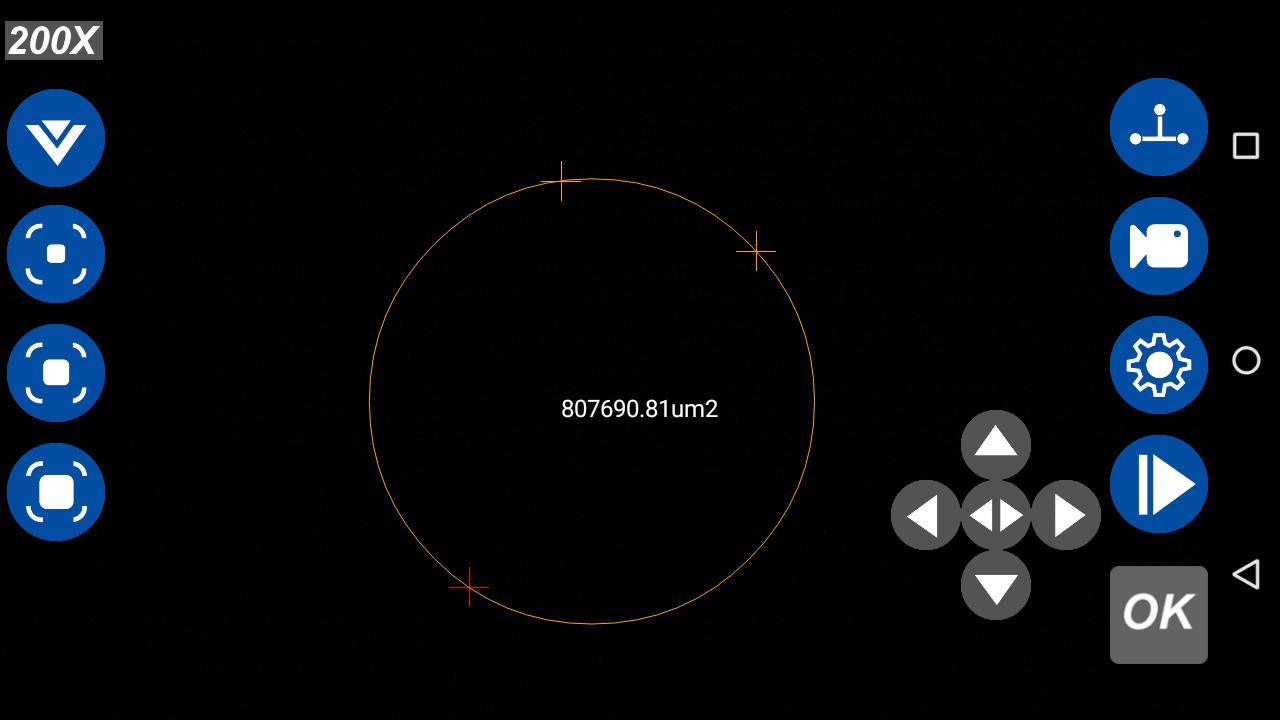
Circle area measurement function
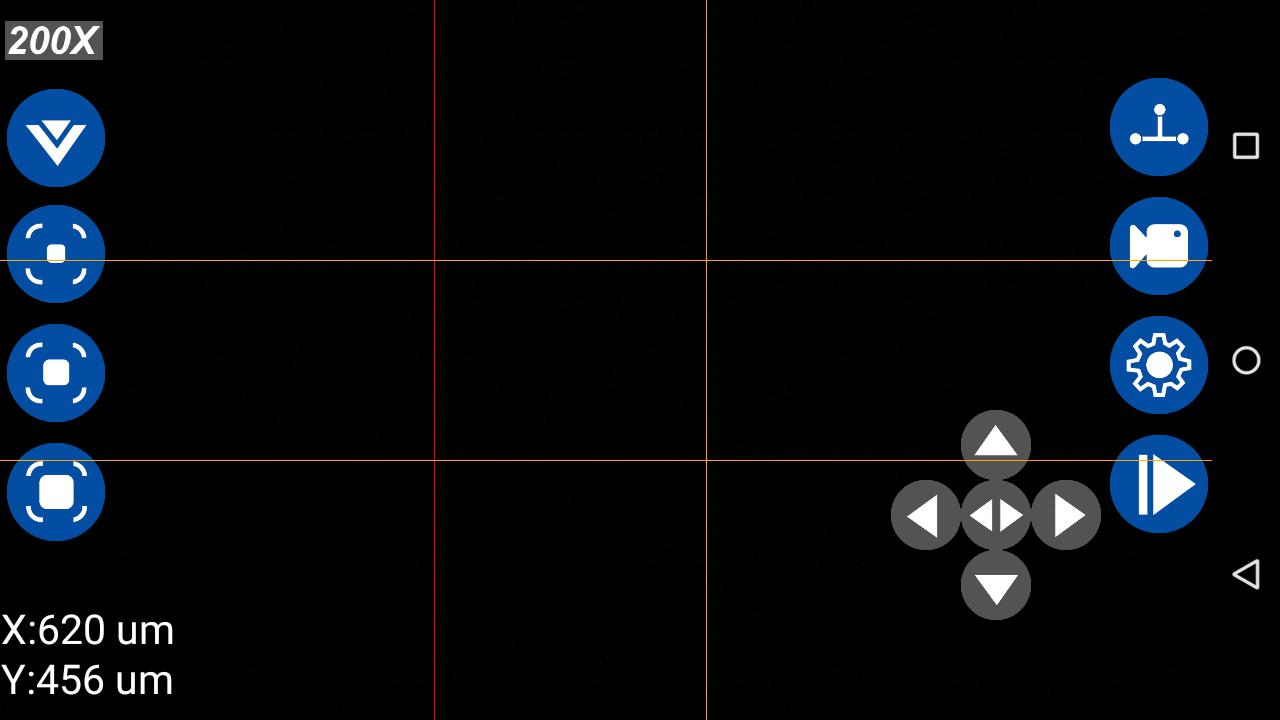
Dual parallel line measurement function
Data export
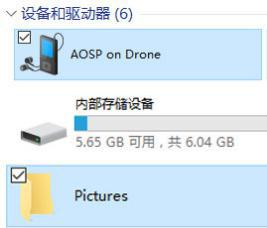
Image data export:
1. Connect the instrument to the computer USB interface through the random TYPE-C data cable
2. The AOSP icon will appear on your computer
3. Double-click to open the AOSP icon and you will see the instrument's internal storage folder
4 Double-click the storage folder to appear the internal folder of the instrument, find the picture folder Pictures, and you can do it
You can browse the saved images and export the images to external memory by copying, etc
Middle. (As shown in the picture on the left)
After connecting to a wireless network, you can also export files wirelessly through QQ, WeChat and other software.


