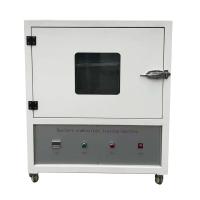
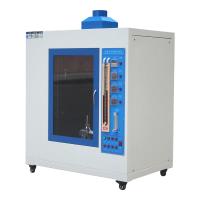
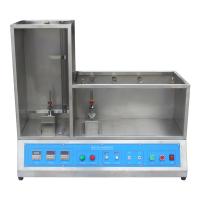
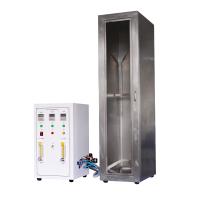
Vertical and horizontal combustion testing machine operating instructions
1. How to use
1. Prepare the product and plug in the power supply, and turn on the power switch.
2. Clamp the product on the clip, adjust the height of the product, adjust the metal mesh under the Bunsen burner, loosen the screw to adjust the angle of the blowtorch, lock the screw after adjustment, turn on the gas, turn off the lighting and the fan, Adjust the time timer and times as required, turn on the power and press the start button to ignite, fine-tune the gas flow meter, hold the gauge, and adjust the required flame height according to the gauge.
3. Press and hold the left button on the panel until the trolley stops at the place where the product is released. The up and down keys on the panel fine-tune the height to make sure that the Bunsen burner burns to the product. Return to the original place, press the timer switch next to the afterflame time to pause and the afterburn time will be automatically counted, press the timer switch next to the afterburn time, and the afterburn time will be paused.
4. If you want to do it for the second time or do it again, put the product away and press it to the left to move it away, and start again and again.
5. After finishing the test, press the fan to automatically draw air, and turn on the lighting to watch the product situation.
2. Matters needing attention
1. Put the device flat on the ground.
2. Keep the equipment dry and clean.
3. Add lubricating oil to the mechanical movement.
4. After the test stops, unplug the power and turn off the gas.
5. Low pressure valve for gas pressure reducing valve.
6. Turn off the power if there is no operation for a long time.
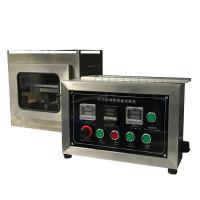
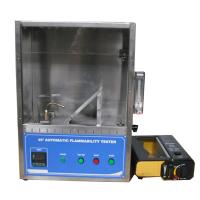
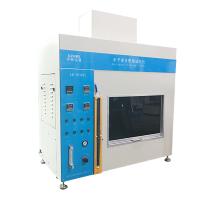
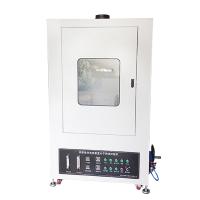
- 1Operation steps of 45 degree automatic combustion Tester
- 2Test of fireproof paint film on wood surface